

Software

Payara Micro Revealed
Develop, configure, and deploy Java cloud-native applications using Payara Micro. This book demystifies Java cloud-native application development using standard Microprofile APIs and covers Payara-specific features such as automatic clustering and application initialization performance improvements. You will learn how to improve startup performance by taking advantage of class data sharing, and configure cloud-native applications via standard development tools such as Maven and Gradle. The book also clarifies how to develop functionality necessary in a cloud environment, such as health checks and request tracing, using MicroProfile APIs.The book begins by showing how to develop microservices using RESTful web services, followed by how to create microservice clients using MicroProfile and the REST client API. Dependency Injection via Jakarta Context and Dependency Injection (CDI) is also covered. Various approaches to application configuration are covered as well, including property files, environment variables, and system properties. You will learn to configure fault tolerance and high availability, generate system and custom application metrics, and generate health checks to automatically improve overall application health. You will know how to trace the flow of a request across service boundaries with OpenTracing. You will be able to make future maintenance easily through generating documentation, including how to automatically update documentation as your code is updated. Additionally, you will learn how to secure cloud applications and to automatically cluster applications and improve application startup performance.WHAT YOU WILL LEARN* Develop microservices using standard Java APIs* Implement cloud functionality such as request tracing and health checks* Deploy applications as thin archives and as uber archives* Configure applications via Maven and Gradle* Generate custom metrics for capacity planning and proactive discovery of issues* Implement features in support of high availability and fault tolerance* Secure your applications with Jason Web Tokens* Take advantage of Payara’s own cloud platform for easy deploymentWHO THIS BOOK IS FORJava developers who wish to develop cloud-native applications and microservices, and Java EE application developers who wish to transition to developing cloud-native applications that are lightweight and easily deployedDAVID HEFFELFINGER is an independent consultant at Ensode Technology, LLC (ensode.com). He has authored several books on Jakarta EE and related technologies. He is a frequent speaker at tech conferences such as JavaOne and Oracle Code One. David has served on the JavaOne content committee on multiple occasions. He was named one of 39 Java leaders and experts to follow on Twitter, where you can find him under the handle @ensode.1. Jakarta EE, MicroProfile, Payara, and the Cloud2. Developing Microservices using Payara Micro3. Developing Microservice Clients4. Contexts and Dependency Injection5. Application Configuration6. Metrics7. High Availability and Fault Tolerance8. Health Checks9. Request Tracing10. Documenting Web Services11. Security with Jason Web Tokens12. Payara Micro Specific Features13. Payara Cloud

Develop and Operate Your LoRaWAN IoT Nodes
LoRaWAN has developed excellently as a communication solution in the IoT. The Things Network (TTN) has contributed to this. The Things Network was upgraded to The Things Stack Community Edition (TTS (CE)). The TTN V2 clusters were closed towards the end of 2021.In this book, I will show you the necessary steps to operate LoRaWAN nodes using TTS (CE) and maybe extend the network of gateways with an own gateway. Meanwhile, there are even LoRaWAN gateways suitable for mobile use with which you can connect to the TTN server via your cell phone.I present several commercial LoRaWAN nodes and new, low-cost and battery-powered hardware for building autonomous LoRaWAN nodes.Registering LoRaWAN nodes and gateways in the TTS (CE), providing the collected data via MQTT and visualization via Node-RED, Cayenne, Thingspeak, and Datacake enable complex IoT projects and completely new applications at very low cost.This book will enable you to provide and visualize data collected with battery-powered sensors (LoRaWAN nodes) wirelessly on the Internet. You will learn the basics for smart city and IoT applications that enable, for example, the measurement of air quality, water levels, snow depths, the determination of free parking spaces (smart parking), and the intelligent control of street lighting (smart lighting), among others.Dr. Claus Kühnel studied information technology at the Technical University of Dresden. He has developed embedded systems for laboratory diagnostic devices, among others. In this interdisciplinary field he came in touch with the maker scene. Passionate about new technologies around microcontrollers, he is the author of numerous articles and books on microcontroller hardware and software in Germany and abroad.

The Definitive Guide to Security in Jakarta EE
Refer to this definitive and authoritative book to understand the Jakarta EE Security Spec, with Jakarta Authentication & Authorization as its underlying official foundation. Jakarta EE Security implementations are discussed, such as Soteria and Open Liberty, along with the build-in modules and Jakarta EE Security third-party modules, such as Payara Yubikey & OIDC, and OmniFaces JWT-Auth.The book discusses Jakarta EE Security in relation to SE underpinnings and provides a detailed explanation of how client-cert authentication over HTTPS takes place, how certifications work, and how LDAP-like names are mapped to caller/user names. General (web) security best practices are presented, such as not storing passwords in plaintext, using HTTPS, sanitizing inputs to DB queries, encoding output, and explanations of various (web) attacks and common vulnerabilities are included.Practical examples of securing applications discuss common needs such as letting users explicitly log in, sign up, verify email safely, explicitly log in to access protected pages, and go direct to the log in page. Common issues are covered such as abandoning an authentication dialog halfway and later accessing protected pages again.WHAT YOU WILL LEARN* Know what Jakarta/Java EE security includes and how to get started learning and using this technology for today's and tomorrow's enterprise Java applications* Secure applications: traditional server-side web apps built with JSF (Faces) as well as applications based on client-side frameworks (such as Angular) and JAX-RS* Work with the daunting number of security APIs in Jakarta EE* Understand how EE security evolvedWHO THIS BOOK IS FORJava developers using Jakarta EE and writing applications that need to be secured (every application). Basic knowledge of Servlets and CDI is assumed. Library writers and component providers who wish to provide additional authentication mechanisms for Jakarta EE also will find the book useful.ARJAN TIJMS was a JSF (JSR 372) and Security API (JSR 375) EG member, and is currently project lead for a number of Jakarta projects, including Jakarta- Security, Authentication, Authorization, and Faces and Expression Language. He is the co-creator of the popular OmniFaces library for JSF that was a 2015 Duke’s Choice Award winner, and is the author of two books: The Definitive Guide to JSF- and Pro CDI 2 in Java EE 8. Arjan holds an MSc degree in computer science from the University of Leiden, The Netherlands. He has been involved with Jakarta EE Security since 2010, has created a set of tests that most well-known vendors use (IBM, Oracle, Red Hat) to improve their offerings, was part of the JSR 375 (EE Security) EG, and has been the main architect of the security API and its initial RI implementation Soteria. Arjan has also written and certified the MicroProfile JWT implementation for Payara. He was mentored by Sun's (later Oracle's) security expert Ron Monzillo. He wrote a large series of blog posts about EE Security that have attracted a lot of views.WERNER KEIL is a cloud architect, Eclipse RCP, and a microservice expert for a large bank. He helps Global 500 Enterprises across industries and leading IT vendors. He worked for over 30 years as an IT manager, PM, coach, and SW architect and consultant for the finance, mobile, media, transport, and public sectors. Werner develops enterprise systems using Java, Java/Jakarta EE, Oracle, IBM, Spring or Microsoft technologies, JavaScript, Node, Angular, and dynamic or functional languages. He is a Committer at Apache Foundation, and Eclipse Foundation, a Babel Language Champion, UOMo Project Lead, and active member of the Java Community Process in JSRs such as 321 (Trusted Java), 344 (JSF 2.2), 354 (Money, also Maintenance Lead), 358/364 (JCP.next), 362 (Portlet 3), 363 (Unit-API 1), 365 (CDI 2), 366 (Java EE 8), 375 (Java EE Security), 380 (Bean Validation 2), and 385 (Unit-API 2, also Spec Lead), and was the longest serving Individual Member of the Executive Committee for nine years in a row until 2017. Werner is currently the Community representative in the Jakarta EE Specification Committee. He was among the first five Jakarta EE Ambassadors when it was founded as Java EE Guardians, and is a member of its Leadership Council.TEO BAIS is a Software Development Manager, Scrum Master, and Programmer who contributes to the prosperity of the (software) community in several ways. He is the founder and leader of Utrecht Java User Group, which counts over 2600 members and has hosted over 45 events and amazing speakers (among others, James Gosling, Uncle Bob, and over 20 Java Champions), and is running 3 programs: Devoxx4kids, Speaker Incubator and uJCP. Teo served JSR-385 (JSR of the Year 2019) as an EG Member and was nominated as JCP Participant of the Year in 2019. Teo Bais enjoys sharing his knowledge as a public speaker to help others achieve their goals in career and life.1: Security History2: Jakarta EE Foundations3: Jakarta Authentication4: Jakarta Authorization5: Jakarta Security6: Java SE Underpinnings7: EE Implementations8: MicroProfile JWTAppendix A: Spring SecurityAppendix B: Apache ShiroAppendix C: Identity Management

ALT LibreOffice 24 - Praxiswissen für Ein- und Umsteiger
Einfacher Einstieg in die kostenlose Alternative zu Microsoft Office Textverarbeitung, Tabellenkalkulation, Datenbankverwaltung, Präsentations- und Zeichenprogramm Schritt für Schritt erklärt Mit praxisnahen Beispielen zum besseren Verständnis Das freie und kostenlose Bürosoftware-Paket LibreOffice 7.3 bietet Ihnen alles, was Sie auch mit anderen gängigen Office-Paketen machen können. Mit diesem Buch erhalten Sie als Ein- oder Umsteiger einen umfassenden Überblick über alle wichtigen und praxisrelevanten Programmfunktionen. Der Autor Winfried Seimert zeigt Ihnen anhand vieler Beispiele die verschiedenartigen Anwendungsmöglichkeiten aller LibreOffice-Programme: Textdokumente mit Writer verfassen, Tabellenkalkulationen mit Calc, Präsentationen mit Impress, Zeichnungen mit Draw und Datenverwaltung mithilfe von Base. So lernen Sie wichtige Einsatzbereiche von LibreOffice kennen wie zum Beispiel Briefe formatieren, Formeln darstellen, Diagramme und Präsentationsfolien erstellen sowie eine Adress-Datenbank füttern und abfragen. Alle Dateien in den verbreiteten Formaten anderer Office-Programme wie Word, Excel und Co. lassen sich mit LibreOffice öffnen, bearbeiten und abspeichern, so dass Sie problemlos mit diesen Dateien arbeiten können. Mit dem Wissen aus diesem Buch wird Ihnen die tägliche Arbeit mit LibreOffice leichtfallen.Aus dem Inhalt: Basiswissen LibreOffice Textdokumente mit Writer Tabellenkalkulationen mit Calc Präsentationen mit Impress Formeln mit Math Zeichnungen mit Draw Datenbanken mit Base Winfried Seimert ist IT-Dozent, Consultant und Autor zahlreicher Fachbücher insbesondere zu den Themen Software und Betriebssysteme. Dabei hat er immer den Komfort des Anwenders im Blick und erklärt entsprechend praxisnah. So erfreuen sich seine Bücher aufgrund ihrer durchdachten Struktur bereits seit Mitte der neunziger Jahre großer Beliebtheit.DE Winfried Seimert ist IT-Dozent, Consultant und Autor zahlreicher Fachbücher insbesondere zu den Themen Software und Betriebssysteme. Dabei hat er immer den Komfort des Anwenders im Blick und erklärt entsprechend praxisnah. So erfreuen sich seine Bücher aufgrund ihrer durchdachten Struktur bereits seit Mitte der neunziger Jahre großer Beliebtheit.

Kerberos
FRAGEN ZU KERBEROS? HIER GIBT ES ANTWORTEN! * Das deutsche Standardwerk zu Kerberos * Seit Jahren bewährt und vielerorts im Einsatz * Komplett überarbeitete zweite Auflage * Als Begleitliteratur für Schulungen und fürs Selbststudium geeignet Wer als Administrator eine heterogene Netzwerkumgebung mit einheitlicher Benutzerverwaltung betreiben soll, kommt an Netzwerkdiensten wie LDAP und Kerberos nicht vorbei. Dieses Buch behandelt zunächst die theoretischen Grundlagen von Kerberos und erklärt dabei auch fortgeschrittene Themen wie PKINIT, FAST, Principal-Aliase, KDC-Referrals und die aus Microsofts Active Directory bekannten Erweiterungen Protocol Transition und Constrained Delegation. Die darauf folgenden Praxiskapitel beschreiben den Aufbau und die Verwaltung von Kerberos in Linux- und Windows-Infrastrukturen. Außerdem werden die Integration von Linux-Betriebssystemen und Einbindung grundlegender Netzwerkdienste unter Linux erläutert. Dabei werden auch folgende Themengebiete im Hinblick auf Kerberos behandelt: - LDAP - NFSv4 - SMB (Samba) - Web-Technologien (Apache Webserver, Squid Webproxy, Keycloak) - PKINIT und Smartcards - Zweifaktor-Authentisierung mit Kerberos - Kerberos in Microsoft Active Directory (AD) - Kerberos in Samba 4 - Kerberos in FreeIPA - Kerberos in Hadoop-Umgebungen (Secure Mode) - Linux-AD-Integration Für eine erfolgreiche Einführung von Kerberos ist das Verständnis seiner Funktionsweise unerlässlich. Dieses Verständnis ist gleichermaßen für die "Kerberisierung", also die Einbindung Kerberos-fähiger Anwendungen, notwendig. Aus diesem Grund werden die theoretischen Themen sehr gründlich behandelt. Um das theoretisch Gelernte schnell umzusetzen und selbst auszuprobieren, beschreibt das Buch außerdem eine konkrete Beispielumgebung, die auf CentOS 8, Windows 10 und Windows Server 2019 basiert. Die 2. Auflage wurde komplett überarbeitet und enthält folgende neue Themen: Squid Webproxy, Web Single Sign-on mit Keycloak, Zweifaktor-Authentisierung, FreeIPA, Samba 4, Kerberos bei Hadoop.
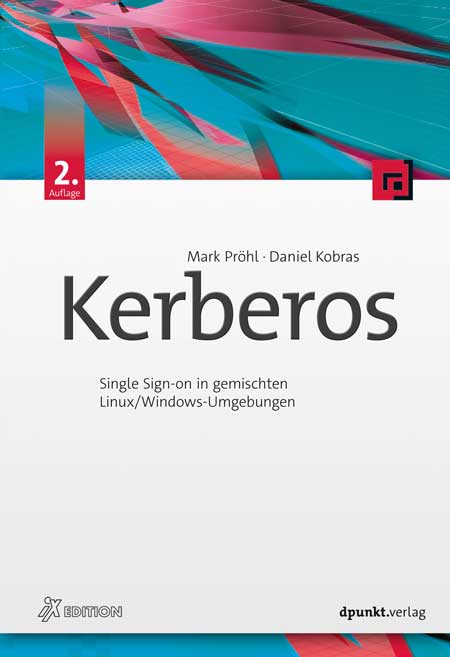
Kerberos (2. Auflage)
Single Sign-on in gemischten Linux/Windows-UmgebungenWer als Administrator eine heterogene Netzwerkumgebung mit einheitlicher Benutzerverwaltung betreiben soll, kommt an Netzwerkdiensten wie LDAP und Kerberos nicht vorbei.Dieses Buch behandelt zunächst die theoretischen Grundlagen von Kerberos und erklärt dabei auch fortgeschrittene Themen wie PKINIT, FAST, Principal-Aliase, KDC-Referrals und die aus Microsofts Active Directory bekannten Erweiterungen Protocol Transition und Constrained Delegation.Die darauf folgenden Praxiskapitel beschreiben den Aufbau und die Verwaltung von Kerberos in Linux- und Windows-Infrastrukturen. Außerdem werden die Integration von Linux-Betriebssystemen und Einbindung grundlegender Netzwerkdienste unter Linux erläutert. Dabei werden auch folgende Themengebiete im Hinblick auf Kerberos behandelt:Verzeichnisdienst LDAPDateidienste NFSv4 und SMB (Samba)Web-Dienste (Apache, Squid)Kerberos in Verbindung mit Web Single Sign-on (Keycloak)PKINIT und SmartcardsZweifaktor-Authentisierung mit KerberosKerberos in Microsoft Active Directory (AD), Samba 4 und FreeIPALinux-AD-IntegrationFür eine erfolgreiche Einführung von Kerberos ist das Verständnis seiner Funktionsweise unerlässlich. Dieses Verständnis ist gleichermaßen für die »Kerberisierung«, also die Einbindung Kerberos-fähiger Anwendungen, notwendig. Aus diesem Grund werden die theoretischen Themen sehr gründlich behandelt.Um das theoretisch Gelernte schnell umzusetzen und selbst auszuprobieren, beschreibt das Buch außerdem eine konkrete Beispielumgebung, die auf CentOS 8, Windows 10 und Windows Server 2019 basiert.Die 2. Auflage wurde komplett überarbeitet und enthält folgende neue Themen: Squid Webproxy, Web Single Sign-on mit Keycloak, Zweifaktor-Authentisierung, FreeIPA, Samba 4.Autoren:Mark Pröhl und Daniel Kobras sind als IT-Berater bei Puzzle ITC Deutschland tätig. Neben manch anderem beruflichen Steckenpferd wie Automatisierung, Container-Plattformen oder Dateidiensten landen sie doch stets wieder beim gemeinsamen Thema Kerberos und Single Sign-on, vor allem in heterogenen Umgebungen. Seit weit mehr als einem Jahrzehnt teilen sie ihr Wissen dazu auch regelmäßig in Schulungen und Workshops.
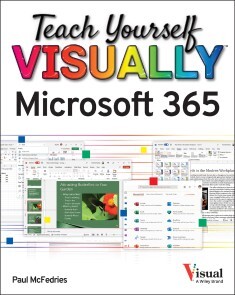
Teach Yourself VISUALLY Microsoft 365
A FAST-PACED, USEFUL, AND EASY INTRODUCTION TO MICROSOFT 365For those who need the show as well as the tell, Teach Yourself VISUALLYMicrosoft 365 is the visual walkthrough to Microsoft’s latest suite of office products that will get you up-to-speed faster than any other resource on the market. This book offers image- and screenshot-rich tutorials alongside step-by-step instructions so you can see what you need to do to make the most of Microsoft 365. From getting a grip on the most basic Microsoft 365 functions to the advanced, new features known only by power users, the book provides you with the tools you need to make your work more streamlined and efficient. You’ll also get:* Up to date—and visually supported—guidance on the major Office apps that are part of Microsoft 365: Word, Excel, PowerPoint, Outlook, and Access* Full-color, two-page tutorials that get you up and running fast* Easy-to-read instructions and stepwise advice to accompany the informative and crystal-clear imagesIdeal for people using Microsoft 365 for the very first time, Teach Yourself VISUALLY Microsoft 365 is also a can’t-miss resource for long-time users of the software suite who need an introduction to the latest version and Office veterans seeking a refresher on what Microsoft 365 is capable of. PART I MICROSOFT 365 FEATURESCHAPTER 1 MICROSOFT 365 BASICSStart and Exit Microsoft 365 Apps 4Explore the App Window 6Work with Backstage View 7Change the Color Scheme 8Search for a Ribbon Command 10Work with the Ribbon 12Customize the Quick Access Toolbar 14Using a Microsoft 365 App with a Touch Screen 16CHAPTER 2 WORKING WITH FILESCreate a New File 18Save a File 20Open a File 22Print a File 24Select Data 26CHAPTER 3 MICROSOFT 365 GRAPHICS TOOLSInsert a Picture from Your PC 28Insert an Online Picture 30Resize and Move Graphic Objects 32Understanding Graphics Modification Techniques 34CHAPTER 4 WORKING WITH MICROSOFT 365 FILES ONLINEMicrosoft 365 and the Cloud 36Sign In to Microsoft 365 38Share a Document from Microsoft 365 40Sign In to OneDrive 42Using an Online App in OneDrive 44Open a Document in a Desktop App from OneDrive 46Upload a Document to OneDrive 48Share a Document Using OneDrive 50PART II WORDCHAPTER 5 ADDING TEXTChange Word’s Views 54Type and Edit Text 56Insert Quick Parts 58Insert Symbols 60CHAPTER 6 FORMATTING TEXTChange the Font, Size, and Color 62Align Text 66Set Line Spacing 67Indent Text 68Set Tabs 70Set Margins 72Create Lists 74Copy Formatting 76Clear Formatting 77Format with Styles 78Using a Template 80CHAPTER 7 ADDING EXTRA TOUCHESInsert an Online Video 82Assign a Theme 84Add Borders 86Create Columns 88Insert a Table 90Apply Table Styles 92Insert Table Rows or Columns 93Add Headers and Footers 94Insert Footnotes and Endnotes 96CHAPTER 8 REVIEWING DOCUMENTSWork in Read Mode View 98Find and Replace Text 102Navigate Document Content 104Check Spelling and Grammar 106Customize AutoCorrect 108Using Word’s Thesaurus and Dictionary 110Translate Text 112Track and Review Document Changes 114Lock and Unlock Tracking 116Combine Reviewers’ Changes 118Work with Comments 120PART III EXCELCHAPTER 9 BUILDING SPREADSHEETSEnter Cell Data 124Select Cells 126Using AutoFill for Faster Data Entry 128Turn On Text Wrapping 130Center Data Across Columns 131Adjust Cell Alignment 132Change the Font and Size 134Change Number Formats 136Increase or Decrease Decimals 137Add Cell Borders and Shading 138Format Data with Styles 140Apply Conditional Formatting 142Insert Rows and Columns 144Resize Columns and Rows 146Freeze Column and Row Titles On‐Screen 147Name a Range 148Clear or Delete Cells 150CHAPTER 10 WORKSHEET BASICSAdd a Worksheet 152Rename a Worksheet 153Change Page Setup Options 154Move or Copy Worksheets 156Delete a Worksheet 157Find and Replace Data 158Create a Table 160Filter or Sort Table Information 162Analyze Data Quickly 164Understanding Data Analysis Choices 165Insert a Note 166CHAPTER 11 WORKING WITH FORMULAS AND FUNCTIONSUnderstanding Formulas 168Create a Formula 170Apply Absolute and Relative Cell References 172Understanding Functions 174Insert a Function 176Total Cells with AutoSum 178CHAPTER 12 WORKING WITH CHARTSCreate a Chart 180Move and Resize Charts 182Change the Chart Type 184Change the Chart Style 185Change the Chart Layout 186Add Chart Elements 187Format Chart Elements 188Change the Chart Data 189Using Sparklines to View Data Trends 190Understanding PivotTables 192Create a PivotTable 194Create a PivotChart 196Insert a PivotTable Slicer 198PART IV POWERPOINTCHAPTER 13 CREATING A PRESENTATIONCreate a New Presentation 202Create a Photo Album Presentation 204Change PowerPoint Views 206Insert Slides 208Change the Slide Layout 210Change the Slide Size 212CHAPTER 14 POPULATING PRESENTATION SLIDESAdd and Edit Slide Text 214Change the Font, Size, and Color 216Apply a Theme 220Set Line Spacing 221Align Text 222Add a Text Box to a Slide 223Add a Table to a Slide 224Add a Chart to a Slide 226Add a Video Clip to a Slide 228Move a Slide Object 230Resize a Slide Object 231CHAPTER 15 ASSEMBLING AND PRESENTING A SLIDESHOWReorganize Slides 232Reuse a Slide 234Organize Slides into Sections 236Define Slide Transitions 238Add Animation Effects 240Create a Custom Animation 242Record Narration 244Insert a Background Song 245Create Speaker Notes 246Rehearse a Slideshow 248Run a Slideshow 250PART V ACCESSCHAPTER 16 DATABASE BASICSUnderstanding Database Basics 256Create a Database Based on a Template 258Create a Blank Database 260Create a New Table 262Change Table Views 264Add a Field to a Table 266Delete a Field from a Table 267Hide a Field in a Table 268Move a Field in a Table 269Create a Form 270Change Form Views 272Move a Field in a Form 273Delete a Field in a Form 274Format Form Fields 275CHAPTER 17 ADDING, FINDING, AND QUERYING DATAAdd Records to a Table 276Add a Record Using a Form 278Navigate Records Using a Form 280Search for a Record Using a Form 281Delete a Record from a Table 282Delete a Record Using a Form 283Sort Records 284Filter Records 286Perform a Simple Query 288Create a Report 292PART VI OUTLOOKCHAPTER 18 ORGANIZING WITH OUTLOOKNavigate in Outlook 298Schedule an Appointment 300Create a New Contact 302Create a New Task 304Add a Note 306Customize the Navigation Bar 308Peek at Appointments and Tasks 310CHAPTER 19 E-MAILING WITH OUTLOOKCompose and Send a Message 312Send a File Attachment 314Read an Incoming Message 315Reply to or Forward a Message 316Add a Sender to Your Outlook Contacts 318Delete a Message 319Screen Junk E‐Mail 320Create a Message Rule 322Index 324
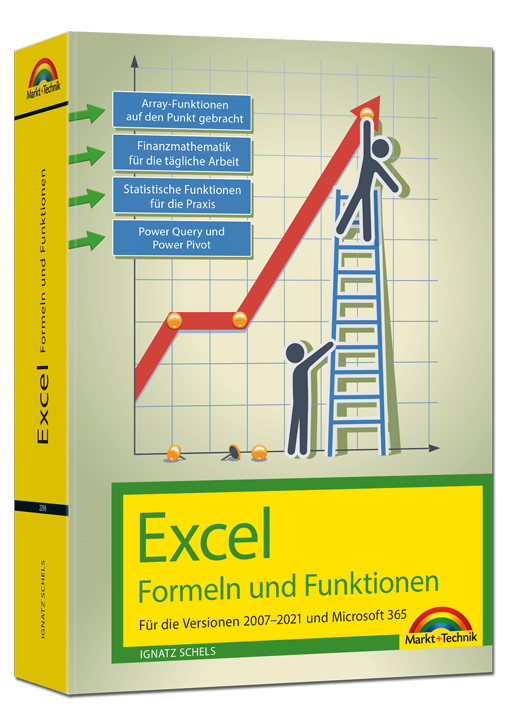
Excel 2021 – Formeln und Funktionen
Für die Versionen 2007-2021 und Microsoft 365Dieses umfassende Handbuch hält auch in der aktuellen Neuauflage eine erstklassige Sammlung von Formeln, Funktionen und Tipps für engagierte Excel-User bereit und ist für alle Excel-Versionen ab 2007 und Microsoft 365 bestens geeignet. Ob Sie komplexe Was-wäre-wenn-Analysen durchführen, mehrere Diagrammtypen kombinieren oder mit Steuerelementen und Formularen arbeiten: Die jeweilige Formel oder Funktion wird verständlich erklärt und anhand gut nachvollziehbarer Praxisbeispiele veranschaulicht.Zudem werden die neuen und geänderten Funktionen von Excel 2019 sowie 2021 sowie Microsoft 365 detailliert vorgestellt und erleichtern Ihnen damit den Umstieg auf die aktuelle Version.Autor: Ignatz Schels ist Technik-Informatiker und zertifizierter Projekt-Fachmann (GPM/IPMA). Er leitet IT-Spezialseminare mit den Schwerpunkten "Excel und Access im Controlling und Projektmanagement" und "VBA-Programmierung". Sein Spezialgebiet ist die Optimierung von Unternehmensprozessen im ERP- und Microsoft Office-Umfeld. Mit über 50 Fachbüchern, darunter einige Bestseller, ist er einer der erfolgreichsten IT-Autoren.
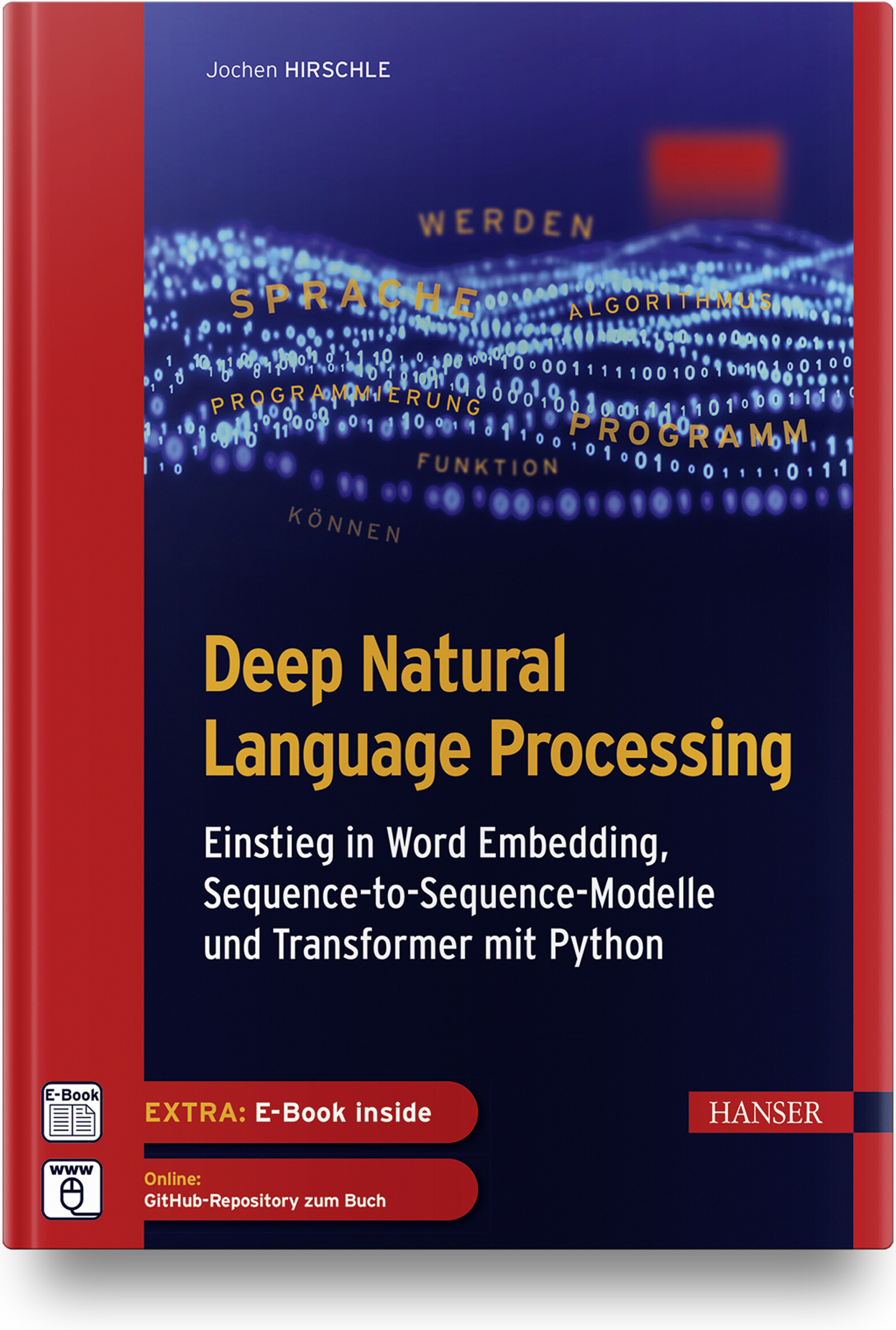
Deep Natural Language Processing
Einstieg in Word Embedding, Sequence-to-Sequence-Modelle und Transformer mit PythonDas Buch bietet eine leicht verständliche Einführung in Machine-Learning-Algorithmen im Allgemeinen und in die Verarbeitung von Textdaten mit Deep-Learning-Verfahren im Besonderen. Es veranschaulicht die theoretischen Konzepte bewährter und neuerer NLP-Ansätze und führt in die praktische Umsetzung ein.Im Fokus stehen insbesondere folgende Verfahren:Vektorisierung von Wörtern mit Word EmbeddingVerarbeitung von Texten mit rekurrenten und konvolutionalen neuronalen Netzen.Aufbau von Sequence-to-Sequence-Modellen zur Übersetzung und für Textzusammenfassungen.Arbeit mit der Transformers-Bibliothek und Hugging Face.Anhand praktischer Anwendungen (Klassizierung von Texten, Rechtschreibkorrektur, Übersetzung, Frage-Antwort-System) wird gezeigt, wie sich Textdaten vorbereiten und effektive Lernmodelle mit Bibliotheken wie Transformers, TensorFlow/Keras und Scikit-Learn aufbauen, trainieren und produktiv einsetzen lassen.Über den Autor:Dr. Jochen Hirschle ist IT-Trainer und Consultant für Machine Learning und Deep Learning in Braunschweig. Er ist erfahrener Programmierer in Python und Java und war als Wissenschaftler und Dozent an den Universitäten in Köln, Innsbruck und Frankfurt tätig. Er kennt die Fallstricke der statistischen Datenanalyse und die Tricks maschinellen Lernens aus seiner langjährigen Praxis und er weiß, wie sich komplexe Sachverhalte einfach erklären lassen.Leseprobe (PDF-Link)
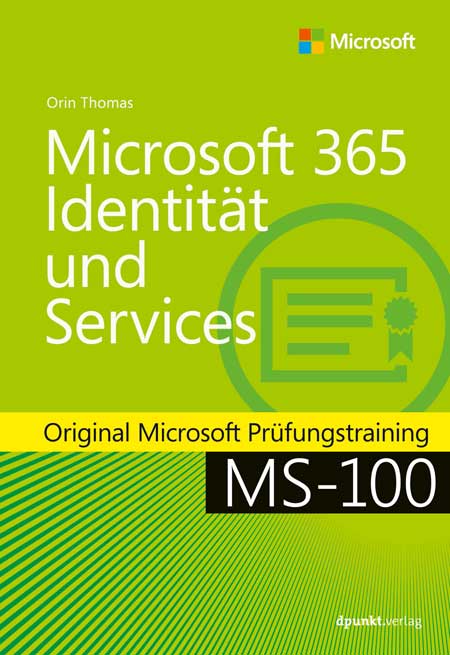
Microsoft 365 Identität und Services
Original Microsoft Prüfungstraining MS-100: mit dem Original zum Erfolg!Bereiten Sie sich auf die Microsoft-Prüfung MS-100 vor und zeigen Sie, dass Sie die Fähigkeiten und Kenntnisse besitzen, die für die effektive Entwicklung, Bereitstellung, Verwaltung und Sicherung von Microsoft 365-Diensten erforderlich sind. Das Prüfungstraining wurde für erfahrene IT-Profis entwickelt und konzentriert sich auf kritisches Denken und Entscheidungsfähigkeit, die für den Erfolg auf dem Microsoft Certified Expert-Level erforderlich sind.Das Training ist entsprechend der in der Prüfung bewerteten Fähigkeiten aufgebaut. Es enthält strategische Was-wäre-wenn-Szenarien und behandelt die folgenden Themenbereiche:Entwerfen und Implementieren von Microsoft 365-DienstenVerwalten von Benutzeridentitäten und -rollenVerwalten von Zugriff und AuthentifizierungPlanen von Office 365-Arbeitslasten und -AnwendungenDie Prüfung MS-100:Diese Prüfung konzentriert sich auf das Wissen, das erforderlich ist für:die Verwaltung von Domänendie Planung einer Microsoft 365-Implementierung#die Einrichtung und Verwaltung von Microsoft 365-Tenancy und -Abonnementsdie Planung der Benutzer- und Datenmigrationden Entwurf einer Identitätsstrategiedie Planung und Verwaltung der Identitätssynchronisierung mit Azure AD Connectdie Verwaltung von Azure AD-Identitäten und -Benutzerrollendie Verwaltung der Authentifizierungdie Implementierung von MFA, die Konfiguration des Anwendungszugriffsdie Implementierung des Zugriffs für externe Benutzer von Microsoft 365-Workloadsdie Planung der Bereitstellung von Office 365-Workloads und -AnwendungenDie Microsoft-Zertifizierung:Mit dem Bestehen dieser Prüfung und der Prüfung MS-101 Microsoft 365 Mobilität und Sicherheit sowie dem Erwerb einer Microsoft 365 Workload-Administrator-Zertifizierung oder der MCSE Productivity-Zertifizierung erfüllen Sie die Anforderungen für die Zertifizierung zum Microsoft 365 Certified Enterprise Administrator Expert. Damit weisen Sie nach, dass Sie in der Lage sind, Microsoft 365-Dienste zu bewerten, zu planen, zu migrieren, bereitzustellen und zu verwalten.Zusatzmaterial: URL-Liste (PDF-Link)
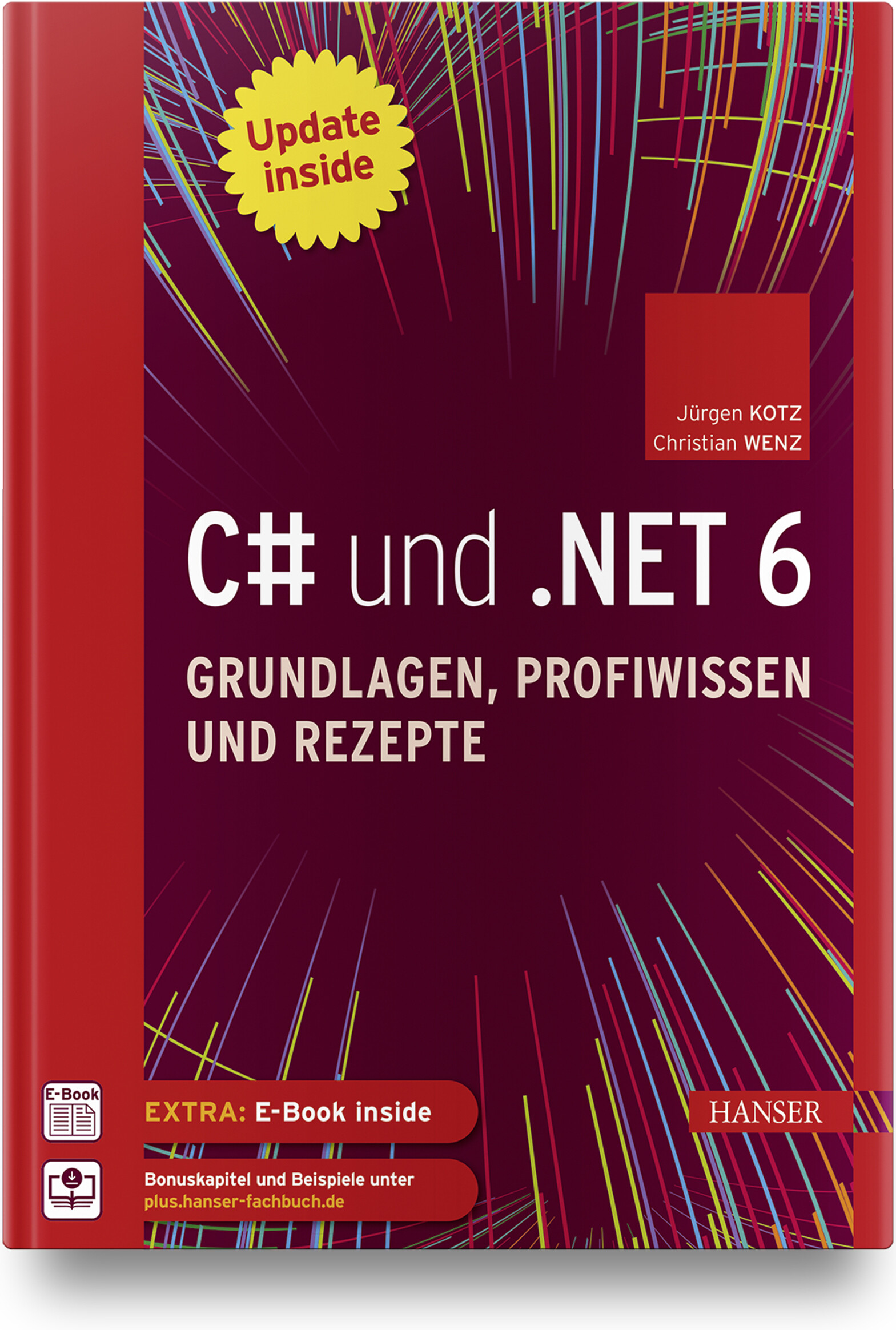
C# und .NET 6 - Grundlagen, Profiwissen und Rezepte
Dieser komplett überarbeitete Klassiker der C#-/.NET-Programmierung bietet Ihnen Know-how und zahlreiche Rezepte, mit denen Sie häufig auftretende Probleme meistern. Einsteiger erhalten ein umfangreiches Tutorial zu den Grundlagen der C# 10-Programmierung mit Visual Studio 2022, dem Profi liefert es fortgeschrittene Programmiertechniken zu allen wesentlichen Einsatzgebieten der Programmierung mit .NET 6. Zum sofortigen Ausprobieren finden Sie am Ende eines jeden Kapitels hochwertige Lösungen für nahezu jedes Problem. Das Buch gliedert sich in einen Grundlagenteil zur Programmierung, eine Einführung in die Desktop-Programmierung (WPF, MAUI (Multi-platform App UI), einen Technologieteil zu fortgeschrittenen Themen sowie einen komplett neuen Teil zur Web-Programmierung (ASP.NET Core, MVC, Razor, Web-API, Blazor). Es ist der ideale Begleiter für Ihre tägliche Arbeit und zugleich – dank der erfrischenden und unterhaltsamen Darstellung – eine spannende Lektüre, die Lust macht, Projekte auch in der Freizeit umzusetzen.Aus dem Inhalt:Grundlagen der SpracheOOP-KonzepteArrays, Strings, FunktionenEinführung in LINQNeuerungen in C#Einführung in WPFWPF Controls, WPF-DatenbindungAsynchrone Programmierung & Task Parallel LibraryDebugging, Fehlersuche und -behandlungEntity Framework CoreWebanwendungen und APIs mit ASP.NET CoreSingle-Page Applications (SPAs mit BlazorAusblick auf .NET MAUI Leseprobe (PDF)Autoren: Jürgen Kotz arbeitet seit über 20 Jahren als freiberuflicher Trainer, Berater, Entwickler und Autor. Mit .NET beschäftigt er sich seit der ersten Beta-Version. Mit seiner Firma PrimeTime Software in München entwickelt er .NET-Projekte und führt Schulungen in diesem Umfeld durch. Seine Hauptthemen sind dabei die Entwicklung von REST- bzw. SOAP-basierten Services und der Datenzugriff mittels Entity Framework. Darüber hinaus hat er zahlreiche Fachbücher und -artikel geschrieben. Christian Wenz arbeitet als Berater, Trainer und Autor mit Schwerpunkt auf Webtechnologien und ist Autor oder Co-Autor von über 100 Computerbüchern. Er schreibt regelmäßig Beiträge für verschiedene IT-Magazine und hält Vorträge auf Konferenzen rund um den Globus. In seiner täglichen Arbeit ist er einer der Gründer der Webagentur Arrabiata Solutions mit Büros in München und London.
Practical Guide to Salesforce Experience Cloud
Whether you are brand new to the world of digital experiences on the Salesforce platform or you are looking to take your Experience Cloud (previously "Community Cloud") knowledge to the next level, this detailed guide will help you build and manage a Salesforce site by leveraging the declarative power of the platform with clicks, not code.Each Salesforce site/community is a part of a widespread ecosystem, with thousands of sites and millions of users active today on Experience Cloud. Through valuable social and business tools, this online platform enables companies to empower and equip their customers, partners, and employees in new, powerful ways.Author Philip Weinmeister, Salesforce MVP and the only recipient of the “Community Cloud MVP” Trailblazer award from Salesforce, leads you through the ins and outs of Salesforce Experience Cloud and provides you with an array of best practices to deliver top-notch business portals on the Salesforce platform.This completely revised edition updates all content to reflect the new "experience-centric" branding and a slew of platform updates from the last few years (including screenshots, terminology, features, etc.). Net new content includes Salesforce CMS, the Experience Cloud Consultant certification exam, and Mobile Publisher, among other topics.The book takes you through the entire process: from planning and designing a site to configuration/build, setup, and administration, all the way to deployment. Detailed explanations are provided for key components, templates, and features such as Experience Builder, Audience Targeting, Lightning Bolts, and much more.WHAT YOU WILL LEARN* Plan and design a site using Experience Cloud* Conceptualize how employees, partners, and customers use and benefit from Salesforce sites* Use Experience Builder and Lightning components within an Experience Builder template* Apply topics and knowledge articles to a site to increase value and adoption* Build and display rich content within a site using Salesforce CMS* Create dynamic and personalized user experiences with audience targeting* Build, export, and import unique templates with the Lightning Bolt solution framework* Provide site data for members or site managersWHO THIS BOOK IS FORSalesforce administrators, developers, functional architects, business analysts, and site/community managers.PHIL WEINMEISTER is a Salesforce MVP and VP of Product Management at 7Summits, where he is focused on building innovative components, apps, and bolts that enable impactful, transformative communities on the Salesforce platform. He is 18x Salesforce certified and has delivered numerous Sales Cloud, Service Cloud, and (primarily) Community Cloud solutions to a variety of organizations on Salesforce since 2010. Phil authored Practical Salesforce.com Development Without Code (Apress, 2015) and received an average rating of almost 5 stars on Amazon.com. He has been a Salesforce MVP since 2015 and, in 2017, was was named the first-ever “Community Cloud MVP” at the Lightning Bolt Trailblazer awards at Dreamforce.A graduate of Carnegie Mellon University, with a double major in business administration/IT and Spanish, Phil now resides in Powder Springs, Georgia, USA. He spends most of his “free” time with his gorgeous, sweet wife, Amy, and his children, Tariku, Sophie, Max, and Lyla. When he’s not trying to make his kids laugh, cheering on the Arizona Cardinals, or rap-battling his wife, Phil enjoys traveling, playing various sports, and growing in his walk with Jesus.Stay updated on Phil’s most recent insights and blog posts by following him on Twitter (@PhilWeinmeister).Chapter 1: Why Digital Experiences on the Salesforce Platform? (REVISED)Chapter 2: Planning and Preparing for Success with Experience Cloud (REVISED)Chapter 3: Experience Cloud Licenses and Member Groups: Employees, Partners,and Customers (REVISED)Chapter 4: Experience Cloud Template Types: Tabs, Visualforce, and Lightning (REVISED)Chapter 5: Experience Builder (REVISED)Chapter 6: Experience Pages and Components (REVISED)Chapter 7: Experience Setup, Administration, and Workspaces (REVISED)Chapter 8: Access, Sharing, and Visibility in Experiences (REVISED)Chapter 9: Topics in Experiences (REVISED)Chapter 10: Knowledge (Articles) in Experiences (REVISED)Chapter 11: Process Automation in Experiences (REVISED)Chapter 12: Experience Audience Targeting and Personalization (REVISED)Chapter 13: Lightning Bolt for Experience Cloud (REVISED)Chapter 14: Salesforce CMS (Content) in Experiences (NEW)Chapter 15: B2B and B2C Commerce within Experience Cloud (NEW)Chapter 16: The Community/Experience Cloud Consultant Certification Exam (NEW)Chapter 17: The Best of the Rest: Additional Experience Cloud Topics

Vermittlung von BIM in der Hochschullehre
In Bezug auf das Bauwesen lässt sich Building Information Modeling (BIM) als ein wichtiger Impulsgeber für den stattfindenden Digitalisierungsprozess benennen. Studierende der baurelevanten Fachdisziplinen müssen daher auf den sicheren Umgang mit dieser Methode vorbereitet werden. Das vorliegende Positionspapier definiert die wichtigsten Lehrinhalte zur Vermittlung von Kenntnissen, Fertigkeiten und Kompetenzen im Bereich BIM, die an den deutschen Fachhochschulen in den Baustudiengängen Berücksichtigung finden sollten. Neben den allgemeinen BIM-Lehrinhalten behandelt das Positionspapier insbesondere die Anforderungen an BIM im Fachgebiet Baubetrieb.

Umweltinformationssysteme - Wie trägt die Digitalisierung zur Nachhaltigkeit bei?
Der neueste Stand der Forschung und Entwicklung auf dem Gebiet der Umweltinformatik (UI) und umweltbezogener IT-Anwendungsbereiche wird in diesem Tagungsband präsentiert und kritisch diskutiert. Dies umfasst sowohl Konzepte und Anwendungen von Umweltinformationssystemen als auch Technologien, die moderne Umweltinformationssysteme unterstützen und ermöglichen.Entwicklung von Lösungen zur Digitalisierung in der Umweltverwaltung.- Innovative Standards für Datendienste und -modelle.- Digitalisierung für nachhaltiges Leben und Arbeiten sowie für eine nachhaltige Landwirtschaft.- Intelligente Erfassung und Verarbeitung von Daten.- Innovative Modellierung und Entscheidungsunterstützung.
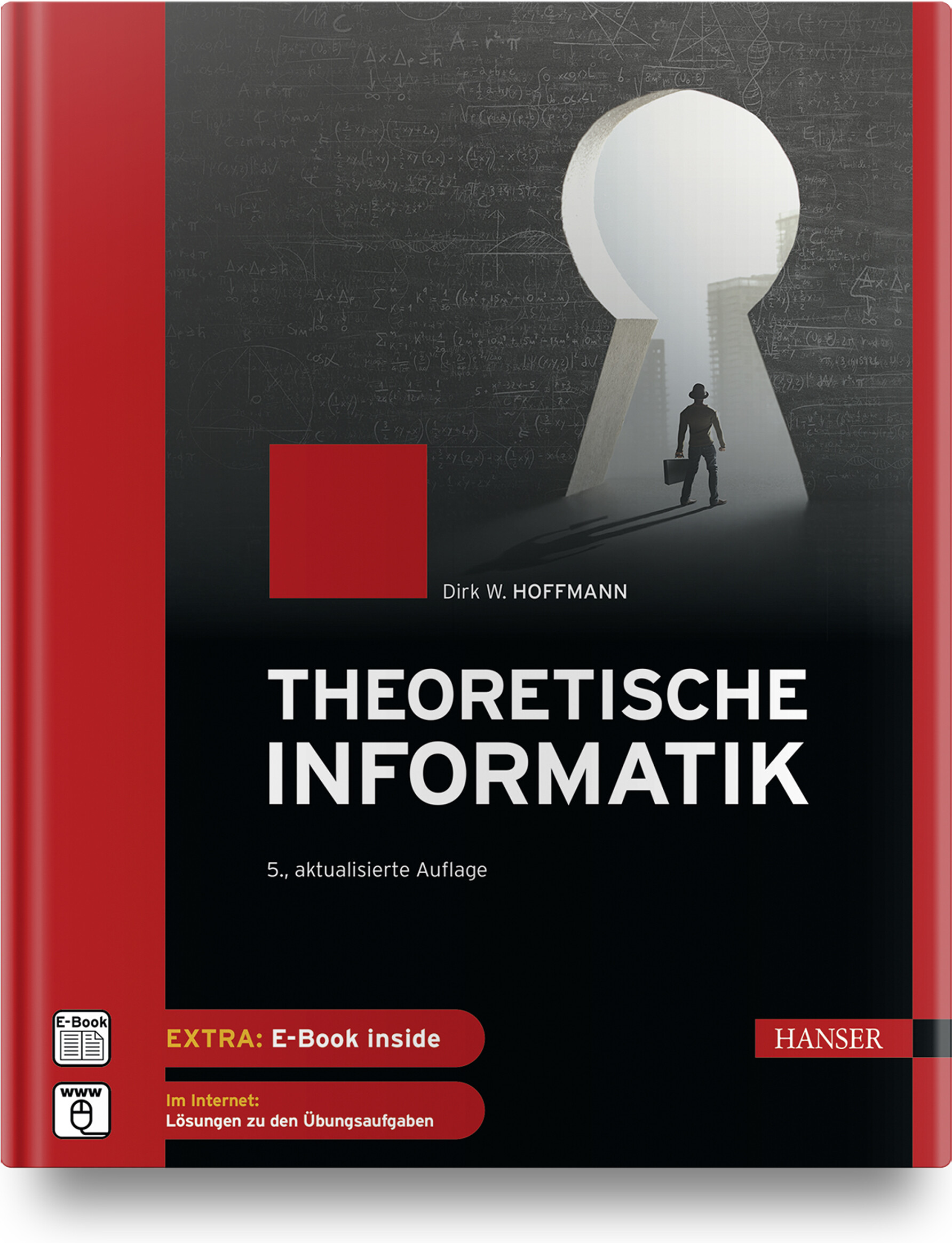
Theoretische Informatik (5. Auflage)
Das Buch führt umfassend in das Gebiet der theoretischen Informatik ein und behandelt den Stoffumfang, der für das Bachelor-Studium an Universitäten und Hochschulen in den Fächern Informatik und Informationstechnik benötigt wird. Die Darstellung und das didaktische Konzept verfolgen das Ziel, einen durchweg praxisnahen Zugang zu den mitunter sehr theoretisch geprägten Themen zu schaffen. Theoretische Informatik muss nicht trocken sein! Sie kann Spaß machen und genau dies versucht das Buch zu vermitteln. Die verschiedenen Methoden und Verfahren werden anhand konkreter Beispiele eingeführt und durch zahlreiche Querverbindungen wird gezeigt, wie die fundamentalen Ergebnisse der theoretischen Informatik die moderne Informationstechnologie prägen. Das Buch behandelt die Themengebiete: Logik und Deduktion, Automatentheorie, formale Sprachen, Entscheidbarkeitstheorie, Berechenbarkeitstheorie und Komplexitätstheorie. Die Lehrinhalte aller Kapitel werden durch zahlreiche Übungsaufgaben komplettiert, so dass sich die Lektüre neben der Verwendung als studienbegleitendes Lehrbuch auch bestens zum Selbststudium eignet. Aus dem Inhalt: Grundlagen der theoretischen InformatikMathematische GrundlagenLogik und DeduktionFormale SprachenEndliche AutomatenBerechenbarkeitstheorieKomplexitätstheorie Leseprobe (PDF)Autor: Prof. Dr. Dirk W. Hoffmann ist Dozent an der Fakultät für Informatik und Wirtschaftsinformatik der Hochschule Karlsruhe – Technik und Wirtschaft.
Office 2021 for Macs For Dummies
TURN YOUR MAC INTO A PRODUCTIVITY POWERHOUSE WITH OFFICE 2021!Long gone are the days when Microsoft's powerful office suite was just for Windows users. Mac enthusiasts are also able to pop open ubiquitous apps like Word, Excel, and PowerPoint on their preferred desktop or laptop! But if you're new to Microsoft Office on the Mac—or you just need a hand with some of its latest features—you should check out Office 2021 For Macs For Dummies.This handy guide will show you how to conquer the essentials of all the key apps that make Office 2021 such a productivity booster. You'll also discover:* Brand-new features, like an improved dark mode and better accessibility capabilities* How to share documents directly in a collaborative setting How Microsoft's Text Predictions work in various apps in Office 2021Ideal for Mac-lovers who can't escape the lure of Microsoft's iconic office software, Office 2021 For Macs For Dummies is a can't-miss resource that will help you successfully blend the reliable computing power of your Mac or MacBook with the productivity power of Microsoft Office. BOB LEVITUS has written nearly 100 reference books on Apple technologies. He’s the author or coauthor of macOS For Dummies,iPad For Dummies, and iPhone For Dummies, among others.DWIGHT SPIVEY probably wrote the rest of the For Dummies books on Apple products, including iPhone For Seniors For Dummies, iPad For Seniors For Dummies, and Apple Watch For Seniors For Dummies.Introduction 1About This Book 1Foolish Assumptions 2Icons Used in This Book 2Beyond the Book 3Where to Go from Here 3PART 1: INTRODUCTION TO MICROSOFT OFFICE FOR MAC 5CHAPTER 1: OVERVIEW FROM 10000 FEET 7The Many Faces of Office for Mac 7Installing Office 9Getting a Microsoft account 9Downloading and installing Office 9Keeping Your Apps Up-to-Date 11CHAPTER 2: A SWEET SUITE: INTRODUCING THE OFFICE APPS 13What’s New and Good 15The suite life 15Word 18PowerPoint 18Excel 19Outlook 19What’s New but Bad 20Together They’re Better 21CHAPTER 3: COMMON FEATURES IN ALL OFFICE APPS 23Using Menus in Office Apps 23Toolbars Ribbons and Panes: Think “Visual” Menus 25The Quick Access toolbar 26Reveling in the ribbon 26Panes are anything but a pain 28Customizing the Quick Access Toolbar Ribbon Tabs and Keyboard Shortcuts 29Customize the Quick Access toolbar 29Customize ribbon tabs and menus 30Creating ribbon tabs and tab groups 32Customizing keyboard shortcuts 32Creating and Saving Documents 34Using the gallery to open templates or recent documents 34Saving a document 36Saving and Using Documents in the Cloud 39Saving a file on a OneDrive or SharePoint location 40Sharing a file you’ve saved using OneDrive or SharePoint 41Opening a file you’ve saved on your OneDrive or SharePoint location 41Understanding App Preferences 42App preferences: Why? 42App preferences: How? 42Help: It’s more than just a Beatles movie 44Official Microsoft websites 46PART 2: MASTERING MICROSOFT WORD 47CHAPTER 4: GETTING TO KNOW MICROSOFT WORD 49Using a Variety of Versatile Views 50Print layout view 51Web layout view 51Outline view 53Draft view 54Focus view 54Full screen view 56Immersive reader view 57Zoom, zoom, zoom 58Getting around in Your Document 59A scroll new world: Navigating by using the mouse or trackpad 59Navigating by using keyboard navigation 61CHAPTER 5: CREATING DOCUMENTS 65Adding Text and Graphics to Your Document 65Entering text in your document 66Inserting an image in your document 66Selecting Text for Editing and Formatting 71Formatting Text Paragraphs and Images 74Changing the look of the font 74Changing the look of paragraphs 76Changing the look of images 79Copying Words and Images from Other Sources 83Dragging and dropping 83Copying and pasting 84Working with Other Document Elements 85Adding elements by using the ribbon 86Modifying elements by using the ribbon 87Removing elements 87CHAPTER 6: REFINING AND EDITING DOCUMENTS WITH WORD 89Moving Text and Images in Your Documents 90Moving items easily within a document 90Using special Word features that make moving stuff easier 91Check It Out: Checking Your Spelling Grammar and Hyphenation 93Double-checking your spelling and grammar 94Utilizing Word’s built-in editor 95Correcting your errors automatically with AutoCorrect 98Hypnotic hyphenation 101Discovering the Reference Tools 102The thoroughly terrific thesaurus 102The online reference tools 104Saving Time with the Find and Replace Feature 108Finding and replacing text 108Using Find and Replace to make formatting changes 109Using advanced search options to do more 110CHAPTER 7: USING TEMPLATES AND OTHER DESIGN ELEMENTS 113Canned Design: Working with Word Templates 114Getting started with the Document Gallery 114Sample project: Starting a custom newsletter from a template 114Creating a customized version of a Word template 116Saving your customized template 116Adding Basic Design Elements to Your Document 118Imagine that: Adding and resizing an image 119Moving images around documents 119Creating headers and footers 121Adding lines to your header or footer 124Arranging text with some help from tabs 125Setting Tabs Margins and Other Types of Indents 126Setting tabs 126Making your margins 129Working with indents 130Columns and Lists and Text Boxes (Oh My) 132Column creation 132Lists made easy (and pretty) 134Text anywhere with text boxes 135Working with Tables 136Creating a table 136Formatting a table 139CHAPTER 8: THIS AND THAT: ADVANCED AND COLLABORATION FEATURES 143Going in Style: Defining Styles for Easy Formatting 144The easy way: Defining a style by example 144The harder way: Defining a style by dialog 147Customizing Interface Elements 147Customizing ribbon tabs and menus 148Create ribbon tabs and tab groups 149Customizing the Quick Access toolbar 150Customizing keyboard shortcuts 152Creating a Table of Contents Automatically 154Using Collaboration Features 157Turning on the Track Changes feature 158Accepting or rejecting changes 160Addressing Envelopes and Creating Labels 162Creating and printing an envelope 162Creating labels 164Creating Web Pages 167PART 3: POWERFUL PRESENTATIONS WITH MICROSOFT POWERPOINT 169CHAPTER 9: GETTING TO KNOW MICROSOFT POWERPOINT 171Viewing Slides with Various Views 172Normal view 173Slide sorter view 174Slide show view 174Notes page view 176Presenter view 176Reading view 177Planning Your Presentation: A Few Tips for Making Your Slide Shows Better 178Use the 10/20/30 rule 178Start with an outline 179CHAPTER 10: CREATING SLIDE SHOWS 181Getting Started 182Giving Your Presentation a Visual Theme 182Using a theme as is 182Customizing a theme’s colors or fonts 184Using Laborsaving Slide Layouts 186Mastering slide masters 186Working with title and text objects 191Working with PowerPoint Objects 193Formatting tables 194Creating a chart 196Get smart: Use SmartArt 199More media: Adding images movies or sounds 201Using Quick Styles and Effects 203Aligning arranging and distributing objects 206CHAPTER 11: MAKING YOUR SLIDE SHOWS SING 213Using Transitions to Create a Polished-Looking Presentation 214Applying transitions 214Transition options 216Using Custom Animation 217Animating text or graphics 217Animating a chart or SmartArt graphic 223Creating Interactivity with Action Buttons 224Share and Share Alike 226Printing hard copy 226Exporting (saving) your presentations as files 229CHAPTER 12: PRESENTATION PROWESS 237Working with the Basic PowerPoint Tools 238Ribbon and Quick Access toolbar customization 238Proofing and reference tools 241Commenting on slides 242Templates and other miscellaneous tools 244Using Hyperlinks 244Recording Narration 246Making the Most of Your PowerPoint Presentation 247Rehearsing and setting slide timings 247Using the presenter tools 249Working with a single display 250PART 4: CRUNCHING DATA WITH MICROSOFT’S MOST EXCELLENT EXCEL 253CHAPTER 13: GETTING TO KNOW MICROSOFT EXCEL 255Interfacing with Excel’s User Interface 256Understanding the Concept of Rows Columns and Cells 257Using the Views 258Navigating within Your Worksheets 258CHAPTER 14: CRUNCHING NUMBERS (AND DATA) WITH EXCEL 261Working with Templates 262Choosing a local template 262Working with online templates 263Entering Formatting and Editing Data in Cells 264Copying and Pasting Data (and Formatting) between Cells 266AutoFilling Cells 268Understanding Formulas and Functions 269Creating a formula 269Keeping track of Excel formulas with Formula Builder 270Using the Error Checking Feature 273Sorting and Filtering Data 275Sorting data 275Using filters to narrow your data searches 276Finding and Replacing Data 277CHAPTER 15: ENHANCING AND PRINTING YOUR EXCEL SPREADSHEETS 281Creating and Formatting Charts 282Including Pictures and Shapes 285Adding Formatting and Special Effects 288Creating and Sorting Custom Lists 291Creating a custom list 292Sorting a list 292Adding Headers and Footers 293Creating a header or footer 293Editing a header or footer 294Printing Your Spreadsheets 295Preparing for printing with Page Setup 296Ready set print 298CHAPTER 16: ADVANCED SPREADSHEETING 299Customizing Excel 300Preferences 300Conditional Formatting 304Naming a Cell Range 307Working with Multiple Worksheets 307Hyperlinking 308Collaboration and Revision Tracking (aka Change Tracking) 310Saving a workbook online 310Tracking your changes 312Accepting and rejecting your changes 313PART 5: MICROSOFT OUTLOOK: MIRACULOUS MANAGER OF MOST THINGS 315CHAPTER 17: GETTING TO KNOW OUTLOOK 317Taking a Quick Tour of Outlook 318The Mail module 318The Calendar module 319The People module 320The Notes and Tasks modules 320CHAPTER 18: EMAILING WITH OUTLOOK 323Setting Up Outlook for Email 323Setting up your email automatically 324Setting up your email account manually 327Sending Receiving and Managing Your Email 330Creating and sending messages 330Receiving messages 336Managing your email 340CHAPTER 19: MANAGING YOUR AFFAIRS WITH OUTLOOK 345Scheduling Events with Calendar 346Managing Your Crew with the People Module 353Adding and removing contacts 353Working with contacts 356Delving into the Home tab 360Tracking Progress with the Tasks Module 363Understanding Notes 365CHAPTER 20: GETTING ADVANCED WITH OUTLOOK 367Customizing: It’s Not Just for Hot Rods Anymore 367Reducin’ the ribbon 368Concentrating on columns 368Hiding showing and rearranging interface elements 369The fast way to start an advanced search 370What’s Your Preference? 371Your personal preferences 371Roll over Beethoven and catch the email preferences 373Everything but the Kitchen Sync 375“New” Outlook? Yes Please! 376PART 6: THE PART OF TENS 379CHAPTER 21: TEN UNSUNG OFFICE FEATURES AND MICROSOFT APPS FOR MAC 381The Developer Ribbon Tab 381A Multitude of Fonts 382Icons Gallery 383Import Outlook Archives 384Microsoft Teams 384Outlook Profile Manager 386Microsoft Remote Desktop 386Microsoft Edge 387Microsoft To Do 388Microsoft OneNote 388CHAPTER 22: TEN TIMESAVING SHORTCUTS AND TIPS FOR ENHANCED PRODUCTIVITY 389Memorize Keyboard Shortcuts 389Get to Know Your Preferences 390Save a Document as a PDF File 391Save Time by Using the Share ➪ Email (as Attachment) Menu Item 392Focus on the Task at Hand 393Use the Open Recent Feature to Open Items from the Dock 393Get Help 393Use Format Painter 394Speak Your Mind with Dictation 394Don’t Forget Your Free OneDrive 395CHAPTER 23: TEN WAYS TO CUSTOMIZE OFFICE 397Modify the Quick Access Toolbar 397Modify Existing Ribbon Tabs and Tab Groups 398Create a New Ribbon Tab or Tab Group for Frequently Used Commands 399Focus with Full Screen 400Deal with Frequently Used Documents 401Remove Unused Keyboard Shortcuts 401Change an Existing Keyboard Shortcut 402Create a New Keyboard Shortcut 402Create Your Own Templates 403Experiment with Dark Mode 403Index 405

Git Schnelleinstieg
Mit diesem Buch erhalten Sie einen schnellen und praxisbezogenen Einstieg in Git. Der Autor behandelt die gängigen Befehle, die Sie beim täglichen Arbeiten mit Git brauchen. Sie lernen anhand eines Projekts, welche Befehle es gibt, wie diese arbeiten und wie Sie auftretende Probleme lösen können. Neben alltäglichen Funktionen finden Sie auch seltener gebrauchte Kommandos, die aber ebenfalls wichtig sind.Im zweiten Teil des Buchs werden fortgeschrittene Themen behandelt. Der Schwerpunkt liegt auf dem Einsatz von Git in Teams, darunter etwa das Hosten verteilter Repositories mit GitHub und GitLab. Ein weiteres Kapitel behandelt die Workflows, die je nach Anzahl der beteiligten Personen, Branches und Repositories eines Projekts variieren.Darüber hinaus gibt Ihnen der Autor hilfreiche Informationen für den Umstieg von Subversion. Ein Kapitel zu häufig gestellten Fragen rundet diesen Praxiseinstieg ab.Das Buch richtet sich an Einsteiger, aber auch Leser mit grundlegender Erfahrung können hier noch viel lernen. So gelingt es Ihnen, Git in Kürze in der Praxis einzusetzen.Sujeevan Vijayakumaran ist seit über einem Jahrzehnt begeisterter Git-Nutzer und berät seit 2020 als Solutions Architect für GitLab Kunden bei der technologischen Umsetzung von DevOps.
Keyword-Driven Testing
Grundlage für effiziente Testspezifikation und AutomatisierungWirksame und gleichzeitig kosteneffiziente Tests sind ein wesentlicher Erfolgsfaktor beim Softwaretest. Dazu verhilft die Methode »schlüsselwortbasierter Test« oder »Keyword-Driven Testing«, mit der Tests aus wiederverwendbaren Bausteinen zusammengesetzt werden. Diese Bausteine werden dem Team als Test-Know-how zur Verfügung gestellt, das jederzeit abgerufen werden kann. Die Autoren bieten einen fundierten Überblick über die technischen und organisatorischen Aspekte des Keyword-Driven Testing und vermitteln das notwendige Praxiswissen, um Keyword-gesteuerte Tests zu erstellen sowie Keywords auszuwählen und zu strukturieren. Auch auf die Herausforderungen und Werkzeuge für das Keyword-Driven Testing wird eingegangen. Im Einzelnen werden behandelt: Unterschiedliche Ansätze für Keyword-Driven TestingAuswahl und Strukturierung von Keywords sowie QualitätssicherungNormen im Testen und speziell zu KeywordsTestautomatisierungsarchitekturKeyword-Driven Testing FrameworksPraxis mit Robot Framework Verbindung mit Testpraktiken wie Test-Driven, Behavior-Driven oder Acceptance Test-Driven Development Autoren: Matthias Daigl ist Product Owner bei der imbus AG. Er ist als Sprecher auf internationalen Konferenzen unterwegs, arbeitet in Arbeitsgruppen des German Testing Board, des ISTQB® und im Normungsausschuss von DIN und ISO mit, war Editor der Norm ISO/IEC/IEEE 29119-5 „Keyword-Driven Testing“ und ist Autor des Buches „ISO 29119: Die Softwaretest-Normen verstehen und anwenden“. René Rohner ist Product Owner des Value Streams Testautomatisierung sowie Senior Berater mit den Spezialgebieten Keyword-Driven Testing und Testautomatisierung bei der imbus AG. Er ist als Softwareentwickler, Trainer und Chairman of the Board der Robot Framework® Foundation international im Bereich des Keyword-Driven Testing tätig. Nach dem Lesen des Buches haben Sie ein fundiertes Verständnis für die unterschiedlichen Facetten des Keyword-Driven Testing, kennen die Vorteile und Werkzeuge und können so selbst entscheiden, wie Sie Keyword-gesteuerte Tests gestalten und welche der beschriebenen Konzepte Sie in der Praxis einsetzen möchten. Zielgruppe: Testanalyst*innenTestmanager*innenTestautomatisierer*innenQualitätsmanager*innenSoftwareentwickler*innen

Applied Deep Learning with TensorFlow 2
Understand how neural networks work and learn how to implement them using TensorFlow 2.0 and Keras. This new edition focuses on the fundamental concepts and at the same time on practical aspects of implementing neural networks and deep learning for your research projects.This book is designed so that you can focus on the parts you are interested in. You will explore topics as regularization, optimizers, optimization, metric analysis, and hyper-parameter tuning. In addition, you will learn the fundamentals ideas behind autoencoders and generative adversarial networks.All the code presented in the book will be available in the form of Jupyter notebooks which would allow you to try out all examples and extend them in interesting ways. A companion online book is available with the complete code for all examples discussed in the book and additional material more related to TensorFlow and Keras. All the code will be available in Jupyter notebook format and can be opened directly in Google Colab (no need to install anything locally) or downloaded on your own machine and tested locally.You will:• Understand the fundamental concepts of how neural networks work• Learn the fundamental ideas behind autoencoders and generative adversarial networks• Be able to try all the examples with complete code examples that you can expand for your own projects• Have available a complete online companion book with examples and tutorials.This book is for:Readers with an intermediate understanding of machine learning, linear algebra, calculus, and basic Python programming.Umberto Michelucci is the founder and the chief AI scientist of TOELT – Advanced AI LAB LLC. He’s an expert in numerical simulation, statistics, data science, and machine learning. He has 15 years of practical experience in the fields of data warehouse, data science, and machine learning. His first book, Applied Deep Learning—A Case-Based Approach to Understanding Deep Neural Networks, was published in 2018. His second book, Convolutional and Recurrent Neural Networks Theory and Applications was published in 2019. He publishes his research regularly and gives lectures on machine learning and statistics at various universities. He holds a PhD in machine learning, and he is also a Google Developer Expert in Machine Learning based in Switzerland.Chapter 1 : Optimization and neural networksSubtopics:How to read the bookIntroduction to the bookChapter 2: Hands-on with One Single NeuronSubtopics:Overview of optimizationA definition of learningConstrained vs. unconstrained optimizationAbsolute and local minimaOptimization algorithms with focus on Gradient DescentVariations of Gradient Descent (mini-batch and stochastic)How to choose the right mini-batch sizeChapter 3: Feed Forward Neural NetworksSubtopics:A short introduction to matrix algebra Activation functions (identity, sigmoid, tanh, swish, etc.)Implementation of one neuron in KerasLinear regression with one neuronLogistic regression with one neuronChapter 4: RegularizationSubtopics:Matrix formalismSoftmax activation functionOverfitting and bias-variance discussionHow to implement a fully conneted network with KerasMulti-class classification with the Zalando dataset in KerasGradient descent variation in practice with a real datasetWeight initializationHow to compare the complexity of neural networksHow to estimate memory used by neural networks in KerasChapter 5: Advanced OptimizersSubtopics:An introduction to regularizationl_p norml_2 regularizationWeight decay when using regularizationDropoutEarly StoppingChapter 6Chapter Title: Hyper-Parameter tuningSubtopics:Exponentially weighted averagesMomentumRMSPropAdamComparison of optimizersChapter 7Chapter Title: Convolutional Neural NetworksSubtopics:Introduction to Hyper-parameter tuningBlack box optimizationGrid SearchRandom SearchCoarse to fine optimization Sampling on logarithmic scaleBayesian optimisationChapter 8Chapter Title: Brief Introduction to Recurrent Neural NetworksSubtopics:Theory of convolutionPooling and paddingBuilding blocks of a CNNImplementation of a CNN with KerasIntroduction to recurrent neural networksImplementation of a RNN with KerasChapter 9: AutoencodersSubtopics:Feed Forward AutoencodersLoss function in autoencodersReconstruction errorApplication of autoencoders: dimensionality reductionApplication of autoencoders: Classification with latent featuresCurse of dimensionalityDenoising autoencodersAutoencoders with CNNChapter 10: Metric AnalysisSubtopics:Human level performance and Bayes errorBiasMetric analysis diagramTraining set overfittingHow to split your datasetUnbalanced dataset: what can happenK-fold cross validationManual metric analysis: an exampleChapter 11Chapter Title: General Adversarial Networks (GANs)Subtopics:Introduction to GANsThe building blocks of GANsAn example of implementation of GANs in KerasAPPENDIX 1: Introduction to KerasSubtopics:Sequential modelKeras LayersFunctional APIsSpecifying loss functionsPutting all together and training a modelCallback functionsSave and load modelsAPPENDIX 2: Customizing KerasSubtopics:Custom callback functionsCustom training loopsCustom loss functionsAPPENDIX 3: Symbols and Abbreviations

Security Awareness For Dummies
MAKE SECURITY A PRIORITY ON YOUR TEAMEvery organization needs a strong security program. One recent study estimated that a hacker attack occurs somewhere every 37 seconds. Since security programs are only as effective as a team’s willingness to follow their rules and protocols, it’s increasingly necessary to have not just a widely accessible gold standard of security, but also a practical plan for rolling it out and getting others on board with following it. Security Awareness For Dummies gives you the blueprint for implementing this sort of holistic and hyper-secure program in your organization.Written by one of the world’s most influential security professionals—and an Information Systems Security Association Hall of Famer—this pragmatic and easy-to-follow book provides a framework for creating new and highly effective awareness programs from scratch, as well as steps to take to improve on existing ones. It also covers how to measure and evaluate the success of your program and highlight its value to management.* Customize and create your own program * Make employees aware of the importance of security * Develop metrics for success * Follow industry-specific sample programs Cyberattacks aren’t going away anytime soon: get this smart, friendly guide on how to get a workgroup on board with their role in security and save your organization big money in the long run.Introduction 1PART 1: GETTING TO KNOW SECURITY AWARENESS 5Chapter 1: Knowing How Security Awareness Programs Work 7Chapter 2: Starting On the Right Foot: Avoiding What Doesn’t Work 19Chapter 3: Applying the Science Behind Human Behavior and Risk Management 33PART 2: BUILDING A SECURITY AWARENESS PROGRAM 51Chapter 4: Creating a Security Awareness Strategy 53Chapter 5: Determining Culture and Business Drivers 61Chapter 6: Choosing What to Tell The Users 75Chapter 7: Choosing the Best Tools for the Job 89Chapter 8: Measuring Performance 107PART 3: PUTTING YOUR SECURITY AWARENESS PROGRAM INTO ACTION 119Chapter 9: Assembling Your Security Awareness Program 121Chapter 10: Running Your Security Awareness Program 143Chapter 11: Implementing Gamification 165Chapter 12: Running Phishing Simulation Campaigns 181PART 4: THE PART OF TENS 207Chapter 13: Ten Ways to Win Support for Your Awareness Program 209Chapter 14: Ten Ways to Make Friends and Influence People 215Chapter 15: Ten Fundamental Awareness Topics 221Chapter 16: Ten Helpful Security Awareness Resources 227Appendix: Sample Questionnaire 233Index 253

Introducing Charticulator for Power BI
Create stunning and complex visualizations using the amazing Charticulator custom visuals in Power BI.Charticulator offers users immense power to generate visuals and graphics. To a beginner, there are myriad settings and options that can be combined in what feels like an unlimited number of combinations, giving it the unfair label, “the DAX of the charting world”. This is not true.This book is your start-to-finish guide to using Charticulator, a custom visualization software that Microsoft integrated into Power BI Desktop so that Power BI users can create incredibly powerful, customized charts and graphs. You will learn the concepts that underpin the software, journeying through every building block of chart design, enabling you to combine these parts to create spectacular visuals that represent the story of your data.Unlike other custom Power BI visuals, Charticulator runs in a separate application window within Power BI with its own interface and requires a different set of interactions and associated knowledge. This book covers the ins and outs of all of them.WHAT YOU WILL LEARN* Generate inspirational and technically competent visuals with no programming or other specialist technical knowledge* Create charts that are not restricted to conventional chart types such as bar, line, or pie* Limit the use of diverse Power BI custom visuals to one Charticulator custom visual* Alleviate frustrations with the limitations of default chart types in Power BI, such as being able to plot data on only one categorical axis* Use a much richer set of options to compare different sets of data* Re-use your favorite or most often used chart designs with Charticulator templatesWHO THIS BOOK IS FORThe average Power BI user. It assumes no prior knowledge on the part of the reader other than being able to open Power BI desktop, import data, and create a simple Power BI visual. User experiences may vary, from people attending a Power BI training course to those with varying skills and abilities, from SQL developers and advanced Excel users to people with limited data analysis experience and technical skills.ALISON BOX is a director of Burningsuit Ltd and an IT trainer and consultant with over 30 years of experience delivering computer applications training to people at all skill levels, from basic users to advanced technical experts. Currently, she specializes in delivering training in Microsoft Power BI Service and Desktop, Data Modeling, DAX (Data Analysis Expressions), and Excel. Alison also works with organizations as a DAX and Data Analysis consultant. Part of her job entails promoting Burningsuit as a knowledge base for Power BI and includes writing regular blog posts on all aspects of Power BI that are published on her website. When Charticulator was incorporated into Power BI in April 2021, she felt there was a need for more detailed documentation that takes the learner from no knowledge to being able to design complex and challenging visuals. With this in mind, she started to write a series of blog posts but soon realized the sheer weight of information regarding Charticulator had outgrown the blog post approach and that writing a book might be more helpful as a means to understanding Charticulator. This book is the result of her own journey of discovery in learning how to use Charticulator.Chapter 1 – Introduction to CharticulatorChapter 2 – Marks, Symbols & LinesChapter 3 – Binding DataChapter 4 – Using SymbolsChapter 5 – 2D Region Plot SegmentsChapter 6 – Using Two Categorical AxesChapter 7 – Using Numerical AxesChapter 8 – Charticulator ExpressionsChapter 9 – Scales & LegendsChapter 10 – Guides & AnchoringChapter 11 – Working with Multiple 2D Region Plot SegmentsChapter 12 – Horizontal & Vertical Line ScaffoldsChapter 13 – Polar ScaffoldsChapter 14 – Plotting Multiple MeasuresChapter 15 – Links & Data LinkingChapter 16 – The Line Plot SegmentChapter 17 – Templates & Nested ChartsChapter 18 – Integrating with Power BIChapter 19 – Taking it to the Next Level

LabVIEW für Dummies
Ganz unverhofft müssen Sie sich mit LabVIEW beschäftigen? Dieses Buch hilft Ihnen dabei sich in diesem grafischen Programmiersystem zurechtzufinden. Die Autorinnen erklären Ihnen die Grundlagen von grafischer Programmierung und erläutern was Virtuelle Instrumente (VIs) sind. Sie führen Sie in die Arbeit in Projekten mit LabVIEW ein, zeigen Ihnen was Sie bei der Fehlersuche beachten sollten, wie Sie Datentypen und Datenstrukturen verwenden und vieles mehr. Dabei kommt auch das klassische Programmieren nicht zu kurz und so werden Sie sich schneller als Sie denken in LabVIEW zurechtfinden. Corinna Meiwald studierte bis 2017 Bio- und Nanotechnologie, schloss das Studium mit dem Master ab und arbeitet seitdem als Softwareentwicklerin und Projektleiterin in der Prüfmittelentwicklung.Melanie von der Crone hat ebenso einen Master in Bio- und Nanotechnologie und arbeitet seit ihrem Studienabschluss für Siku/Wiking Modellwelt.ÜBER DIE AUTOREN9Melanie von der Crone 9Corinna Meiwald 9Idee zum Buch 9EINLEITUNG 19Über dieses Buch 19Konventionen in diesem Buch 19Was Sie nicht lesen müssen 20Törichte Annahme über den Leser 20Wie dieses Buch aufgebaut ist 21Symbole, die in diesem Buch verwendet werden 22Wie es weitergeht 22TEIL I: DIE ENTWICKLUNGSUMGEBUNG IN LABVIEW 23KAPITEL 1: LABVIEW – DIE ETWAS ANDERE ART DER PROGRAMMIERUNG25Datenflussprinzip 26Benutzeroberfläche 28Frontpanel und dessen Elemente 30Menüleiste vom Frontpanel 30Starten, Beenden, Pausieren 31Beschriftungen 32Ausrichten der Elemente 32Hilfen 33Blockdiagramm 34Menüleiste im Blockdiagramm 35Debugging 35Clean_Up Diagram 36Connector Pane 36Werkzeuge und Paletten 36Tools Palette 37Controls Palette 39Functions Palette 42Kontextmenü 43Kontextmenü im Frontpanel 44Kontextmenü im Blockdiagramm 48Drähte im Blockdiagramm 50Einstellung von Programmeigenschaften 51Regeln für die Programmierung in LabVIEW 60Übungen zu LabVIEW 60Lösungen zu LabVIEW 61KAPITEL 2: BLACK JACK 163Struktogramme 63Anweisungsblock 64Schleifen 64Fallunterscheidungen 65Beispiel für ein Struktogramm 65Black Jack-Regeln 66Spielablauf 68Struktogramm für Black Jack 69KAPITEL 3: WENN DER UMFANG ZUNIMMT: ARBEITEN IN PROJEKTEN73Was ist ein Projekt in LabVIEW? 73Hierarchien 76LabVIEW Librarys (Bibliotheken) 77Abhängigkeiten (Dependencies) in Projekten 79Fehler beim Starten eines VIs (LOAD WARNING SUMMARY) 84Build-Spezifikationen 86Übungen 87Lösungen 88TEIL II: GRUNDLAGEN DER PROGRAMMIERUNG 89KAPITEL 4: DATENTYPEN IN LABVIEW UND WOFÜR SIE VERWENDET WERDEN91Grundlagen zur Zahlendarstellung 92Numerische Datentypen 95Vorzeichenlose Ganzzahlen (U8, U16, U32, U64) 96Vorzeichenbehaftete Ganzzahlen (I8, I16, I32, I64) 97Überlauf und Unterlauf 98Gleitpunktzahlen 99Numerische Elemente in LabVIEW 102Boolesche Daten 104Strings & Pfade 107String 107Pfade 110Rings und Enums 113Bilder und Farben 117Picture 117Color Box 117Variant 120Arrays 122Cluster 128Custom Control (CC) 131Zugriffe auf Datentypen in LabVIEW 135Property Nodes 136Invoke Nodes 139Variable in LabVIEW 140Übungen 146Lösungen 147Erstellen eines Custom Controls für Black Jack 148KAPITEL 5: FUNKTIONEN, VIS UND VIM149Einfache numerische Funktionen 151Coercion Dot 155Vergleichsfunktionen 156Boolesche Funktionen 157And und Nand 157Or, Nor, Exclusive Or und Not Exclusive Or 158Not 160Compound Arithmetic 1602D Picture-Funktionen 161Variant-Funktionen 165To Variant 165Set Variant Attribute 166Get Variant Attribute 168String- und Pfadfunktionen 169String Length 170Concatenate Strings 170String Subset 171Formatbezeichner für Strings 172Build & Strip Path 178Array-Funktionen 179Initialize Array 179Index Array 180Shuffle 1D Array.vim 183Delete From Array 183Build Array 185Transpose 2D Array 187Sort 1D Array.vim 188Reverse 1D Array 189Insert Into Array 190Cluster-Funktionen 194Unbundle (By Name) 195Bundle (By Name) 197Veränderung von Daten im Cluster 199Konvertierung von Datentypen 200Konvertierung numerischer Datentypen 200Konvertierung von Strings 204Black Jack 211Funktion zum Karten mischen 211Funktionen für den Vorgang des Kartenziehens 211Funktionen für die Bewertung des Spiels 212KAPITEL 6: DAS PROGRAMM BEKOMMT EINE STRUKTUR 217Schleifen 217For-Schleife 218While-Schleife 222Entscheidungsstrukturen 224Select/Auswahl 224Case-Struktur 226Tunnel & Shift Register 231Indexing Enabled (Indexing)/Indexing Disabled (Last Value) 232Leerer Tunnel & USE DEFAULT IF UNWIRED 233Concatenating Tunnel 233Conditional Tunnel 235Shift Register 237Unterprogramm (SubVI) 242Sequenz 247Ereignisstruktur 250Timing-Funktionen 254Tick Count (ms) 255High Resolution Relative Seconds.vi 256Wait (ms) 257Wait Until Next ms Multiple 258Unterschied zwischen Wait (ms) und Wait Until Next ms Multiple 259State Machine (Zustandsautomat) 260Grundlagen zur State Machine (Zustandsautomat) 260Realisierung einer State Machine in LabVIEW 261Übungen zu Schleifen, Shift Register und Timing 263Übungen zu For-Schleifen 263Übungen zu While-Schleifen 264Übungen zu Shift Registern 265Übungen zu Timing 266Aufgaben zu Automaten 266Lösungen zu den Übungsaufgaben 266State Machine beim Black Jack 270Die For-Schleife bei Black Jack 275Die Ereignisstruktur bei Black Jack 275Der CROUPIER‘S GAME-Case bei Black Jack 280KAPITEL 7: BLACK JACK 2283Programmbeschreibung 283VI Analyzer-Toolkit 291Analyze VIs 293KAPITEL 8: WENN GAR NICHTS FUNKTIONIERT: DEBUGGING UND ERRORHANDLING301Fehler zur Erstellungszeit 301Ausführungsfehler 303Highlight Execution 303Sonden-Werkzeug 304Verbindungswerte speichern 305Setzen von Breakpoints 306Programmcode schrittweise ausführen (Single Stepping) 307Fehlerbehandlung in LabVIEW 309Fehler-Cluster 309Fehler-Ring 311Simple Error Handler.vi 314Clear Errors.vi 315Case-Struktur mit Error 315Übungen 316Lösungen 316TEIL III: DATENVERARBEITUNG UND ANSTEUERUNGKAPITEL 9: DATENVERARBEITUNG319Verarbeitung von Dateien in LabVIEW 319Öffnen und Schließen von Dateien 321Open/Create/Replace File 321Close File 325Textdateien 325Read (from) Text File 326Write (to) Text File 327Tabellenkalkulation 329Write Delimited Spreadsheet.vi 329Read Delimited Spreadsheet.vi 332Diagramme und Graphen 334Waveform Chart und Waveform Graph 335XY Graph 343Intensity Chart∖Graph 345Formula Node 347Übungsaufgaben zu Datenverarbeitung 351Files 351Textdateien 351Tabellenkalkulation 351Diagramme und Graphen 351Formula Node 352Lösungen zu Datenverarbeitung 353Files 353Textdateien 353Tabellenkalkulation 355Diagramme und Graphen 355Formula Node 356KAPITEL 10: HARDWARESTEUERUNG357National Instruments Measurement and Automation Explorer (NI MAX) 357VISA 363Treiber einbinden 366TEIL IV: TOP-TEN PART 371KAPITEL 11: ZEHN GÄNGIGE SCHNITZER BEIM PROGRAMMIEREN IN LABVIEW373Beschriftung 376Wire verläuft unter Element 377Initialisierung 378Property Nodes 378Dokumentation 378Icon 379Kommentare 379Coercion Dot 379Wire verläuft von rechts nach links 380Buntes Frontpanel 380Abbildungsverzeichnis 381Stichwortverzeichnis 393
Adobe Photoshop Lightroom Classic For Dummies
LEARN TO MAKE YOUR DIGITAL PHOTOS *POP* WITH EASY-TO-FOLLOW HELP USING AI-POWERED SOFTWARE FROM ADOBEWith no prior photography or editing experience necessary, AdobePhotoshop Lightroom Classic For Dummies delivers a must-have walkthrough for taking your photos to the next level using Adobe’s powerful consumer software. You’ll learn the fundamentals of opening your pictures, managing your photo library, and fixing common problems—like redeye and poor lighting—before jumping into more advanced topics, like creating slideshows and troubleshooting problems. The perfect place to begin learning how to improve your family photos, AdobePhotoshop Lightroom Classic For Dummies also helps you discover:* How to take control of and organize your photo library* How to apply common artificial intelligence-powered photo enhancements with the click of a mouse* Ways to share your photos with the world, both digitally and on paperThe premier jumping-off point for aspiring photo editors everywhere, this book is a can’t-miss resource for anyone who wants to make the most of their digital photo collection and for professionals who want to expand their design skillset by learning Adobe Lightroom Classic. ROB SYLVAN is a photographer, educator, and writer. Rob also authors and curates tutorials found within the Photoshop and Lightroom applications, is a Canon Product Educator, writes for LightroomKillerTips.com, regularly contributes to Photoshop User magazine, and teaches at photography industry conferences such as Adobe MAX, Photoshop World, PHOTOPLUS, and more.Introduction 1PART 1: GETTING STARTED WITH LIGHTROOM CLASSIC 7Chapter 1: Getting to Know Adobe Photoshop Lightroom Classic 9Chapter 2: Working with Catalogs 27Chapter 3: Lightroom Classic Basics That You Should Know 47PART 2: MANAGING YOUR PHOTOS WITH LIGHTROOM CLASSIC 67Chapter 4: Tackling the Lightroom Classic Import Process 69Chapter 5: Viewing and Finding Photos in the Library 91Chapter 6: Getting Organized with the Library 117Chapter 7: Exploring the Library Module’s Advanced Features 141PART 3: WORKING IN LIGHTROOM CLASSIC’S DIGITAL DARKROOM 163Chapter 8: Editing Photos in the Develop Module 165Chapter 9: Solving Problems and Saving Time 185Chapter 10: Taking Your Photos to the Next Level 209PART 4: SHARING YOUR WORK WITH THE WORLD 237Chapter 11: Exporting Copies and Using External Editors 239Chapter 12: Designing a Book 267Chapter 13: Producing a Slideshow 285Chapter 14: Printing Your Work 305Chapter 15: Creating a Web Gallery 327PART 5: THE PART OF TENS 343Chapter 16: Ten Things to Know About Using Lightroom Classic and Lightroom Together 345Chapter 17: Ten Things to Know About Organizing and Editing in Lightroom 353Chapter 18: Ten Things to Know About Using the Lightroom Mobile Camera 365Index 373
OCP Oracle Certified Professional Java SE 17 Developer Study Guide
AN EFFECTIVE AND PRACTICAL STUDY AID TO THE NEW OCP JAVA SE 17 DEVELOPER CERTIFICATION EXAMIn the OCP Oracle Certified Professional Java SE 17 Developer Study Guide: Exam 1Z0-829, you'll find accessible and essential test prep material for the in-demand and practical OCP Java SE 17 Developer certification. Providing comprehensive coverage of all OCP Java SE 17 exam objectives and competencies, the Study Guide offers you access to all the skills and knowledge you'll need to succeed on the test and in the field as a new or experienced Java developer.This book provides material on records, sealed classes, text blocks, dates, streams, controlling program flow, using the Java object-oriented approach, handling exceptions, working with arrays and collections, and more. You'll also get:* Intuitively organized information that aligns with the competencies tested on the exam and those required by real-world Java developers* Opportunities to practice and develop skills that remain in high demand in the IT industry* Access to the Sybex online learning center, with chapter review questions, full-length practice exams, hundreds of electronic flashcards, and a glossary of key termsPerfect for anyone prepping for the brand-new OCP Java SE 17 credential, OCP Oracle Certified Professional Java SE 17 Developer Study Guide: Exam 1Z0-829 is also a can't-miss reference for practicing and aspiring Java developers seeking to learn or reinforce their foundational skills in Java programming and improve their performance on the job.ABOUT THE AUTHORSSCOTT SELIKOFF has been a professional Java Enterprise architect for over 20 years. He currently works as a Staff Software Engineer at Google, specializing in Architecture and Cloud Services. He is a Leader of the Garden State Java User Group, helping to facilitate discussions and exchange of ideas within the community. JEANNE BOYARSKY is a Java Champion and has worked as a Java developer for a major bank for more than 20 years. She is a senior moderator at CodeRanch, and trains and mentors students of all levels, including the programming department of a FIRST robotics team. Introduction xxiiiAssessment Test xlvCHAPTER 1 BUILDING BLOCKS 1Learning about the Environment 2Major Components of Java 2Downloading a JDK 3Understanding the Class Structure 4Fields and Methods 4Comments 5Classes and Source Files 7Writing a main() Method 8Creating a main() Method 8Passing Parameters to a Java Program 9Understanding Package Declarations and Imports 11Packages 12Wildcards 13Redundant Imports 13Naming Conflicts 15Creating a New Package 16Compiling and Running Code with Packages 16Compiling to Another Directory 18Compiling with JAR Files 20Creating a JAR File 20Ordering Elements in a Class 21Creating Objects 23Calling Constructors 23Reading and Writing Member Fields 24Executing Instance Initializer Blocks 24Following the Order of Initialization 25Understanding Data Types 26Using Primitive Types 27Using Reference Types 29Distinguishing between Primitives and Reference Types 30Creating Wrapper Classes 31Defining Text Blocks 32Declaring Variables 34Identifying Identifiers 35Declaring Multiple Variables 36Initializing Variables 38Creating Local Variables 38Passing Constructor and Method Parameters 40Defining Instance and Class Variables 41Inferring the Type with var 41Managing Variable Scope 45Limiting Scope 45Tracing Scope 46Applying Scope to Classes 47Reviewing Scope 48Destroying Objects 48Understanding Garbage Collection 48Tracing Eligibility 49Summary 51Exam Essentials 52Review Questions 54CHAPTER 2 OPERATORS 65Understanding Java Operators 66Types of Operators 66Operator Precedence 67Applying Unary Operators 69Complement and Negation Operators 70Increment and Decrement Operators 71Working with Binary Arithmetic Operators 72Arithmetic Operators 72Numeric Promotion 75Assigning Values 77Assignment Operator 77Casting Values 77Compound Assignment Operators 81Return Value of Assignment Operators 82Comparing Values 83Equality Operators 83Relational Operators 84Logical Operators 87Conditional Operators 88Making Decisions with the Ternary Operator 90Summary 92Exam Essentials 92Review Questions 94CHAPTER 3 MAKING DECISIONS 101Creating Decision- Making Statements 102Statements and Blocks 102The if Statement 103The else Statement 104Shortening Code with Pattern Matching 106Applying switch Statements 110The switch Statement 110The switch Expression 115Writing while Loops 121The while Statement 121The do/while Statement 123Infinite Loops 123Constructing for Loops 124The for Loop 124The for- each Loop 129Controlling Flow with Branching 131Nested Loops 131Adding Optional Labels 132The break Statement 133The continue Statement 135The return Statement 137Unreachable Code 138Reviewing Branching 139Summary 139Exam Essentials 140Review Questions 142CHAPTER 4 CORE APIS 155Creating and Manipulating Strings 156Concatenating 157Important String Methods 158Method Chaining 169Using the StringBuilder Class 170Mutability and Chaining 171Creating a StringBuilder 172Important StringBuilder Methods 172Understanding Equality 175Comparing equals() and == 175The String Pool 176Understanding Arrays 178Creating an Array of Primitives 179Creating an Array with Reference Variables 180Using an Array 182Sorting 183Searching 184Comparing 185Using Methods with Varargs 187Working with Multidimensional Arrays 188Calculating with Math APIs 190Finding the Minimum and Maximum 190Rounding Numbers 191Determining the Ceiling and Floor 191Calculating Exponents 192Generating Random Numbers 192Working with Dates and Times 192Creating Dates and Times 193Manipulating Dates and Times 197Working with Periods 199Working with Durations 202Period vs. Duration 204Working with Instants 205Accounting for Daylight Saving Time 206Summary 208Exam Essentials 209Review Questions 210CHAPTER 5 METHODS 219Designing Methods 220Access Modifiers 221Optional Specifiers 222Return Type 224Method Name 226Parameter List 226Method Signature 227Exception List 227Method Body 228Declaring Local and Instance Variables 228Local Variable Modifiers 229Effectively Final Variables 230Instance Variable Modifiers 231Working with Varargs 232Creating Methods with Varargs 232Calling Methods with Varargs 233Accessing Elements of a Vararg 234Using Varargs with Other Method Parameters 234Applying Access Modifiers 235Private Access 235Package Access 236Protected Access 237Public Access 242Reviewing Access Modifiers 242Accessing static Data 243Designing static Methods and Variables 243Accessing a static Variable or Method 244Class vs. Instance Membership 245Static Variable Modifiers 248Static Initializers 250Static Imports 251Passing Data among Methods 253Passing Objects 253Returning Objects 255Autoboxing and Unboxing Variables 256Overloading Methods 258Reference Types 259Primitives 260Autoboxing 261Arrays 261Varargs 261Putting It All Together 262Summary 263Exam Essentials 264Review Questions 265CHAPTER 6 CLASS DESIGN 275Understanding Inheritance 276Declaring a Subclass 276Class Modifiers 278Single vs. Multiple Inheritance 279Inheriting Object 279Creating Classes 281Extending a Class 281Applying Class Access Modifiers 282Accessing the this Reference 283Calling the super Reference 284Declaring Constructors 286Creating a Constructor 286The Default Constructor 287Calling Overloaded Constructors with this() 289Calling Parent Constructors with super() 292Initializing Objects 297Initializing Classes 297Initializing final Fields 298Initializing Instances 300Inheriting Members 304Overriding a Method 305Redeclaring private Methods 311Hiding Static Methods 311Hiding Variables 313Writing final Methods 314Creating Abstract Classes 315Introducing Abstract Classes 315Declaring Abstract Methods 317Creating a Concrete Class 318Creating Constructors in Abstract Classes 320Spotting Invalid Declarations 321Creating Immutable Objects 323Declaring an Immutable Class 323Performing a Defensive Copy 325Summary 326Exam Essentials 327Review Questions 330CHAPTER 7 BEYOND CLASSES 345Implementing Interfaces 346Declaring and Using an Interface 346Extending an Interface 348Inheriting an Interface 349Inserting Implicit Modifiers 351Declaring Concrete Interface Methods 353Working with Enums 361Creating Simple Enums 361Using Enums in switch Statements 363Adding Constructors, Fields, and Methods 364Sealing Classes 367Declaring a Sealed Class 367Compiling Sealed Classes 368Specifying the Subclass Modifier 369Omitting the permits Clause 370Sealing Interfaces 372Reviewing Sealed Class Rules 372Encapsulating Data with Records 373Understanding Encapsulation 374Applying Records 375Understanding Record Immutability 377Declaring Constructors 378Customizing Records 381Creating Nested Classes 382Declaring an Inner Class 382Creating a static Nested Class 386Writing a Local Class 387Defining an Anonymous Class 389Reviewing Nested Classes 391Understanding Polymorphism 392Object vs. Reference 393Casting Objects 395The instanceof Operator 397Polymorphism and Method Overriding 397Overriding vs. Hiding Members 399Summary 401Exam Essentials 402Review Questions 404CHAPTER 8 LAMBDAS AND FUNCTIONAL INTERFACES 419Writing Simple Lambdas 420Looking at a Lambda Example 420Learning Lambda Syntax 422Coding Functional Interfaces 426Defining a Functional Interface 426Adding Object Methods 427Using Method References 429Calling static Methods 430Calling Instance Methods on a Particular Object 430Calling Instance Methods on a Parameter 432Calling Constructors 433Reviewing Method References 433Working with Built- in Functional Interfaces 434Implementing Supplier 435Implementing Consumer and BiConsumer 436Implementing Predicate and BiPredicate 438Implementing Function and BiFunction 439Implementing UnaryOperator and BinaryOperator 440Checking Functional Interfaces 441Using Convenience Methods on Functional Interfaces 442Learning the Functional Interfaces for Primitives 443Working with Variables in Lambdas 445Listing Parameters 446Using Local Variables inside a Lambda Body 448Referencing Variables from the Lambda Body 449Summary 450Exam Essentials 451Review Questions 452CHAPTER 9 COLLECTIONS AND GENERICS 463Using Common Collection APIs 464Using the Diamond Operator 465Adding Data 466Removing Data 466Counting Elements 467Clearing the Collection 467Check Contents 468Removing with Conditions 468Iterating 469Determining Equality 470Using the List Interface 471Comparing List Implementations 472Creating a List with a Factory 472Creating a List with a Constructor 473Working with List Methods 474Converting from List to an Array 476Using the Set Interface 477Comparing Set Implementations 477Working with Set Methods 478Using the Queue and Deque Interfaces 479Comparing Deque Implementations 480Working with Queue and Deque Methods 480Using the Map Interface 483Comparing Map Implementations 484Working with Map Methods 484Calling Basic Methods 486Iterating through a Map 487Getting Values Safely 487Replacing Values 488Putting if Absent 488Merging Data 488Comparing Collection Types 490Sorting Data 492Creating a Comparable Class 492Comparing Data with a Comparator 496Comparing Comparable and Comparator 497Comparing Multiple Fields 498Sorting and Searching 500Sorting a List 503Working with Generics 503Creating Generic Classes 504Understanding Type Erasure 506Implementing Generic Interfaces 509Writing Generic Methods 510Creating a Generic Record 512Bounding Generic Types 512Putting It All Together 517Summary 519Exam Essentials 520Review Questions 521CHAPTER 10 STREAMS 531Returning an Optional 532Creating an Optional 533Dealing with an Empty Optional 534Using Streams 536Understanding the Pipeline Flow 536Creating Stream Sources 539Using Common Terminal Operations 541Using Common Intermediate Operations 549Putting Together the Pipeline 553Working with Primitive Streams 557Creating Primitive Streams 557Mapping Streams 560Using Optional with Primitive Streams 562Summarizing Statistics 564Working with Advanced Stream Pipeline Concepts 565Linking Streams to the Underlying Data 565Chaining Optionals 566Using a Spliterator 569Collecting Results 570Summary 578Exam Essentials 579Review Questions 581CHAPTER 11 EXCEPTIONS AND LOCALIZATION 591Understanding Exceptions 592The Role of Exceptions 592Understanding Exception Types 593Throwing an Exception 596Calling Methods That Throw Exceptions 598Overriding Methods with Exceptions 599Printing an Exception 600Recognizing Exception Classes 600RuntimeException Classes 601Checked Exception Classes 604Error Classes 605Handling Exceptions 605Using try and catch Statements 606Chaining catch Blocks 607Applying a Multi- catch Block 609Adding a finally Block 611Automating Resource Management 615Introducing Try- with- Resources 615Basics of Try- with- Resources 616Applying Effectively Final 620Understanding Suppressed Exceptions 621Formatting Values 624Formatting Numbers 624Formatting Dates and Times 625Customizing the Date/Time Format 626Supporting Internationalization and Localization 629Picking a Locale 630Localizing Numbers 632Localizing Dates 637Specifying a Locale Category 638Loading Properties with Resource Bundles 639Creating a Resource Bundle 640Picking a Resource Bundle 641Selecting Resource Bundle Values 643Formatting Messages 645Using the Properties Class 645Summary 646Exam Essentials 647Review Questions 648CHAPTER 12 MODULES 661Introducing Modules 662Exploring a Module 663Benefits of Modules 664Creating and Running a Modular Program 664Creating the Files 665Compiling Our First Module 666Running Our First Module 668Packaging Our First Module 669Updating Our Example for Multiple Modules 669Updating the Feeding Module 670Creating a Care Module 670Creating the Talks Module 672Creating the Staff Module 674Diving into the Module Declaration 675Exporting a Package 676Requiring a Module Transitively 677Opening a Package 679Creating a Service 680Declaring the Service Provider Interface 681Creating a Service Locator 682Invoking from a Consumer 684Adding a Service Provider 685Reviewing Directives and Services 686Discovering Modules 687Identifying Built- in Modules 688Getting Details with java 690Describing with jar 693Learning about Dependencies with jdeps 693Using the -- jdk- internals Flag 695Using Module Files with jmod 696Creating Java Runtimes with jlink 696Reviewing Command- Line Options 697Comparing Types of Modules 700Named Modules 701Automatic Modules 701Unnamed Modules 704Reviewing Module Types 704Migrating an Application 704Determining the Order 705Exploring a Bottom- Up Migration Strategy 706Exploring a Top- Down Migration Strategy 707Splitting a Big Project into Modules 709Failing to Compile with a Cyclic Dependency 709Summary 711Exam Essentials 712Review Questions 713CHAPTER 13 CONCURRENCY 721Introducing Threads 722Understanding Thread Concurrency 723Creating a Thread 724Distinguishing Thread Types 725Managing a Thread’s Life Cycle 727Polling with Sleep 727Interrupting a Thread 729Creating Threads with the Concurrency API 730Introducing the Single- Thread Executor 730Shutting Down a Thread Executor 731Submitting Tasks 732Waiting for Results 733Scheduling Tasks 737Increasing Concurrency with Pools 739Writing Thread- Safe Code 740Understanding Thread- Safety 740Accessing Data with volatile 741Protecting Data with Atomic Classes 742Improving Access with Synchronized Blocks 744Synchronizing on Methods 746Understanding the Lock Framework 747Orchestrating Tasks with a CyclicBarrier 751Using Concurrent Collections 754Understanding Memory Consistency Errors 754Working with Concurrent Classes 755Obtaining Synchronized Collections 757Identifying Threading Problems 758Understanding Liveness 758Managing Race Conditions 761Working with Parallel Streams 761Creating Parallel Streams 762Performing a Parallel Decomposition 762Processing Parallel Reductions 764Summary 770Exam Essentials 770Review Questions 772CHAPTER 14 I/O 785Referencing Files and Directories 786Conceptualizing the File System 786Creating a File or Path 789Operating on File and Path 793Using Shared Functionality 793Handling Methods That Declare IOException 797Providing NIO.2 Optional Parameters 797Interacting with NIO.2 Paths 799Creating, Moving, and Deleting Files and Directories 805Comparing Files with isSameFile() and mismatch() 809Introducing I/O Streams 811Understanding I/O Stream Fundamentals 811Learning I/O Stream Nomenclature 812Reading and Writing Files 817Using I/O Streams 817Enhancing with Files 820Combining with newBufferedReader() and newBufferedWriter() 822Reviewing Common Read and Write Methods 823Serializing Data 824Applying the Serializable Interface 825Marking Data transient 827Ensuring That a Class Is Serializable 827Storing Data with ObjectOutputStream and ObjectInputStream 828Understanding the Deserialization Creation Process 830Interacting with Users 832Printing Data to the User 832Reading Input as an I/O Stream 833Closing System Streams 833Acquiring Input with Console 834Working with Advanced APIs 837Manipulating Input Streams 838Discovering File Attributes 840Traversing a Directory Tree 843Searching a Directory 847Review of Key APIs 848Summary 850Exam Essentials 851Review Questions 852CHAPTER 15 JDBC 863Introducing Relational Databases and SQL 864Identifying the Structure of a Relational Database 866Writing Basic SQL Statements 867Introducing the Interfaces of JDBC 868Connecting to a Database 870Building a JDBC URL 870Getting a Database Connection 871Working with a PreparedStatement 873Obtaining a PreparedStatement 874Executing a PreparedStatement 875Working with Parameters 878Updating Multiple Records 881Getting Data from a ResultSet 882Reading a ResultSet 882Getting Data for a Column 885Using Bind Variables 887Calling a CallableStatement 887Calling a Procedure without Parameters 888Passing an IN Parameter 889Returning an OUT Parameter 889Working with an INOUT Parameter 890Comparing Callable Statement Parameters 891Using Additional Options 891Controlling Data with Transactions 892Committing and Rolling Back 892Bookmarking with Savepoints 894Reviewing Transaction APIs 895Closing Database Resources 895Summary 897Exam Essentials 898Review Questions 900Appendix Answers to the Review Questions 909Chapter 1: Building Blocks 910Chapter 2: Operators 913Chapter 3: Making Decisions 916Chapter 4: Core APIs 921Chapter 5: Methods 924Chapter 6: Class Design 927Chapter 7: Beyond Classes 932Chapter 8: Lambdas and Functional Interfaces 936Chapter 9: Collections and Generics 939Chapter 10: Streams 942Chapter 11: Exceptions and Localization 945Chapter 12: Modules 949Chapter 13: Concurrency 951Chapter 14: I/o 955Chapter 15: Jdbc 959Index 963