

Programmierung

Teach Yourself VISUALLY Python
A SIMPLE, STRAIGHTFORWARD, AND HANDS-ON ROADMAP TO THE WORLD OF COMPUTER PROGRAMMING WITH PYTHONTeach Yourself VISUALLY: Python is your personal guide to getting you started in programming. As one of the world's most popular—and most accessible—coding languages, Python is your gateway into the wide and wonderful world of computer science. This hands-on guide walks you through Python step by clearly illustrated step, from writing your very first Python code in a terminal window or the VS Code app through to creating your own lists, dictionaries, and custom classes.In the book, you’ll learn to:* Install Python and the tools you need to work with it on Windows, macOS, and Linux* Work with files and folders, manipulate text, and create powerful functions that do exactly what you want* Write clean code that makes decisions effectively, repeats actions as needed, and handles any errors that occurA must-have resource for aspiring programmers starting from the very beginning, Teach Yourself VISUALLY: Python is also an indispensable handbook for programmers making a transition from another language.CHAPTER 1 GETTING READY TO WORK WITH PYTHONUnderstanding What Python Is and Does 4Choose the Right Version of Python 6Install Python on Windows 8Install Python on the Mac 12Install Python on Linux If Necessary 14Learn About Development Tools for Python 16Download and Install Visual Studio Code 20Get Started with Visual Studio Code and Apply a Theme 22Install Visual Studio Code Extensions for Python 24Configure Visual Studio Code for Working with Python 26CHAPTER 2 WRITING AND RUNNING YOUR FIRST PYTHON CODEUnderstanding the main() Function 30Create and Save a New Script in Visual Studio Code 32Write and Run Code in Visual Studio Code 34Execute Python Commands in a Terminal Window 38Run a Python Script in a Terminal Window 39Understanding Comments in Python 40Add Comments to Your Code 42Grasp Importing Modules and Objects 44Import Modules and Use Their Methods 48CHAPTER 3 GETTING STARTED WITH VARIABLESUnderstanding Variables and Their Usage 52Understanding Python’s Data Types 54Work with Integers 58Work with Floating‐Point Values 60Work with Boolean Values 62Work with Tuples 64Work with Sets 66Start Working with Strings 68Start Working with Lists 70Start Working with Dictionaries 72Convert Data from One Type to Another 74CHAPTER 4 WORKING WITH FILES AND DIRECTORIESUnderstanding Working with Files and Directories 78Load the os Module and List Files and Directories 80Navigate Among Directories 82Create and Delete Directories 84Rename, Move, and Copy Files and Directories 88Get Information About the User and System 92Split a File Path into Its Components 94Understanding Python’s open() Function 96Understanding Python’s Ways of Closing Files 97Open a File If It Exists; If Not, Create It 98Check an Open File’s Status and Close It 100Write Data to a File 102Open a File for Both Reading and Writing 104Append Data to a File 106Read a Text File 108CHAPTER 5 WORKING WITH PYTHON’S OPERATORSMeet the Arithmetic Operators 112Work with the Arithmetic Operators 114Meet the Assignment Operators 116Work with the Assignment Operators 117Meet the Comparison Operators 118Work with the Comparison Operators 119Meet the Logical Operators 120Work with the Logical Operators 121Meet the Identity Operators 122Work with the Identity Operators 123Meet the Membership Operators 124Work with the Membership Operators 125Meet the Bitwise Operators 126Work with the Bitwise Operators 127CHAPTER 6 MAKING DECISIONS WITH IF STATEMENTSLearn the Essentials of if Statements 130Understanding the if Statement 132Create an if Statement 133Understanding the if else Statement 134Create an if else Statement 135Understanding the if elif Statement 136Create an if elif Statement 137Understanding the if elif else Statement 138Create an if elif else Statement 139Understanding Nested if Statements 140Create Nested if Statements 141Chapter 7 Repeating Actions with LoopsUnderstanding Python’s Loops 144Understanding How for Loops Work 146Create for Loops 148Understanding How while Loops Work 150Create while Loops 152Understanding break Statements in Loops 154Using a break Statement to Exit a Loop Early 155Understanding continue Statements in Loops 156Using a continue Statement in a Loop 157Understanding else Statements in Loops 158Using an else Statement in a Loop 159Understanding Loop Nesting 160Nest Loops to Create Complex Repetition 161CHAPTER 8 WORKING WITH FUNCTIONSUnderstanding Functions and Their Syntax 164Understanding Function Parameters and Returns 166Using Python’s Built‐In Functions 168Create a Function with Parameters and a Return 172Create a Function with a Parameter But No Return 173Create a Function with No Parameters But a Return 174Create a Function with No Parameters and No Return 176Create a Function That Returns Multiple Values 177Create a Function with Optional Parameters 178CHAPTER 9 WORKING WITH TEXTLearn the Essentials of Strings 182Create Single‐Line Strings 184Create Multiline Strings 186Meet Python’s String Methods 188Return Information About a String 190Transform and Clean Up a String 192Return Part of a String via Slicing 194Concatenate and Repeat Strings 196Search for One String Inside Another String 198Check and Change String Capitalization 200Meet Python’s Tools for Building Strings 204Build Strings with the Interpolation Operator 210Build Strings with the .format Method 212Build Strings with f‐Strings 214Build Strings with Template Strings 216CHAPTER 10 HANDLING ERRORSUnderstanding the Various Types of Errors 220Identify Common Python Errors 222Meet the try except Block 224Cause Errors and Trap Exceptions 226Raise an Exception Manually 228Add an else Block or a finally Block 229Create Nested try except Blocks 230Create Custom Exceptions 232CHAPTER 11 WORKING WITH LISTS AND DICTIONARIESUnderstanding Lists and Their Use 236Create a List 238Meet Python’s List Methods 239Add Items to a List 240Remove Items from a List 242Locate Items and Access Data in a List 244Sort the Items in a List 246Understanding Dictionaries and Their Use 248Create a Dictionary and Return Values 250Meet Python’s Dictionary Methods 251Create a Dictionary from an Existing Iterable 252Add Key/Value Pairs to a Dictionary 254Remove Key/Value Pairs from a Dictionary 256Return Keys and Values from a Dictionary 258CHAPTER 12 WORKING WITH CLASSESUnderstanding Classes and Instances 262Create a Class and Instantiate Instances 264Understanding Class and Instance Attributes 266Set Class and Instance Attributes 268Grasp Class, Instance, and Static Methods 270Create an Instance Method 274Create a Class Method 275Create a Static Method 276Review the Class’s Code 277Index 278

Hands-on AIOps
Welcome to your hands-on guide to artificial intelligence for IT operations (AIOps). This book provides in-depth coverage, including operations and technical aspects. The fundamentals of machine learning (ML) and artificial intelligence (AI) that form the core of AIOps are explained as well as the implementation of multiple AIOps uses cases using ML algorithms.The book begins with an overview of AIOps, covering its relevance and benefits in the current IT operations landscape. The authors discuss the evolution of AIOps, its architecture, technologies, AIOps challenges, and various practical use cases to efficiently implement AIOps and continuously improve it. The book provides detailed guidance on the role of AIOps in site reliability engineering (SRE) and DevOps models and explains how AIOps enables key SRE principles.The book provides ready-to-use best practices for implementing AIOps in an enterprise. Each component of AIOps and ML using Python code and templates is explained and shows how ML can be used to deliver AIOps use cases for IT operations.WHAT YOU WILL LEARN* Know what AIOps is and the technologies involved* Understand AIOps relevance through use cases* Understand AIOps enablement in SRE and DevOps* Understand AI and ML technologies and algorithms* Use algorithms to implement AIOps use cases* Use best practices and processes to set up AIOps practices in an enterprise* Know the fundamentals of ML and deep learning* Study a hands-on use case on de-duplication in AIOps* Use regression techniques for automated baselining* Use anomaly detection techniques in AIOpsWHO THIS BOOK IS FORAIOps enthusiasts, monitoring and management consultants, observability engineers, site reliability engineers, infrastructure architects, cloud monitoring consultants, service management experts, DevOps architects, DevOps engineers, and DevSecOps expertsNAVIN SABHARWAL is currently Chief Architect and Head of Strategy for Autonomics, named "DRYiCE" at HCL technologies. He is responsible for innovation, presales, and delivery of award-winning autonomics platforms for HCL technologies. Navin is an innovator, thought leader, author, and a consultant in areas of AI and machine learning (ML), observability, AIOps, DevOps, DevSecOps, engineering, and R&D. He is responsible for IP development & service delivery in the areas of AI and ML, automation products, cloud computing, public cloud AWS, Microsoft Azure, VMWare private cloud, Microsoft private cloud, data center automation, analytics for IT operations, and IT service management.GAURAV BHARDWAJ is a seasoned IT professional and technology evangelist with expertise in service assurance, cloud computing, AI/ML-based software product development, engineering, and data analytics. He has international experience in developing and executing IT automation strategies and solutions that are aligned with business goals as well as heading multi-million USD services globally. Gaurav has a proven track record of achievements in roles of enterprise architect and consultant for large and complex global engagements (includes multiple Fortune 500 companies) leveraging automation as the pivot for business development as well as for transforming legacy environments/platforms into next-generation IT environments powered by cloud-native and containerized apps, SDI, and AIOps and DevOps methodologies.CHAPTER 1: WHAT IS AIOPS, NEED, AND BENEFITSChapter goal: This chapter talks about challenges that IT modernization and business digitalization are posing to IT business and how AIOPs can help in overcoming them as well as sustain and stay relevant in this post-pandemic economy.No of pages 15Sub -topics1. Impact of IT modernization and digitalization2. Challenges with ITOA3. What is artificial intelligence4. AIOPs - AI in information technology5. AIOPs businesses leversCHAPTER 2: AIOPS ARCHITECTURE, METHODOLOGY, CHALLENGESChapter goal: Explain technologies and components involved in AIOPs architecture along with its implementation methodology and challenges.No of pages: 12Sub - Topics1. AIOPs overview2. AIOPs architecture and components3. AIOPs implementation methodology4. AIOPs challengesCHAPTER 3: AIOPS SUPPORTING SITE RELIABILITY ENGINEERING AND DEVOPSChapter goal: Explain the use of AIOPs in SRE in keeping services up and running and the DevOps process of product development to operations.No of pages: 15Sub - Topics:1. Overview of SRE and DevOps model2. AIOPs for diverse personas - SRE & DevOps3. AIOPs for application development life cycle4. Aligning Dev and Ops via AIOPs.5. SRE principles and AIOPs6. AIOPs enabling visibility in SRE and DevOpsCHAPTER 4: FUNDAMENTALS OF MACHINE LEARNING AND AIChapter Goal: Explain the technology and concepts behind artificial intelligence and machine learning.No of pages: 12Sub - Topics:1. What is machine learning2. Why machine learning is important3. Types of machine learning4. Natural language processing5. Machine learning algorithmic tradeoff6. Principles of artificial intelligenceCHAPTER 5: AIOPS USE CASESChapter Goal: Explain practical scenarios or tasks which can be facilitated by AIOPs.No of pages: 8Sub - Topics:Monitoring of software systemsRoot cause analysis with AIOpsSecurity use casesCHAPTER 6: APPLYING MACHINE LEARNING FOR AIOPS:Chapter Goal: Provide No. of pages: 12Sub - Topics:1. Automated baselining2. Deduplication3. Anomaly detection4. ML-driven correlation5. Rule-based correlation6. AIOPs in detect-to-correct value chainCHAPTER 7: SETTING UP OF AIOPSChapter Goal: Provide best practices for AIOPs journey and guidance on setting up of AIOPs practic.No. of pages: 10Sub - Topics:1. AIOPs implementation framework.2. Define roadmap of AIOPs3. Setting up guardrails4. Teams enablement and engagement5. Visibility and governance6. Continous improvementCHAPTER 8: FUTURE OF AIOPSChapter Goal: Provide a blueprint of AIOPs future and its impact on the IT industry.No. of pages: 3Sub - Topics:1. Transition from domain-centric to domain-agnostic AIOPs2. AIOPs holds key To digital business transformation3. Unified Framework - AIOPs with SecOps and DevSecOps.

Machine Learning on Geographical Data Using Python
Get up and running with the basics of geographic information systems (GIS), geospatial analysis, and machine learning on spatial data in Python.This book starts with an introduction to geodata and covers topics such as GIS and common tools, standard formats of geographical data, and an overview of Python tools for geodata. Specifics and difficulties one may encounter when using geographical data are discussed: from coordinate systems and map projections to different geodata formats and types such as points, lines, polygons, and rasters. Analytics operations typically applied to geodata are explained such as clipping, intersecting, buffering, merging, dissolving, and erasing, with implementations in Python. Use cases and examples are included. The book also focuses on applying more advanced machine learning approaches to geographical data and presents interpolation, classification, regression, and clustering via examples and use cases.This book is your go-to resource for machine learning on geodata. It presents the basics of working with spatial data and advanced applications. Examples are presented using code (accessible at github.com/Apress/machine-learning-geographic-data-python) and facilitate learning by application.WHAT YOU WILL LEARN* Understand the fundamental concepts of working with geodata* Work with multiple geographical data types and file formats in Python* Create maps in Python* Apply machine learning on geographical dataWHO THIS BOOK IS FORReaders with a basic understanding of machine learning who wish to extend their skill set to analysis of and machine learning on spatial data while remaining in a common data science Python environmentJOOS KORSTANJE is a data scientist, with over five years of industry experience in developing machine learning tools. He has a double MSc in Applied Data Science and in Environmental Science and has extensive experience working with geodata use cases. He currently works at Disneyland Paris where he develops machine learning for a variety of tools. His experience in writing and teaching have motivated him to write this book on machine learning for geodata with Python. Chapter 1: Introduction to GeodataChapter Goal: Presenting what geodata is, how to represent it, its difficultiesNo of pages 20Sub -Topics1. Geodata definitions2. Geographical Information Systems and common tools3. Standard formats of geographical data4. Overview of Python tools for geodataChapter 2: Coordinate Systems and ProjectionsChapter Goal: Introduce coordinate systems and projectionsNo of pages: 20Sub - Topics1. Geographical coordinates2. Geographical coordinate systems3. Map projections4. Conversions between coordinate systemsChapter 3: Geodata Data Types: Points, Lines, Polygons, RasterChapter Goal: Explain the four main data types in geodataNo of pages : 20Sub - Topics:1. Points2. Lines3. Polygons4. RasterChapter 4: Creating MapsChapter Goal: Learn how to create maps in PythonNo of pages : 20Sub - Topics:1. Discover mapping libraries2. See how to create maps with different data typesChapter 5: Basic Operations 1: Clipping and Intersecting in PythonChapter Goal: Learn clipping and intersecting in PythonNo of pages: 20Sub - Topics:1. What is clipping?2. How to do clipping in Python?3. What is intersecting4. How to do intersecting in Python?Chapter 6: Basic Operations 2: Buffering in PythonChapter Goal: Learn how to create buffers in PythonNo of pages: 20Sub - Topics:1. What are buffers?2. How to create buffers in PythonChapter 7: Basic Operations 3: Merge and Dissolve in PythonChapter Goal: Learn how to merge and dissolve in PythonNo of pages: 20Sub - Topics:1. What is the merge operation?2. How to do the merge operation in Python?3. What is the dissolve operation?4. How to do the dissolve operation in Python?Chapter 8: Basic Operations 4: Erase in PythonChapter Goal: Learn how to do an erase in PythonNo of pages: 20Sub - Topics:1. What is the erase operation?2. How to apply the erase operation in PythonChapter 9: Machine Learning: InterpolationChapter Goal: Learn how to do interpolation PythonNo of pages: 20Sub - Topics:1.What is interpolation?2.How to do interpolation in Python3.Different methods for spatial interpolation in PythonChapter 10: Machine Learning: ClassificationChapter Goal: Learn how to do classification on geodata in PythonNo of pages: 20Sub - Topics:1.What is classification?2.How to do classification on geodata in Python?3.In depth example application of classification on geodata.Chapter 11: Machine Learning: RegressionChapter Goal: Learn how to do regression on geodata in PythonNo of pages: 20Sub - Topics:1.What is regression?2.How to do regression on geodata in Python?3.In depth example application of regression on geodata.Chapter 12: Machine Learning: ClusteringChapter Goal: Learn how to do clustering on geodata in PythonNo of pages: 20Sub - Topics:1.What is clustering?2.How to do clustering on geodata in Python?3.In depth example application of clustering on geodata.Chapter 13: ConclusionChapter Goal: Regroup all the knowledge togetherNo of pages: 10Sub - Topics:1.What have you learned?2.How to combine different practices together3. Other reflections for applying the topics in a real-world use case

Java EE to Jakarta EE 10 Recipes
Take a problem-solution approach for programming enterprise Java or Java EE applications and microservices for cloud-based solutions, enterprise database applications, and even small business web applications. _Java EE to Jakarta EE 10 Recipes_ provides effective, practical, and proven code snippets that you can immediately use to accomplish just about any task that you may encounter. You can feel confident using the reliable solutions that are demonstrated in this book in your personal or corporate environment.Java EE was made open source under the Eclipse Foundation, and Jakarta EE is the new name for what used to be termed the Java Platform, Enterprise Edition. This book helps you rejuvenate your Java expertise and put the platform’s latest capabilities to use for quickly developing robust applications. If you are new to Jakarta EE, this book will help you learn the features of the platform and benefit from one of the most widely used and powerful technologies available for cloud-native enterprise application development today.Examples in this book highlight Jakarta EE’s capabilities, helping you to build streamlined and reliable applications using the latest in Java technologies. The book takes a problem-solution approach in which each section introduces a common programming problem, showing you how to solve that problem in the best possible way using the latest features in Jakarta EE. Solutions in the form of working code examples are presented that you can download and use immediately in your own projects. Clear descriptions are provided to help you understand and learn to build further on the solutions provided.This is the ideal book for the code-focused programmer interested in keeping up with the future of enterprise development on the Java Platform.WHAT YOU WILL LEARN* Develop enterprise java applications using the latest open-source Jakarta EE platform* Create great-looking user interfaces using Jakarta Servlets, Jakarta Server Pages, Jakarta Server Faces and the Eclipse Krazo framework (an implementation of Jakarta MVC)* Build database applications using Jakarta NoSQL, Jakarta Persistence, and Jakarta Enterprise Beans.* Develop enterprise grade applications using Context & Dependency Injection, and Jakarta RESTFul web services* Automate testing through cohesive test suites built on Arquillian for Jakarta EE applications* Build loosely coupled distributed applications using Jakarta Messaging* Deploy microservices applications in cloud environments using Docker* Secure applications utilizing the Jakarta EE Security APIWHO THIS BOOK IS FORJava developers interested in quickly finding effective and proven solutions without reading through a lengthy manual and scrubbing for techniques.Josh Juneau is a professional application developer who enjoys working with database technology and learning new languages. He is a seasoned professional in Java SE and Java EE development, and brings strong database experience to the table as well. His interest in Java for developing web-based solutions has led to a passion of Java technology as a whole, including other languages on the JVM. In his spare time, Josh enjoys spending time with his wife and five wonderful children at his home in rural Illinois.Tarun Telang is an experienced Software Engineer with expertise in Web, Mobile & Cloud-based enterprise software solution development for world-renowned software companies including Microsoft, Oracle, SAP, BlackBerry, and Polycom. He is a hands-on technologist with 15+ years of IT industry experience with a strong business understanding and the ability to architect complex software solutions. He has been presenting in conferences related to software technology, writing technical articles and blogs since more than 10 years now. Tarun has also done 1 year of teaching for topics like Database Concepts, Data Structures & Programming Languages to Computer Science Engineering students. he has these certifications: Oracle Certified Programmer for Java 6.0 Platform, SAP Certified Development Consultant for NetWeaver 04 Java Web Application Development, SAP Certified Application Management Expert for End-to-End Root Cause Analysis - Solution Manager 4.0, and NASBA Certification on Remote Work.Revision Notes from AuthorBased on the book preview, below is the list of changes/updates I see relevant for the next revisions of this book - Jakarta EE 10 Recipes.----------------------------------Introduction:* Adding following details for Jakarta EE 9, 9.1 and 10 releases like timelines and theme.* Updating instructions for enabling Jakarta EE support using NetBeans IDE* Adding instructions for using the following IDE for building Jakarta EE applications.* Eclipse IDE* Visual Studio Code* Providing instructions for installing the following build tools for Jakarta EE* Maven* GradleAll Chapters:* Rename to chapter title Servlets and Jakarta Server Pages* Updating terminologies as below:* JavaServer Pages(JSP) to Jakarta Server Pages* JavaServer Faces(JSF) to Jakarta Faces,* JavaMail to Jakarta Mail* …* Reworking and verifying the code examples by performing the following modifications* Updating import statements in all code samples from javax.* to jakarta.*.* Updating code to make use of the latest Java 11 features* Updating instructions for enabling Jakarta EE support using NetBeans IDE* Adding instructions for using the following IDE as well for building Jakarta EE applications.* Eclipse IDE* Visual Studio Code* Ensuring the code can be executed in the latest releases of the following servers* Open Liberty, WildFly and GlassFish servers as are the flag bearers for Jakarta EE compliance.* Also verifying the code with other servers based on their availability with support for latest functionality like Payara or Apache TomEE or Oracle Weblogic and provide any specific instructions in case applicable.Note: As I would dig deeper into the content will be able to suggest more pointsChapter 1: Servlets and JavaServer Pages* Rename to chapter title Servlets1-8 (Adding content about - Improving performance with server push)* Adding a recipe for adding a user authentication to Servlets.* Adding a recipe for defining servlet behaviour based on user authorization* Adding more recipes for the following topics* session tracking andHandling cookies* HTTP Session handling* Servlet Filters / URL Redirections* . Move JSP related recipes to a separate chapterNew Chapter 2: Creating a New Chapter on Jakarta Server Pages* Adding recipes for the following topics* Handling file uploads* Add recipe for Implementing Internationalization* Managed Bean 2.0Chapter 2: JavaServer Faces Fundamentals* Rename to chapter title Jakarta Faces Fundamentals* Updating code as per Jakarta Faces 4.0 specification* Adding recipes for the following topics* Externalizing strings using resource bundlesChapter 3: Advanced JavaServer Faces* Rename to chapter title Advanced Jakarta FacesChapter 4: Eclipse Krazo* renaming it to Jakarta MVC and updating it with content for Jakarta MVC.Chapter 5: JDBC with Jakarta EE* Adding a Chapter with recipes on Jakarta TransactionsChapter 6: Object-Relational Mapping* Adding sections about migrating from Hibernate ORM 5.5 to Jakarta Persistence.Chapter 7: Jakarta NoSQL* Add recipes related to working with graph databases (like neo4j).Chapter 8: Enterprise JavaBeans* Updating recipes as Jakarta Enterprise Beans 4.0 specifications.Chapter 9: Java Persistence Query Language* Rename chapter title to Jakarta Persistence Query LanguageChapter 10: Bean Validation* Updating recipes as per Jakarta Bean validation 3.0 standard* Adding recipes about Migration from Hibernate ValidatorChapter 11: Contexts and Dependency Injection* Updates based on the latest CDI support* Adding recipes related to* Interceptor bindingsDecorators* Firing EventsChapter 12: Java Message ServiceRename to Jakarta MessagingUpdating recipes as per Jakarta Messaging 3.0Chapter 13: RESTful Web ServicesAdding a Chapter on migrating from Spring would also make sense as the upcoming release of Spring Framework 6 will align with Jakarta EE starting Q3 2021Add recipes for* Handling various status codes in HTTP responses.Chapter 14: WebSockets and JSONContent on WebSockets would be better suited after chapter* Restructuring sections on Web Sockets from Chapter 14 to Chapter 2 after HTTP/2 Server Push in Servlets changes* Adding a chapter on Jakarta ConcurrencyChapter 15: SecurityRename to Jakarta SecurityAdding recipes for* The authentication mechanism for Client-Cert and Digest* Support for OpenID, OAuth and JWTChapter 16: Concurrency and Batch* Updating recipes as per Jakarta Concurrency 3.0Chapter 17: Deploying to Containers* Adding topics related to running microservices targeted at smaller runtimes as per Jakarta Core Profile standard1. Servlets and Java Server Pages2. JavaServer Faces Fundamentals3. Advanced JavaServer Faces4. Eclipse Krazo5. JDBC With Jakarta EE6. Object-Relational Mapping7. Jakarta NoSQL8. Enterprise JavaBeans9. Java Persistence Query Language10. Bean Validation11. Contexts and Dependency Injection12. Java Message Service13. RESTful Web Services14. WebSockets and JSON15. Security16. Concurrency and Batch17. Deploying to Containers

Android-Apps programmieren lernen für Dummies
Sie wollen programmieren lernen, um eigene Apps für Ihr Android-Gerät zu entwickeln? Dann sind Sie hier richtig. Dieses Buch ist drei Bücher in einem: Sie lernen Java, begreifen die objektorientierte Programmierung und erhalten eine Einführung in die Android-App-Entwicklung. Wichtige Themen wie die Ansteuerung des Displays oder der Umgang mit der Grafik, den Sensoren und GPS werden Ihnen an kleinen Apps vorgeführt. Nebenher erfahren Sie noch so einiges über die Spieleprogrammierung und sogar, wie Sie JSON-Daten aus dem Internet in eine App einbinden. Freuen Sie sich auf die spannende Reise, die vor Ihnen liegt!Arnold Willemer ist Programmierer und Administrator mit mehr als 30 Jahren Berufserfahrung und Dozent an der Hochschule Flensburg. Er hat mehrere erfolgreiche Computer-Bücher geschrieben, die sich durch ihre Verständlichkeit und ihren lockeren Stil auszeichnen.

Git und SAP
Nutzen Sie das moderne Versionsmanagement für Ihre SAP-Projekte! In diesem Buch erfahren Sie, wie Git in die Entwicklungsumgebungen für SAPUI5 oder ABAP integriert ist. Sie lernen, wie Sie Git-Befehle direkt in SAP Business Application Studio, ABAP Development Tools oder SAP Web IDE absetzen, Repositorys klonen und Branches verwalten. Ihre Entwicklungsteams werden nicht mehr anders arbeiten wollen! Aus dem Inhalt: So funktioniert GitAnbieter von Git-ClientsCloud- und On-Premise-DeploymentabapGitGit in der SAPUI5-EntwicklungGit in der Cloud-EntwicklungGit in der SAP-HANA-EntwicklungSAP Business Application StudioVisual Studio CodeABAP Development ToolsSAP Web IDE for SAP HANASAP Continuous Integration and DeliveryIntegration mit Jenkins und Azure DevOps Einführung ... 13 1. Einführung in Git ... 17 1.1 ... Herkunft von Git ... 18 1.2 ... Vergleich mit anderen Versionsverwaltungssystemen ... 19 1.3 ... Verteilte Entwicklung mit Git ... 26 1.4 ... Git im SAP-Umfeld ... 28 1.5 ... Git in DevOps-Projekten ... 38 1.6 ... Zusammenfassung ... 44 2. Technische Grundlagen ... 45 2.1 ... Lokales und Remote-Repository ... 46 2.2 ... Die wichtigsten Git-Befehle ... 53 2.3 ... Git-CLI ... 70 2.4 ... Das Arbeiten mit dem Git-CLI ... 73 2.5 ... Konflikte lösen ... 95 2.6 ... Weitere hilfreiche Befehle ... 99 3. Deployment-Optionen und Anbieter von Git-Clients ... 103 3.1 ... Cloud- oder On-Premise-Deployment ... 104 3.2 ... SAP Git Service in der Neo-Umgebung ... 110 3.3 ... GitHub ... 121 3.4 ... Bitbucket ... 129 3.5 ... GitLab ... 134 3.6 ... Ein On-Premise-Git-Repository über den Cloud Connector an die SAP BTP anbinden ... 140 4. Git in der SAPUI5-Entwicklung ... 149 4.1 ... Erstellen eines Git-Repositorys ... 150 4.2 ... Einbindung in die SAP Web IDE ... 152 4.3 ... Einbindung in SAP Business Application Studio ... 160 4.4 ... Einbindung in Visual Studio Code ... 169 5. Git in der ABAP-Entwicklung ... 177 5.1 ... abapGit ... 177 5.2 ... Einbindung in Eclipse ... 207 6. Git in der Cloud-Entwicklung ... 217 6.1 ... Einführung in das SAP Cloud Application Programming Model ... 218 6.2 ... Einbindung in SAP Business Application Studio ... 220 6.3 ... Einbindung in Visual Studio Code ... 230 7. Git in der SAP-HANA-Entwicklung ... 241 7.1 ... Einführung in SAP HANA XSA ... 241 7.2 ... Einbindung in die SAP Web IDE für SAP HANA ... 243 7.3 ... Einbindung in SAP Business Application Studio ... 258 8. Continuous Delivery und Continuous Integration ... 271 8.1 ... Einführung ... 271 8.2 ... SAP Continuous Integration and Delivery ... 285 8.3 ... Integration mit weiteren Tools ... 311 8.4 ... Zusammenfassung ... 328 Anhang ... 331 A ... Die wichtigsten Git-Befehle ... 331 Die Autoren ... 335 Index ... 337

SQL - kurz & gut (3. Auflg.)
Wenn Sie SQL bei Ihrer täglichen Arbeit als Datenanalyst:in, Data Scientist oder Data Engineer verwenden, ist dieses beliebte Taschenbuch das ideale Nachschlagewerk für Sie. Beschrieben werden die wichtigsten Funktionen von SQL und deren Einsatz in Microsoft SQL Server, MySQL, Oracle Database, PostgreSQL und SQLite. Zahlreiche Beispiele verdeutlichen zudem die vielfältigen Möglichkeiten der Sprache.In dieser aktualisierten und deutlich erweiterten Ausgabe zeigt Alice Zhao, wie diese fünf Datenbankmanagementsysteme die SQL-Syntax für Abfragen und für Änderungen an einer Datenbank implementieren. Sie finden Näheres zu Datentypen und Konvertierungen, zur Syntax regulärer Ausdrücke, zu Fensterfunktionen, Pivoting und Unpivoting und vieles mehr.- Schlagen Sie schnell nach, wie Sie bestimmte Aufgaben mit SQL ausführen- Nutzen Sie die Syntaxbeispiele des Buchs für Ihre eigenen Abfragen- Passen Sie SQL-Abfragen so an, dass sie auf den fünf verbreitetsten Datenbankmanagementsystemen funktionieren- Neu: Verbinden Sie Python und R mit einer relationalen Datenbank- Neu: Erhalten Sie in dem Kapitel »Wie mache ich …?« Antworten auf häufig gestellte Fragen zu SQLZielgruppe:Data ScientistsDatenanalyst*innenalle, die mit Daten und SQL zu tun habenAutorin:Alice Zhao ist Data Scientist und liebt es, komplexe Dinge leicht verständlich zu erklären. Als Senior Data Scientist bei Metis und als Mitbegründerin von Best Fit Analytics hat sie zahlreiche Kurse zu SQL, Python und R gegeben. Ihre sehr gut bewerteten technischen Tutorials auf YouTube sind dafür bekannt, gleichermaßen praktisch, unterhaltsam und visuell ansprechend zu sein.In ihrem Blog „A Dash of Data“ schreibt sie über Analytics und Popkultur. Ihre Arbeit wurde bereits in der Huffington Post, Thrillist und Working Mother veröffentlicht. Sie hat auf einer Vielzahl von Konferenzen über Themen wie Natural Language Processing und Datenvisualisierung gesprochen und hat einen Master of Science in Analytics und einen Bachelor of Science in Elektrotechnik erworben, beide von der Northwestern University.
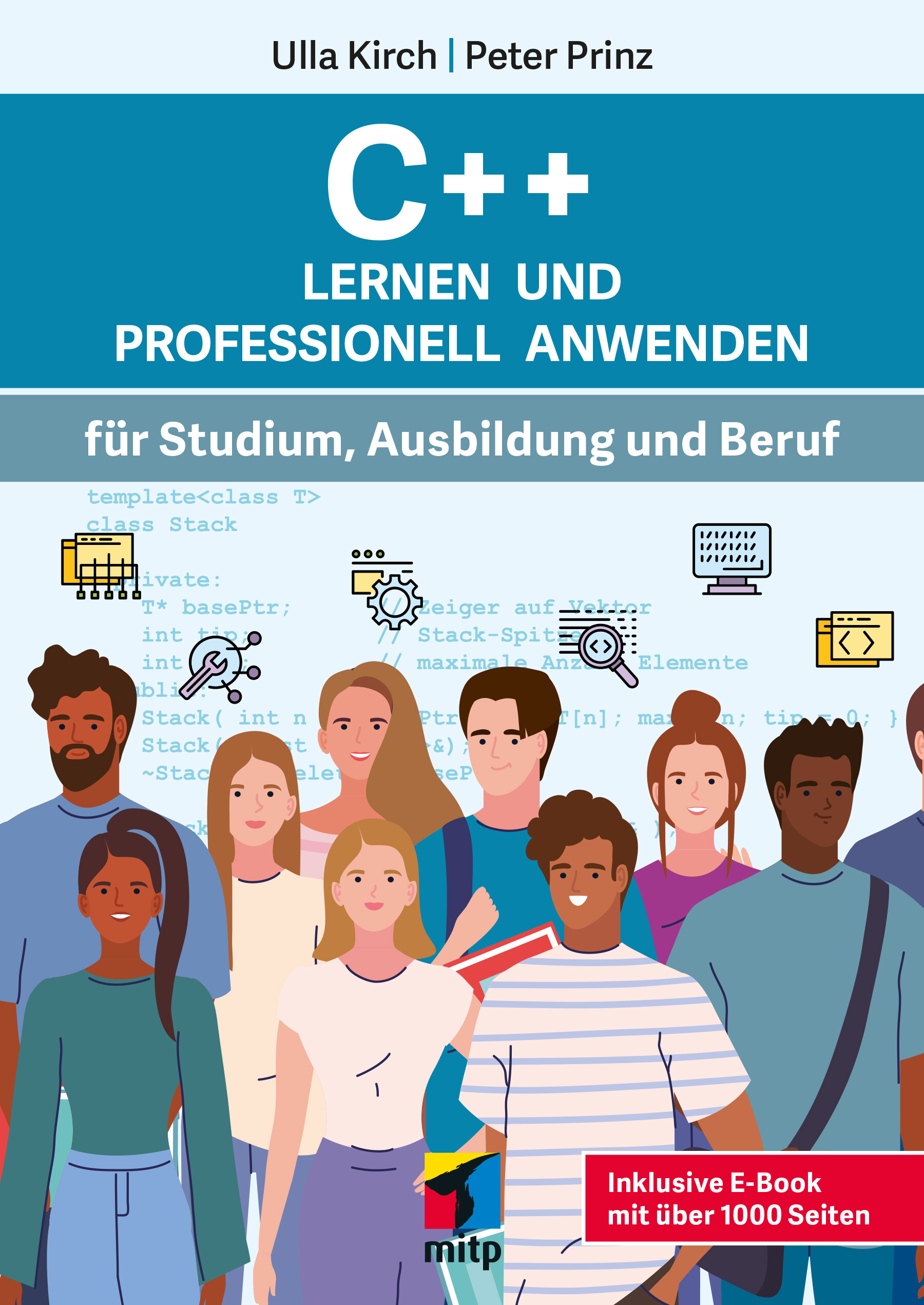
C++ Lernen und professionell anwenden
Für Studium, Ausbildung und BerufSie möchten die Programmiersprache C++ erlernen und sind Anfänger? Dann ist dieses Buch richtig für Sie! Es richtet sich besonders an alle, die C++ in Studium, Ausbildung oder Beruf lernen und keine Vorkenntnisse in der Programmierung mit C++ haben.Die Ausrichtung des Studiengangs spielt dabei keine Rolle. Alle Themen werden fachunabhängig erläutert. Die Übungen und praktischen Beispiele decken viele unterschiedliche Anwendungsbereiche ab, so dass Sie auf die verschiedensten Aufgaben optimal vorbereitet sind.Sie lernen die elementaren Sprachkonzepte von C++ und werden schrittweise bis zur Entwicklung professioneller C++-Programme geführt. In den Beispielen zeigen die Autoren die ganze Breite des Anwendungsspektrums auf. Dabei basiert die Sprachbeschreibung auf dem ISO-Standard, der von allen gängigen Compilern unterstützt wird (Visual C++, GNU C++ etc.).Für den professionellen Einsatz sind in den hinteren Kapiteln Themen wie Smart Pointer, Multithreading und Algorithmen der Standard-Template-Library beschrieben. Die Übungen in jedem Kapitel helfen Ihnen, Ihr Wissen zu festigen und sich auf Prüfungen vorzubereiten.Aus dem Inhalt:Datentypen KontrollstrukturenOperatorenMakrosFunktionenVektorenStringsMatrizenReferenzen und ZeigerSpeicherreservierung zur LaufzeitDynamische Arrays und Move-SemantikKlassenVererbung und PolymorphieException-HandlingDateiverarbeitung und portabler Zugriff auf das DateisystemTemplates und ContainerSmart PointerMultithreadingAlgorithmen der StandardbibliothekUmfassendes GlossarÜber die Autoren:Prof. Dr. Ulla Kirch unterrichtet an der FH München und Dr. Peter Prinz ist Software-Entwickler. Sie haben bereits zahlreiche Bücher zu C und C++ geschrieben.
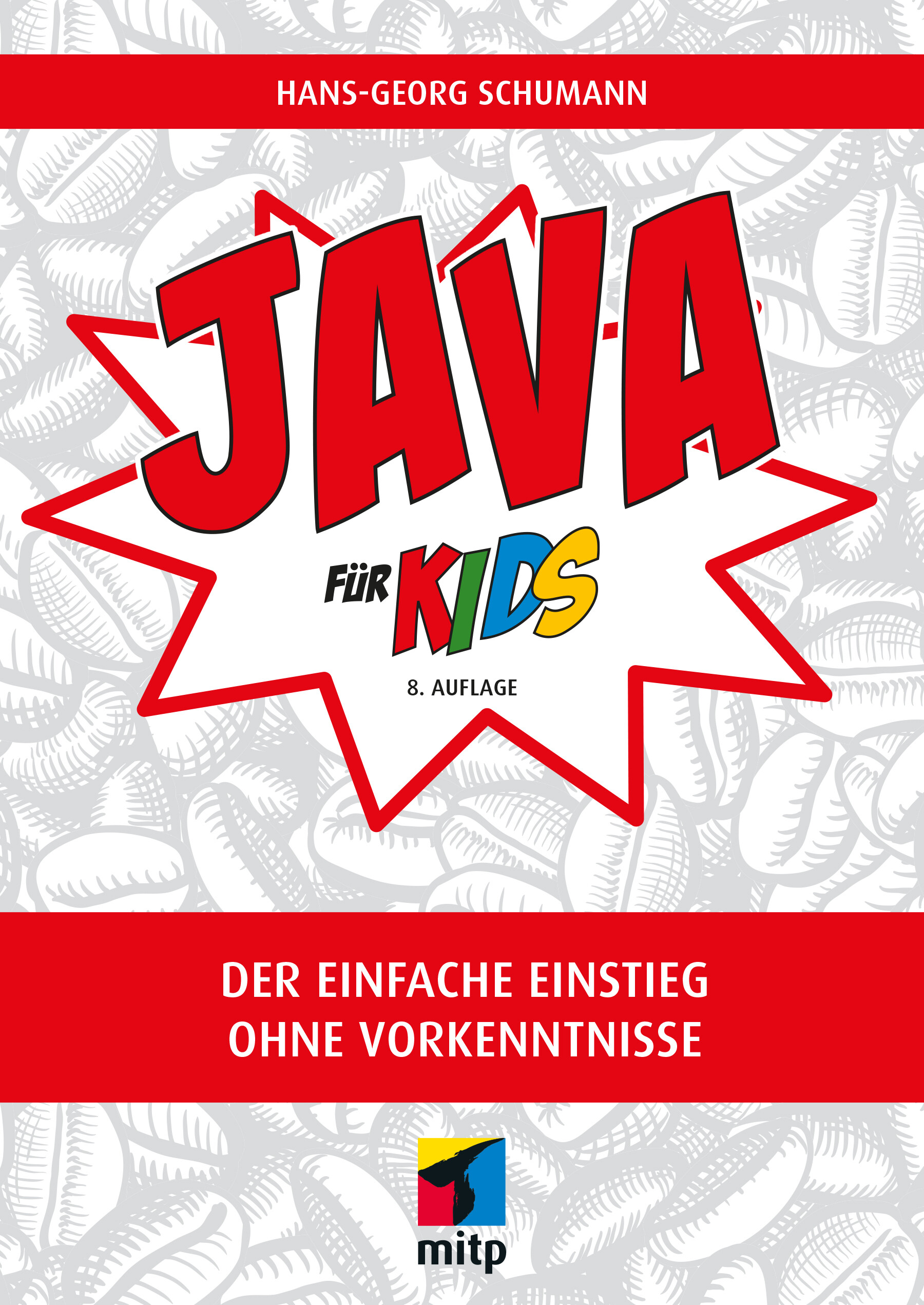
Java für Kids (8. Auflage)
Die Programmiersprache Java lernen ohne Vorkenntnisse. Kleine Spiele programmieren und sich Schritt für Schritt mit Java vertraut machen. Mit Fragen und Aufgaben am Ende jedes Kapitels.Java - wer denkt da nicht an eine Insel, auf der es heiß und feucht ist, mit Vulkanen, viel Wald und seltenen Tieren? Du nicht? Du denkst an eine Programmiersprache? Dann bist du hier richtig! In diesem Buch erfährst du, dass diese Sprache einiges zu bieten hat, und mit der Entwicklungsumgebung Eclipse schaffst du den Einstieg in Java spielend!Hans-Georg Schumann zeigt dir, wie du mit Java erste Programme schreibst und welche Zutaten du dazu benötigst: Variablen, Kontrollstrukturen, Klassen und mehr. Schritt für Schritt werden die Quelltexte umfangreicher bis hin zur objektorientierten Programmierung und dem Einsatz von Java-Komponenten. Schnell hast du ein erstes Lotto-Spiel programmiert, dein Programm mit Buttons und Häkchen professionell ausgestattet und den Rechner dazu gebracht, Quizfragen zu stellen. Du kannst mit Java aber auch bunte Grafiken erstellen oder Figuren animieren. Zudem macht das Programmieren von Spielen wie Hang-Man oder Stein-Schere-Papier nicht nur dir als Programmierer oder Programmiererin großen Spaß.Das ist auch nicht so kompliziert, wie es sich anhört! Denn alles wird genau erklärt und am Ende der Kapitel noch einmal zusammengefasst.Über den Autor:Hans-Georg Schumann war Informatik- und Mathematiklehrer an einer Gesamtschule. Er hat viele erfolgreiche Bücher in der mitp-Buchreihe »... für Kids« geschrieben.

Coding All-in-One For Dummies
THE GO-TO GUIDE FOR LEARNING CODING FROM THE GROUND-UPAdding some coding know-how to your skills can help launch a new career or bolster an old one. Coding All-in-One For Dummies offers an ideal starting place for learning the languages that make technology go. This edition gets you started with a helpful explanation of how coding works and how it’s applied in the real-world before setting you on a path toward writing code for web building, mobile application development, and data analysis. Add coding to your skillset for your existing career, or begin the exciting transition into life as a professional developer—Dummies makes it easy.* Learn coding basics and how to apply them * Analyze data and automate routine tasks on the job * Get the foundation you need to launch a career as a coder * Add HTML, JavaScript, and Python know-how to your resume This book serves up insight on the basics of coding, designed to be easy to follow, even if you’ve never written a line of code in your life. You can do this.This All-in-One includes work by expert coders and coding educators, including CHRIS MINNICK AND EVA HOLLAND coauthors of Coding with JavaScript For Dummies; NIKHIL ABRAHAM, author of Coding For Dummies and Getting a Coding Job For Dummies;JOHN PAUL MUELLER AND LUCA MASSARON, coauthors of Python for Data Science For Dummies and Machine Learning For Dummies; and BARRY BURD, author of Flutter For Dummies.INTRODUCTION 1About This Book 2Foolish Assumptions 2Icons Used in This Book 3Beyond the Book 4Where to Go from Here 4BOOK 1: GETTING STARTED WITH CODING 5CHAPTER 1: WHAT IS CODING? 7Defining What Code Is 8Following instructions 8Writing code with some Angry Birds 9Understanding What Coding Can Do for You 10Eating the world with software 10Coding on the job 12Scratching your own itch (and becoming rich and famous) 13Surveying the Types of Programming Languages 13Comparing low-level and high-level programming languages 14Contrasting compiled code and interpreted code 15Programming for the web 16Taking a Tour of a Web App Built with Code 16Defining the app’s purpose and scope 16Standing on the shoulders of giants 17CHAPTER 2: PROGRAMMING FOR THE WEB 19Displaying Web Pages on Your Desktop and Mobile Device 20Hacking your favorite news website 20Understanding how the World Wide Web works 23Watching out for your frontend and backend 24Defining web and mobile applications 25Coding Web Applications 26Starting with HTML, CSS, and JavaScript 26Adding logic with Python, Ruby, or PHP 27Coding Mobile Applications 28Building mobile web apps 29Building native mobile apps 30Deploying Web Applications in the Cloud 31CHAPTER 3: BECOMING A PROGRAMMER 33Writing Code Using a Process 34Researching what you want to build 35Designing your app 36Coding your app 37Debugging your code 38Picking Tools for the Job 39Working offline 39Working online with CodeSandbox.io 40BOOK 2: BASIC WEB CODING 43CHAPTER 1: EXPLORING BASIC HTML 45What Does HTML Do? 46Understanding HTML Structure 47Identifying elements 47Featuring your best attribute 49Standing head, title, and body above the rest 50Getting Familiar with Common HTML Tasks and Elements 52Writing headlines 53Organizing text in paragraphs 54Linking to your (heart’s) content 55Adding images 56Styling Me Pretty 58Highlighting with bold, italics, underline, and strikethrough 58Raising and lowering text with superscript and subscript 59Building Your First Website Using HTML 60CHAPTER 2: GETTING MORE OUT OF HTML 63Organizing Content on the Page 64Listing Data 66Creating ordered and unordered lists 66Nesting lists 67Putting Data in Tables 68Basic table structuring 69Stretching table columns and rows 70Aligning tables and cells 72Filling Out Forms 75Understanding how forms work 75Creating basic forms 76Practicing More with HTML 78CHAPTER 3: GETTING STYLISH WITH CSS 79What Does CSS Do? 79CSS Structure 81Choosing the element to style 81My property has value 83Hacking the CSS on your favorite website 84Common CSS Tasks and Selectors 86Font gymnastics: Size, color, style, family, and decoration 86Customizing links 90Adding background images and styling foreground images 93Getting Stylish 97Adding CSS to your HTML 97Practicing with CSS 99CHAPTER 4: NEXT STEPS WITH CSS 101Styling (More) Elements on Your Page 102Styling lists 102Designing tables 105Selecting Elements to Style 107Styling specific elements 107Naming HTML elements 112Aligning and Laying Out Your Elements 113Organizing data on the page 114Shaping the div 116Understanding the box model 117Positioning the boxes 119Writing More Advanced CSS 122CHAPTER 5: RESPONSIVE LAYOUTS WITH FLEXBOX 123Introducing Responsive Design 124The web is mobile 124Why are so many sites mobile-unfriendly? 124Introducing mobile-first design 124Making responsive web pages with the viewport meta tag 125Using Flexbox 128Creating boxes 129Thinking in one dimension 130Using multi-line containers 133Make no assumptions 134Aligning on the cross-axis 134Aligning on the main axis 136Modifying flexible boxes 137Changing the order of items 139Experimenting with Flexbox 140CHAPTER 6: STYLING WITH BOOTSTRAP 143Figuring Out What Bootstrap Does 144Installing Bootstrap 145Understanding the Layout Options 147Lining up on the grid system 147Dragging and dropping to a website 150Using predefined templates 151Adapting layout for mobile, tablet, and desktop 151Coding Basic Web Page Elements 153Designing buttons 153Navigating with toolbars 155Adding icons 157Practicing with Bootstrap 158BOOK 3: ADVANCED WEB CODING 159CHAPTER 1: WHAT IS JAVASCRIPT? 161What Is JavaScript? 161The Eich-man cometh 162Mocha-licious 163We need more effects! 163JavaScript Grows Up 164Dynamic scripting language 165What does JavaScript do? 166Why JavaScript? 167JavaScript is easy to learn! 168JavaScript is everywhere! 169JavaScript is powerful! 172JavaScript is in demand! 172CHAPTER 2: WRITING YOUR FIRST JAVASCRIPT PROGRAM 173Setting Up Your Development Environment 173Downloading and installing Chrome 174Downloading and installing a code editor 174Reading JavaScript Code 181Running JavaScript in the Browser Window 182Using JavaScript in an HTML event attribute 182Using JavaScript in a script element 183Including external JavaScript files 185Using the JavaScript Developer Console 188Commenting Your Code 189Single-line comments 190Multi-line comments 190Using comments to prevent code execution 191CHAPTER 3: WORKING WITH VARIABLES 193Understanding Variables 193Initializing Variables 195Understanding Global and Local Scope 197Naming Variables 199Creating Constants Using the const Keyword 201Working with Data Types 202Number data type 202bigInt data type 205String data type 205Boolean data type 208NaN data type 209Undefined data type 210Symbol data type 210CHAPTER 4: UNDERSTANDING ARRAYS 211Making a List 211Array Fundamentals 213Arrays are zero-indexed 213Arrays can store any type of data 214Creating Arrays 215Using the new keyword method 215Array literal 215Populating Arrays 215Understanding Multidimensional Arrays 216Accessing Array Elements 218Looping through arrays 219Array properties 220Array methods 220Using array methods 222CHAPTER 5: WORKING WITH OPERATORS, EXPRESSIONS, AND STATEMENTS 225Express Yourself 226Hello, Operator 226Operator precedence 226Using parentheses 227Types of Operators 230Assignment operators 230Comparison operators 231Arithmetic operators 231String operator 234Bitwise operators 234Logical operators 236Special operators 237Combining operators 239CHAPTER 6: GETTING INTO THE FLOW WITH LOOPS AND BRANCHES 241Branching Out 241if else statements 242Switch statements 243Here We Go: Loop De Loop 246for loops 246for in loops 248while loops 251do while loops 252break and continue statements 253CHAPTER 7: GETTING FUNCTIONAL 255Understanding the Function of Functions 255Using Function Terminology 257Defining a function 257Function head 257Function body 257Calling a function 258Defining parameters and passing arguments 258Returning a value 258The Benefits of Using Functions 258Writing Functions 262Returning Values 263Passing and Using Arguments 264Passing arguments by value 265Passing arguments by reference 267Calling a function without all the arguments 267Setting default parameter values 267Calling a function with more arguments than parameters 268Getting into arguments with the arguments object 268Understanding Function Scope 269Creating Anonymous Functions 270Knowing the differences between anonymous and named functions 270Arrow functions 270Doing it Again with Recursion 271Functions within Functions 273CHAPTER 8: MAKING AND USING OBJECTS 275Object of My Desire 275Creating Objects 277Defining objects with object literals 277Defining objects with a constructor function 278Making objects with class 279Using Object.create 280Retrieving and Setting Object Properties 280Using dot notation 281Using square bracket notation 281Deleting Properties 283Working with Methods 284Using this 286An Object-Oriented Way to Become Wealthy: Inheritance 287Creating an object using inheritance 288Modifying an object type 289CHAPTER 9: CONTROLLING THE BROWSER WITH THE WINDOW OBJECT 291Understanding the Browser Environment 291The user interface 292Loader 293HTML parsing 294CSS parsing 294JavaScript parsing 294Layout and rendering 295Investigating the BOM 295The Navigator object 295The Window object 298Using the Window object’s methods 304CHAPTER 10: MANIPULATING DOCUMENTS WITH THE DOM 307Understanding the DOM 307Understanding Node Relationships 309Using the Document Object’s Properties and Methods 314Using the Element Object’s Properties and Methods 316Working with the Contents of Elements 319innerHTML 319Setting attributes 320Getting Elements by ID, Tag Name, or Class 320getElementById 321getElementsByTagName 322getElementsByClassName 322Using the Attribute Object’s Properties 324Creating and Appending Elements 325Removing Elements 325CHAPTER 11: USING EVENTS IN JAVASCRIPT 327Knowing Your Events 327Handling Events 329Using inline event handlers 330Event handling using element properties 331Event handling using addEventListener 332Stopping propagation 336CHAPTER 12: INTEGRATING INPUT AND OUTPUT 339Understanding HTML Forms 339The form element 340The label element 341The input element 342The select element 344The textarea element 344The button element 344Working with the Form Object 345Using Form properties 345Using the Form object’s methods 347Accessing form elements 348Getting and setting form element values 349Validating user input 351CHAPTER 13: UNDERSTANDING CALLBACKS AND CLOSURES 355What Are Callbacks? 355Passing functions as arguments 356Writing functions with callbacks 356Using named callback functions 357Understanding Closures 360Using Closures 363CHAPTER 14: EMBRACING AJAX AND JSON 367Working behind the Scenes with AJAX 367AJAX examples 368Viewing AJAX in action 370Using the XMLHttpRequest object 373Working with the same-origin policy 375Using CORS, the silver bullet for AJAX requests 377Putting Objects in Motion with JSON 378BOOK 4: CREATING MOBILE APPS 383CHAPTER 1: WHAT IS FLUTTER? 385All About Hardware and Software 385Where Does Flutter Fit In? 389Cross-platform development 390A quick-and-easy development cycle 394A great way to think about app development 396Enough New Terminology! What’s Next? 400CHAPTER 2: SETTING UP YOUR COMPUTER FOR MOBILE APP DEVELOPMENT 401The Stuff You Need 401What to Do 403Getting and installing the stuff 403For Mac users only 406Configuring Android Studio 407Running your first app 408Dealing with the Devil’s Details 413On installing Android Studio 414On launching Android Studio for the first time 414On adding virtual devices 415On installing Flutter 416Divisiveness Among Devices 418Running apps on an Android device 418Testing apps on a physical device 419Using Android Studio 424Starting up 425The main window 425Running This Book’s Sample Programs 429Enjoying reruns 431If you’re finicky 432CHAPTER 3: “HELLO” FROM FLUTTER 433First Things First: Creating a Flutter Project 434What’s it all about? 436A constructor’s parameters 440A note about punctuation 442Don’t relent — simply indent 442Classes, Objects, and Widgets 444A brief treatise on “within-ness” 446The documentation is your friend 447Making Things Look Nicer 448Creating a scaffold 451Adding visual tweaks 453Dart’s enum feature 454Hello from sunny California! 454Adding another widget 456Centering the text (Part 1) 459Centering the text (Part 2) 461Displaying an image 464Hey, Wait a Minute 468CHAPTER 4: HELLO AGAIN 469Creating and Using a Function 470The function declaration 471A function call 472Parameters and the return value 472Programming in Dart: The Small Stuff 475Statements and declarations 475Dart’s typing feature 476Literals, variables, and expressions 477Two for the price of one 480Dart’s var keyword 483Built-in types 484Types that aren’t built-in 486Using import declarations 487Creating Function Declaration Variations 487Type names in function declarations 490Naming your parameters 491What about the build function? 492More Fun to Come! 493CHAPTER 5: MAKING THINGS HAPPEN 495Let’s All Press a Floating Action Button 495Stateless widgets and stateful widgets 498Widgets have methods 498Pay no attention to the framework behind the curtain 500Enhancing Your App 509More parameters, please 512The override annotation 514What does mean? 515Anonymous functions 516What belongs where 519Names that start with an underscore 524Whew! 525CHAPTER 6: LAYING THINGS OUT 527Understanding the Big Picture 528Creating bite-size pieces of code 531Creating a parameter list 533Living color 534Adding padding 535Your humble servant, the Column widget 537The SizedBox widget 539Your friend, the Container widget 539Nesting Rows and Columns 545Introducing More Levels of Nesting 546Using the Expanded Widget 549Expanded versus unexpanded 552Expanded widget saves the day 555Flexing some muscles 560How Big Is My Device? 562CHAPTER 7: INTERACTING WITH THE USER 567A Simple Switch 568Dart’s const keyword 571Compatible or NOT? 572Wait For It! 574How Much Do You Love Flutter? 576Dealing with Text Fields 581Callouts 1 and 2 582Callout 3 585Callout 4 586Callout 5 590Creating Radio Buttons 590Creating an enum 593Building the radio group 593Displaying the user’s choice 595Creating a Drop-Down Button 596Building the drop-down button 600The little Reset button 601Making a map 602Onward and Upward 603CHAPTER 8: NAVIGATION, LISTS, AND OTHER GOODIES 605Extending a Dart Class 605Navigating from One Page to Another 608An icon on a button 612Pushing and popping 612Passing Data from the Source to a Destination 613Passing Data Back to the Source 618Dart’s async and await keywords 621Taking control of the app bar’s Back button 623Passing Data in Both Directions 624Creating Named Routes 629Creating a List 633The ListView widget 634Creating list items one-by-one 639Making loops with Dart 643Fetching Data from the Internet 646Using a public API 647Sending an URL to a server 650Making sense of a JSON response 651What’s Next? 652CHAPTER 9: MOVING RIGHT ALONG 653Setting the Stage for Flutter Animation 653Moving Along a Straight Line 659Bouncing Around 664Animating Size and Color Changes 666Moving Along a Curve 668Dragging Things Around 670Tearing Things Up 673BOOK 5: GETTING STARTED WITH PYTHON 675CHAPTER 1: WRAPPING YOUR HEAD AROUND PYTHON 677What Does Python Do? 678Defining Python Structure 679Understanding the Zen of Python 679Styling and spacing 680Coding Common Python Tasks and Commands 681Defining data types and variables 681Computing simple and advanced math 682Using strings and special characters 684Deciding with conditionals: if, elif, else 685Input and output 686Shaping Your Strings 687Dot notation with upper(), lower(), capitalize(), and strip() 687String formatting with % 688CHAPTER 2: INSTALLING A PYTHON DISTRIBUTION 689Using Anaconda 690Getting Anaconda 690Defining why Anaconda is used in this book 691Installing Anaconda on Linux 692Installing Anaconda on macOS X 693Installing Anaconda on Windows 694Downloading the Data Sets and Example Code 696Starting Anaconda Navigator 697Using Jupyter Notebook 697Defining the code repository 699Understanding the data sets used in this book 704CHAPTER 3: WORKING WITH REAL DATA 707Uploading, Streaming, and Sampling Data 708Uploading small amounts of data into memory 709Streaming large amounts of data into memory 710Generating variations on image data 711Sampling data in different ways 712Accessing Data in Structured Flat-File Form 714Reading from a text file 714Reading CSV-delimited format 715Reading Excel and other Microsoft Office files 718Sending Data in Unstructured File Form 719Managing Data from Relational Databases 722Interacting with Data from NoSQL Databases 724Accessing Data from the Web 725Accessing XML data 725Using read_xml 727BOOK 6: DATA ANALYSIS WITH PYTHON 729CHAPTER 1: CONDITIONING YOUR DATA 731Juggling between NumPy and pandas 732Knowing when to use NumPy 732Knowing when to use pandas 732Validating Your Data 733Figuring out what’s in your data 734Removing duplicates 737Creating a data map and data plan 738Manipulating Categorical Variables 740Creating categorical variables 741Renaming levels 742Combining levels 743Dealing with Dates in Your Data 744Formatting date and time values 745Using the right time transformation 745Dealing with Missing Data 747Finding the missing data 747Encoding missingness 748Imputing missing data 749Slicing and Dicing: Filtering and Selecting Data 750Slicing rows 750Slicing columns 751Dicing 752Concatenating and Transforming 752Adding new cases and variables 753Removing data 754Sorting and shuffling 755Aggregating Data at Any Level 757CHAPTER 2: SHAPING DATA 759Working with HTML Pages 760Parsing XML and HTML 760Using XPath for data extraction 761Working with Raw Text 763Dealing with Unicode 763Stemming and removing stop words 764Introducing regular expressions 766Using the Bag of Words Model and Beyond 768Understanding the bag of words model 769Working with n-grams 771Implementing TF-IDF transformations 772Working with Graph Data 774Understanding the adjacency matrix 775Using NetworkX basics 775CHAPTER 3: GETTING A CRASH COURSE IN MATPLOTLIB 779Starting with a Graph 780Defining the plot 780Drawing multiple lines and plots 781Saving your work 782Setting the Axis, Ticks, Grids 783Getting the axes 783Formatting the axes 784Adding grids 785Defining the Line Appearance 786Working with line styles 786Using colors 787Adding markers 789Using Labels, Annotations, and Legends 790Adding labels 791Annotating the chart 792Creating a legend 793CHAPTER 4: VISUALIZING THE DATA 795Choosing the Right Graph 796Showing parts of a whole with pie charts 796Creating comparisons with bar charts 797Showing distributions using histograms 799Depicting groups using box plots 800Seeing data patterns using scatterplots 802Creating Advanced Scatterplots 803Depicting groups 803Showing correlations 804Plotting Time Series 806Representing time on axes 806Plotting trends over time 807Visualizing Graphs 809Developing undirected graphs 809Developing directed graphs 811BOOK 7: CAREER BUILDING WITH CODING 813CHAPTER 1: EXPLORING CODING CAREER PATHS 815Augmenting Your Existing Job 816Creative design 816Content and editorial 817Human resources 818Product management 819Sales and marketing 820Legal 821Finding a New Coding Job 822Frontend web development 823Backend web development 824Mobile application development 826Data analysis 827CHAPTER 2: EXPLORING UNDERGRADUATE AND GRADUATE DEGREES 829Getting a College Degree 830College computer science curriculum 831Doing extracurricular activities 833Two-year versus four-year school 834Enrolling in an Advanced Degree Program 836Graduate school computer science curriculum 837Performing research 838Interning to Build Credibility 839Types of internship programs 839Securing an internship 840CHAPTER 3: TRAINING ON THE JOB 843Taking a Work Project to the Next Level 844Learning on the Job and After Work 845Training on the job 846Learning after work 846Freelancing to Build Confidence and Skills 848Transitioning to a New Role 849Assessing your current role 850Networking with developers 850Identifying roles that match your interest and skills 851CHAPTER 4: CODING CAREER MYTHS 853You Must Be Good at Math 853You Must Have Studied Engineering 854You Can Learn Coding in a Few Weeks 855You Need a Great Idea to Start Coding 855Ruby Is Better than Python 856Only College Graduates Receive Coding Offers 856You Must Have Experience 857Tech Companies Don’t Hire Women or Minorities 858The Highest Paying Coding Jobs Are in San Francisco 859Your Previous Experience Isn’t Relevant 860Index 861

Network Programming with Go Language
Dive into key topics in network architecture implemented with the Google-backed open source Go programming language. Networking topics such as data serialization, application level protocols, character sets and encodings are discussed and demonstrated in Go. This book has been updated to the Go version 1.18 which includes modules, generics, and fuzzing along with updated and additional examples.Beyond the fundamentals, Network Programming with Go, Second Edition covers key networking and security issues such as HTTP protocol changes, validation and templates, remote procedure call (RPC) and REST comparison, and more. Additionally, authors Ronald Petty and Jan Newmarch guide you in building and connecting to a complete web server based on Go. Along the way, use of a Go web toolkit (Gorilla) will be employed.This book can serve as both an essential learning guide and reference on networking concepts and implementation in Go. Free source code is available on Github for this book under Creative Commons open source license.WHAT YOU WILL LEARN* Perform network programming with Go (including JSON and RPC)* Understand Gorilla, the Golang web toolkit, and how to use it* Implement a microservice architecture with Go* Leverage Go features such as generics, fuzzing* Master syscalls and how to employ them with GoWHO THIS BOOK IS FORAnyone interested in learning networking concepts implemented in modern Go. Basic knowledge in Go is assumed, however, the content and examples in this book are approachable with modest development experience in other languages.JAN NEWMARCH, Ph.d., is Head of Higher Education (ICT), Box Hill Institute, Adjunct Senior Research Fellow, Faculty of IT, Monash University, and Adjunct Lecturer, School of Computing and Mathematics Charles Sturt University.RONALD PETTY is a Principal Consultant at RX-M LLC. His programming expertise is in open source languages like Go, Ruby and more. He currently is working on a number of Go code projects on Github.1: Architectural Layers2: Overview of the Go Language3: Socket-Level Programming4: Data Serialization5: Application-Level Protocols6: Managing Character Sets and Encodings7: Security8: HTTP9: Templates10: A Complete Web Server11: HTML12: XML13: Remote Procedure Call14: REST15: WebSockets16: Gorilla17: TestingAppendix A: FuzzingAppendix B: Generics

Beginning Data Science in R 4
Discover best practices for data analysis and software development in R and start on the path to becoming a fully-fledged data scientist. Updated for the R 4.0 release, this book teaches you techniques for both data manipulation and visualization and shows you the best way for developing new software packages for R.Beginning Data Science in R 4, Second Edition details how data science is a combination of statistics, computational science, and machine learning. You’ll see how to efficiently structure and mine data to extract useful patterns and build mathematical models. This requires computational methods and programming, and R is an ideal programming language for this.Modern data analysis requires computational skills and usually a minimum of programming. After reading and using this book, you'll have what you need to get started with R programming with data science applications. Source code will be available to support your next projects as well.Source code is available at github.com/Apress/beg-data-science-r4.WHAT YOU WILL LEARN* Perform data science and analytics using statistics and the R programming language* Visualize and explore data, including working with large data sets found in big data* Build an R package* Test and check your code* Practice version control* Profile and optimize your codeWHO THIS BOOK IS FORThose with some data science or analytics background, but not necessarily experience with the R programming language.Thomas Mailund is an associate professor in bioinformatics at Aarhus University, Denmark. His background is in math and computer science but for the last decade his main focus has been on genetics and evolutionary studies, particularly comparative genomics, speciation, and gene flow between emerging species.1. Introduction to R programming.2. Reproducible analysis.3. Data manipulation.4. Visualizing and exploring data.5. Working with large data sets.6. Supervised learning.7. Unsupervised learning.8. More R programming.9. Advanced R programming.10. Object oriented programming.11. Building an R package.12. Testing and checking.13. Version control.14. Profiling and optimizing.

Java Schnelleinstieg
* JAVA PROGRAMMIEREN LERNEN OHNE VORKENNTNISSE* ALLE GRUNDLAGEN FÜR DEN PROFESSIONELLEN EINSATZ* EINFACHE PRAXISBEISPIELE UND ÜBUNGSAUFGABENMit diesem Buch gelingt Ihnen der einfache Einstieg in die Java-Programmierung.Alle Grundlagen werden in 14 Kapiteln anschaulich und leicht nachvollziehbar anhand von Codebeispielen erläutert. Übungsaufgaben am Ende der Kapitel helfen Ihnen, das neu gewonnene Wissen schnell praktisch anzuwenden und zu vertiefen.Der Autor führt Sie Schritt für Schritt in die Welt der Programmierung ein: von den Grundlagen über Objektorientierung und die Entwicklung von Anwendungen mit grafischer Benutzungsoberfläche bis zum Programmieren von REST-Schnittstellen. Dabei lernen Sie ebenfalls, was guten Programmierstil ausmacht und wie man Fehler in Programmtexten finden und von vornherein vermeiden kann.So sind Sie perfekt auf den Einsatz von Java im professionellen Umfeld vorbereitet.AUS DEM INHALT:* Alle Grundlagen einfach erläutert* Objektorientierte Programmierung* Einsatz von Open-Source-Bibliotheken* Grafische Benutzungsoberflächen (GUI)* Einsatz von Datenbanken* Entwicklung von REST-Schnittstellen* Fehlerbehandlung und Debugging* Professioneller Programmierstil* Programmcode, Lösungen und Glossar zum DownloadDaniel Braun ist promovierter Informatiker und forscht und lehrt im Bereich betrieblicher Informationssysteme. Er ist Maintainer einer Open-Source-Java-Bibliothek und Autor verschiedener Programmierbücher.

Automated Deep Learning Using Neural Network Intelligence
Optimize, develop, and design PyTorch and TensorFlow models for a specific problem using the Microsoft Neural Network Intelligence (NNI) toolkit. This book includes practical examples illustrating automated deep learning approaches and provides techniques to facilitate your deep learning model development.The first chapters of this book cover the basics of NNI toolkit usage and methods for solving hyper-parameter optimization tasks. You will understand the black-box function maximization problem using NNI, and know how to prepare a TensorFlow or PyTorch model for hyper-parameter tuning, launch an experiment, and interpret the results. The book dives into optimization tuners and the search algorithms they are based on: Evolution search, Annealing search, and the Bayesian Optimization approach. The Neural Architecture Search is covered and you will learn how to develop deep learning models from scratch. Multi-trial and one-shot searching approaches of automatic neural network design are presented. The book teaches you how to construct a search space and launch an architecture search using the latest state-of-the-art exploration strategies: Efficient Neural Architecture Search (ENAS) and Differential Architectural Search (DARTS). You will learn how to automate the construction of a neural network architecture for a particular problem and dataset. The book focuses on model compression and feature engineering methods that are essential in automated deep learning. It also includes performance techniques that allow the creation of large-scale distributive training platforms using NNI.After reading this book, you will know how to use the full toolkit of automated deep learning methods. The techniques and practical examples presented in this book will allow you to bring your neural network routines to a higher level.WHAT YOU WILL LEARN* Know the basic concepts of optimization tuners, search space, and trials* Apply different hyper-parameter optimization algorithms to develop effective neural networks* Construct new deep learning models from scratch* Execute the automated Neural Architecture Search to create state-of-the-art deep learning models* Compress the model to eliminate unnecessary deep learning layersWHO THIS BOOK IS FORIntermediate to advanced data scientists and machine learning engineers involved in deep learning and practical neural network developmentIVAN GRIDIN is a machine learning expert from Moscow who has worked on distributive high-load systems and implemented different machine learning approaches in practice. One of the primary areas of his research is the design and analysis of predictive time series models. Ivan has fundamental math skills in probability theory, random process theory, time series analysis, machine learning, deep learning, and optimization. He has published books on genetic algorithms and time series analysis. Chapter 1: Introduction to Neural Network Intelligence1.1 Installation1.2 Trial, search space, experiment1.3 Finding maxima of multivariate function1.4 Interacting with NNIChapter 2:Hyper-Parameter Tuning2.1 Preparing a model for hyper-parameter tuning2.2 Running experiment2.3 Interpreting results2.4 DebuggingChapter 3: Hyper-Parameter TunersChapter 4: Neural Architecture Search: Multi-trial4.1 Constructing a search space4.2 Running architecture search4.3 Exploration strategies4.4 Comparing exploration strategiesChapter 5: Neural Architecture Search: One-shot5.1 What is one-shot NAS?5.2 ENAS5.3 DARTSChapter 6: Model Compression6.1 What is model compression?6.2 Compressing your model6.3 Pruning6.4 QuantizationChapter 7: Advanced NNI

Java für Kids
* EINFACHER EINSTIEG IN DIE JAVA-PROGRAMMIERUNG MIT VIELEN PROFI-TIPPS* ZAHLREICHE KLEINE SPIELE PROGRAMMIEREN LERNEN MIT SCHRITT-FÜR-SCHRITT-ANLEITUNGEN* MIT FRAGEN UND AUFGABEN AM ENDE JEDES KAPITELS SOWIE HILFREICHEN SPICKZETTELN ZUM DOWNLOADJava - wer denkt da nicht an eine Insel, auf der es heiß und feucht ist, mit Vulkanen, viel Wald und seltenen Tieren? Du nicht? Du denkst an eine Programmiersprache? Dann bist du hier richtig! In diesem Buch erfährst du, wie du deinem Computer Befehle gibst und unter anderem kleine Spiele programmierst - und er dann tut, was du möchtest.Hans-Georg Schumann zeigt dir, wie du mit Java erste Programme schreibst und welche Zutaten du dazu benötigst: Variablen, Kontrollstrukturen, Klassen und mehr. Schritt für Schritt werden die Quelltexte umfangreicher bis hin zur objektorientierten Programmierung. So schaffst du den Einstieg in Java zusammen mit der Entwicklungsumgebung Eclipse spielend leicht!Schnell hast du ein erstes Lotto-Spiel programmiert, dein Programm mit Buttons und Häkchen professionell ausgestattet und den Rechner dazu gebracht, Quizfragen zu stellen. Du erfährst aber auch, wie du mit Java bunte Grafiken erstellst oder Figuren animierst, also zum Laufen bringst. Zudem macht das Programmieren von Spielen wie Hangman oder Stein-Schere-Papier nicht nur dir als Programmierer oder Programmiererin großen Spaß, sondern auch allen Spielern und Spielerinnen.Programmieren mit Java ist nicht so kompliziert, wie es sich anhört! Denn alles wird genau erklärt und am Ende der Kapitel noch einmal zusammengefasst.AUS DEM INHALT:* Was eine Entwicklungsumgebung ist und wie du z.B. mit Eclipse programmierst* Objekte, Klassen und Pakete kennenlernen* Lleine Spiele entwickeln: Zufallszahlen und Zahlenraten* Grundlagen objektorientierter Programmierung* Optische Gestaltung mit Swing* Ein Quiz-Spiel und Hangman programmieren* Buttons und andere Komponenten als Diagnosehilfe einsetzen* Eine Figur zum Laufen bringen* Zahlreiche Ideen für die Spieleprogrammierung: Von Stein-Schere-Papier bis zur spannenden Käferjagd* Ausführlicher Anhang zur Installation und FehlersucheZUM DOWNLOAD UNTER WWW.MITP.DE/0520:* alle Projekte aus dem Buch* Lösungen zu den Fragen und Aufgaben im Buch* Hilfreiche Spickzettel zum AusdruckenHans-Georg Schumann war Informatik- und Mathematiklehrer an einer Gesamtschule. Er hat bereits viele erfolgreiche Bücher in der mitp-Buchreihe »... für Kids« geschrieben.
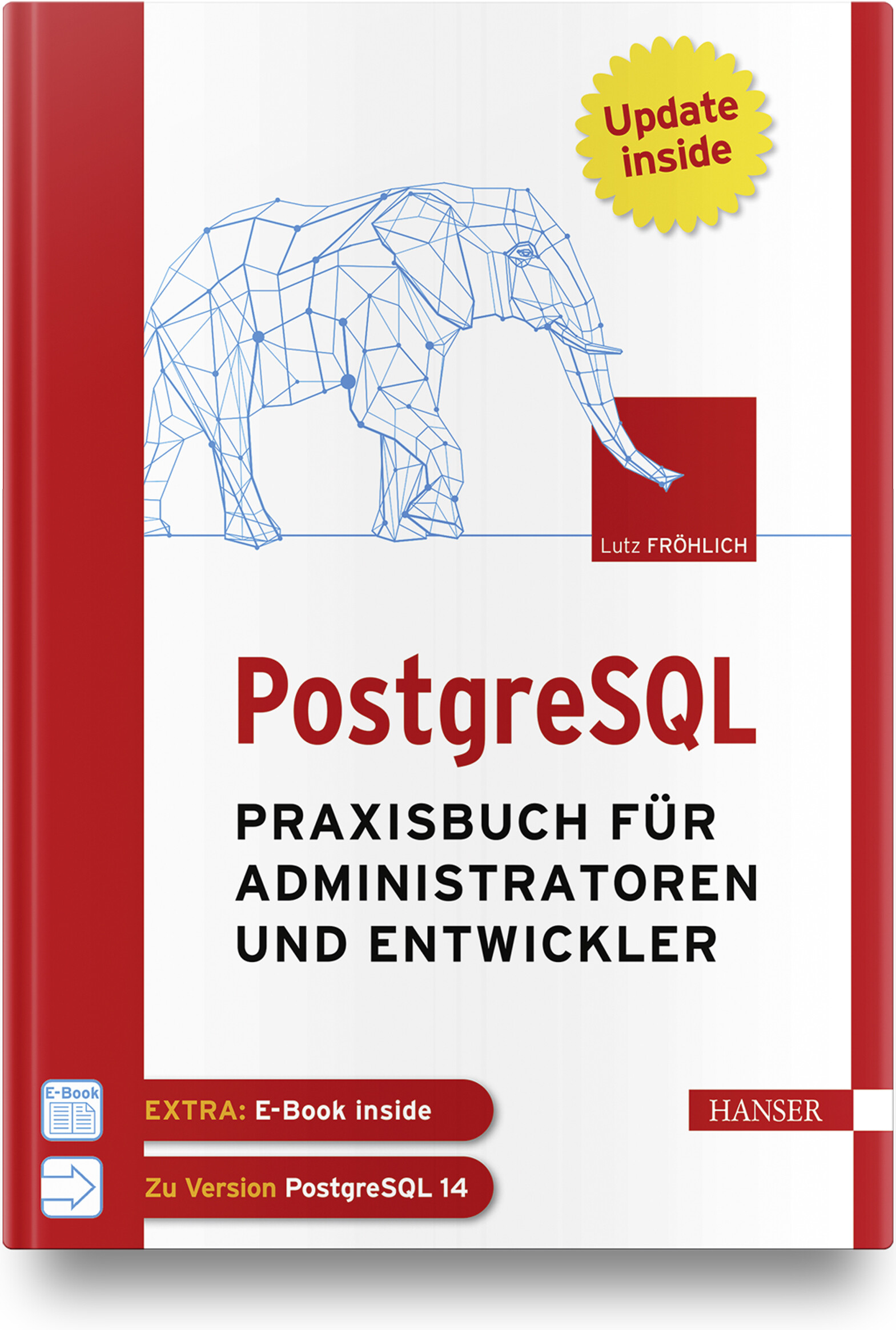
PostgreSQL
Praxisbuch für Administratoren und EntwicklerWenn Sie als Administrator, Entwickler oder IT-/System-Architekt PostgreSQL professionell und erfolgreich in der Praxis einsetzen wollen, finden Sie in diesem Arbeitsbuch die richtige Unterstützung. Administratoren bietet es Anleitung beim täglichen Datenbankbetrieb sowie detaillierte Informationen und Praxistipps zu Themen wie Backup and Recovery, Sicherheit und Überwachung, Performance Tuning oder Hochverfügbarkeit. Einen weiteren Schwerpunkt bildet die Replikation von und nach anderen Datenbanksystemen. IT-Architekten, System-Designer und IT-Manager erfahren, wie PostgreSQL kostengünstig in eine bestehende IT-Infrastruktur platziert werden kann und effektiv mit anderen Datenbanksystemen, wie z. B. Oracle, zusammenarbeitet. Entwickler lernen, wie robuste und performante Datenbankapplikationen erstellt werden und erhalten außerdem einen praktischen Leitfaden für den Umstieg von Oracle auf PostgreSQL. Eigene Kapitel widmen sich den Themen PostgreSQL für Data Science und maschinelles Lernen.Aus dem Inhalt: Konfiguration von Cluster und DatenbankDie Architektur von PostgreSQLHot Standby, Streaming Replication und Logical ReplicationTuning von Datenbanken und SQL-AnweisungenParallelisierung und PartitionierungEntwicklung von Applikationen für PostgreSQLIndexe einsetzenTextverarbeitungReplikation zwischen PostgreSQL und OracleData Science und MLPostgreSQL in der CloudLeseprobe (PDF-Link)Autor: Lutz Fröhlich ist Diplom-Mathematiker und freiberuflicher IT-Berater. Er beschäftigt sich seit 30 Jahren mit Datenbanken und schöpft seine praktischen Erfahrungen aus langjährigen Consulting-Tätigkeiten in den USA und in Europa. Seine Spezialgebiete sind Performance, Hochverfügbarkeit, Exadata sowie Daten-Replikation und Streaming. Er arbeitet seit mehreren Jahren in den Bereichen Data Science und maschinelles Lernen und hält regelmäßig Seminare und Vorträge zu diesen und anderen Themen.
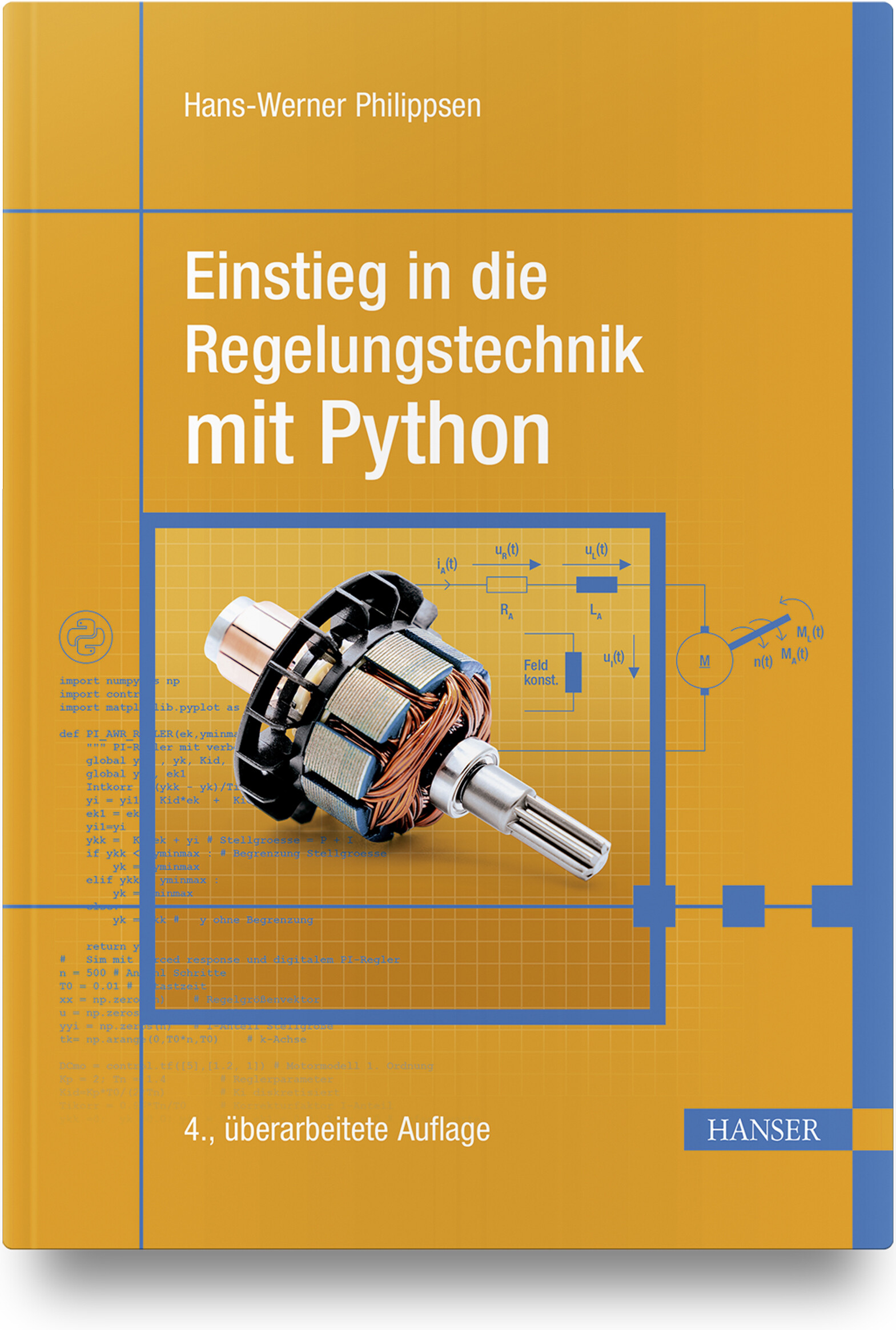
Einstieg in die Regelungstechnik mit Python (4. Auflage)
Die 4., überarbeitete und erweiterte Auflage dieses Lehrbuchs bietet eine systemorientierte Einführung in das Fachgebiet der Regelungstechnik. Die wesentlichen Grundlagen werden anhand vielfältiger praktischer Beispiele behandelt, die in der Programmiersprache Python umgesetzt sind. Nach einer kurzen Einführung in Python und in die Software-Pakete NumPy, SciPy und Control, werden die theoretischen Grundlagen der Regelungstechnik behandelt. Im Vordergrund steht die praxisnahe Vermittlung des Stoffes und nicht eine möglichst umfangreiche Aneinanderreihung von Analyse- und Syntheseverfahren. Ziel ist die schnelle Befähigung zur Berechnung und erfolgreichen praktischen Realisierung eines Reglers. Es werden nur die dafür notwendigen mathematischen Grundlagen vermittelt. Übungsaufgaben runden die Inhalte ab. Die vierte Auflage wurde um Entwurfsverfahren für integralwirkende Strecken, Strecken mit Totzeit sowie um die numerische Optimierung von Regelkreisen erweitert. Hinzugefügt wurde das Thema Modellreduktion und um ein Beispiel ergänzt wurde der Zustandsreglerentwurf.Leseprobe (PDF-Link)Autor: Prof. Dr.-Ing. Hans-Werner Philippsen unterrichtet Regelungstechnik an der Hochschule Bremen. Seine Arbeitsgebiete umfassen die Regelung von mechatronischen Systemen, Fahrzeugregelungen sowie Vorgehensmodelle für die Regelungstechnik.

Spektrum Kompakt - Mensch und Maschine
Der Film Ex Machina war 2014 Sciencefction und ist es noch. Aber würden Sie es merken, ob dieses Editorial von mir stammt – oder von einer künstlichen Intelligenz, die es zusammenfügt aus Wörtern, Satzbausteinen, vielleicht ganzen Absätzen, die sie während des Lernprozesses durchforstet hat? Und was lernen wiederum wir Menschen aus den Ergebnissen und Erfahrungen der KI-Forschung über die Funktionsweise unseres Gehirns? Wo sich Neurowissenschaften, Informatik und auch Philosophie treffen, entstehen spannende Fragen – und Antworten.
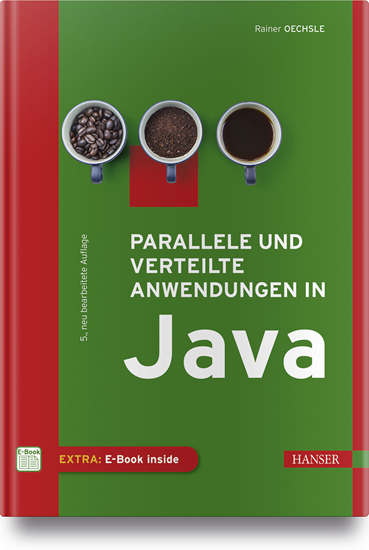
Parallele und verteilte Anwendungen in Java
Für Nutzer ist es selbstverständlich, dass sie mehrere Programme gleichzeitig verwenden können oder dass Programme so komplex sind, dass sie auf mehrere Rechner zugreifen müssen. Aber wie werden solche Anwendungen programmiert?Das vorliegende Standardwerk zu Parallelität und Verteilung behandelt als Lehrbuch zwei eng miteinander verknüpfte Basisthemen der Informatik: die Programmierung paralleler (nebenläufiger) und verteilter Anwendungen.Das Lehrbuch wendet sich an Studierende der Informatik, ingenieurwissenschaftliche Studiengänge mit Grundkenntnissen in Java (Objektorientierung) sowie Softwareentwickler.Es werden zunächst anhand zahlreicher Beispiele grundlegende Synchronisationskonzepte für die Programmierung paralleler Abläufe präsentiert.Neben den "klassischen" Synchronisationsmechanismen von Java werden auch die Konzepte aus der Java-Concurrency-Klassenbibliothek vorgestellt.Weiteres Basiswissen etwa über grafische Benutzeroberflächen, das MVC-Entwurfsmuster oder Rechnernetze, wird im Buch anschaulich und praxisnah vermittelt.Aus dem Inhalt:• Grundlegende Synchronisationskonzepte• Fortgeschrittene Synchronisationskonzepte• Parallelität und grafische Benutzeroberflächen• Anwendungen mit Sockets• Anwendungen mit RMI• Webbasierte Anwendungen mit Servlets und JSP

Rust
Grundlagen und fortgeschrittene Techniken.Dieses Buch vermittelt Anwendungsentwicklern Theorie und Praxis der Sprache Rust und zeigt, wo sie gewinnbringend in neuen Projekten verwendet und wie sie sich in bestehende Projekte gut integrieren lässt.Es illustriert alle Inhalte mit zahlreichen Rust-Beispielen. Nach einer Einführung in die Grundlagen, Nebenläufigkeit und das Testen mit Rust kommt der praktische Teil.Anhand einer Webapplikation und ihrer Aufteilung in Microservices werden die Vorteile und Eigenheiten der Sprache Rust anschaulich vermittelt. Systemnahe Programmierung, die Kommunikation mit Sprachen wie Java, aber auch die Verwendung von WebAssembly werden ebenfalls betrachtet.Nach der Lektüre dieses Buchs können Sie produktiv in Rust programmieren und haben neben den Grundlagen ein gutes Verständnis für typische Anwendungsbereiche der Sprache wie WebAssembly, Systemnahe Programmierung oder Einbindung in bestehende Umgebungen über Language Bindings.

R - kurz & gut
Die praktische Kurzeinführung und Referenz für die Statistik-Software R* Konkurrenzlos günstig und kompakt* Für Studium, Wissenschaft und die Datenanalyse in Unternehmen* Deckt den kompletten Datenzyklus ab: Datenerzeugung, das Einlesen und Speichern, Bearbeiten und Aufbereiten der Daten, die graphische Darstellung und die statistische AuswertungIn Zeiten von Data Mining und künstlicher Intelligenz ist die Verarbeitung großer Datenmengen ein Thema, dessen Bedeutung enorm zugenommen hat. Die beliebte Open-Source-Software R ist eine Programmiersprache und Arbeitsumgebung, die auf die numerische und graphische Datenanalyse spezialisiert ist. Dieses Buch hat das Ziel, Sie schnell und effizient mit R vertraut zu machen und Ihnen die prinzipielle Funktionsweise und die Möglichkeiten, die diese Sprache bietet, zu vermitteln.R – kurz & gut richtet sich an diejenigen, die sich bereits mit statistischen Grundbegriffen auskennen und möglichst schnell mit R produktiv starten möchten. Das Buch bietet eine Einführung in die Arbeit mit der Entwicklungsumgebung und vermittelt einen Überblick über die R-Syntax. Eine kompakte Referenz der zentralen statistischen und programmatischen Funktionen, die zum Basispaket von R gehören, ermöglichen Ihnen ein schnelles Nachschlagen.Jörg Staudemeyer ist IT-Consultant im Ruhestand, aber weiterhin aktiv als Berater und Autor. Während seiner langjährigen Beratertätigkeit im Kontext kommerzieller Großprojekte hatte er Gelegenheit, Erfahrungen in diversen Bereichen der Informationstechnik, insbesondere aber im Java-Umfeld zu sammeln. Ralf C. Staudemeyer ist Professor für IT-Sicherheit an der Hochschule Schmalkalden. Er verfügt über langjährige internationale Erfahrung in Forschung, Lehre und Anwendung. Seine Forschungsschwerpunkte liegen in den Bereichen Computernetzwerke, Maschinelles Lernen, IT-Sicherheit und Datenschutz.

C# 10 - kurz & gut
Konkurrenzlos knapp, aber vollständig: Alle Sprachfeatures von C# 10* Schneller Einstieg in C# 10 für erfahrene Programmierer:innen* Das handliche Format macht das Buch zum idealen Begleiter für alle, die mit C# programmieren* Auch in der Neuauflage eine zuverlässige Referenz der renommierten Autoren Joseph und Ben AlbahariIdeal für vielbeschäftigte Programmierer:innen, die eine knappe und zugleich verständliche Beschreibung von C# 10 und LINQ suchen: C# 10 – kurz & gut gibt Ihnen genau das Wissen an die Hand, das Sie benötigen, um schnell effektiv mit C# 10 arbeiten zu können.Wer schon mit Java, C++ oder einer früheren Version von C# vertraut ist, trifft mit C# 10 – kurz & gut die optimale Wahl: Kein anderes Buch und keine Online-Ressource bietet so viel Inhalt auf so wenig Raum. Konzentriert auf das Wesentliche und sehr praxisorientiert, behandelt dieses Taschenbuch mehr Themen als viele der großen C#-Kompendien. So deckt es auch fortgeschrittene Themen ab wie das Überladen von Operatoren, Typ-Constraints, Iteratoren, nullbare Typen, Closures und asynchrone Funktionen.Diese aktualisierte 7. Auflage wurde um die wichtigsten neuen Features der C#-Version 10 ergänzt.Joseph Albahari entwirft Enterprise-Anwendungen auf .NET und auf anderen Plattformen und hat in der Telekommunikation sowie im Gesundheits- und im Bildungswesen gearbeitet. Neben einer Reihe von O'Reilly-Büchern hat er auch LINQPad, das beliebten Query-Tool für LINQ, geschrieben. Ben Albahari ist Mitbegründer von Auditionist, einer Casting-Website für Schauspieler in Großbritannien. Er war fünf Jahre lang Programm-Manager bei Microsoft, wo er an mehreren Projekten arbeitete, darunter am .NET Compact Framework und an ADO.NET. Er ist Mitbegründer von Genamics, einem Tools-Anbieter für C#- und J++-Programmierer, der Software für DNA- und Proteinsequenz-Analysen entwickelt. Bei einer Reihe von O'Reilly-Büchern zu C# war er Co-Autor.

Clean Craftsmanship
* Aus der Feder des legendären Softwareentwicklers Robert C. Martin (»Uncle Bob«), Autor des Bestsellers Clean Code * Standards und ethische Grundsätze für die Entwicklung von zuverlässiger und vertrauenswürdiger Software * Mit fünf Kerndisziplinen zu besserem und nachhaltigerem Code: Test-Driven Development (TDD), Refactoring, einfaches Design, kollaborative Entwicklung und Akzeptanztests Software Craftsmanship ist kein Beruf, sondern eine Berufung. Der legendäre Softwareentwickler Robert C. Martin (»Uncle Bob«) gibt Ihnen mit diesem Buch einen pragmatischen und praktischen Leitfaden für die Praktiken an die Hand, die für die Softwareentwicklung essenziell sind. Uncle Bob erläutert die Methoden, Standards und ethischen Grundsätze, die es Ihnen ermöglichen, robusten und effektiven Code zu schreiben, auf den Sie stolz sein können. Er erörtert wichtige Standards für die Softwareentwicklung, zeigt auf, wie sich die Erwartungen, die andere an Entwickler stellen, von ihren eigenen unterscheiden, und hilft Ihnen dabei, beide Vorstellungen in Einklang zu bringen. Zum Abschluss geht er auf die Berufsethik für die professionelle Programmierung ein und erläutert die Prinzipien, denen alle Entwickler folgen sollten, um sicheren, nachhaltigen und wartbaren Code zu gewährleisten. Mit den Methoden und Konzepten aus diesem Buch können sowohl Programmierer als auch ihre Manager konsequent Code liefern, der Vertrauen schafft, statt es zu untergraben - bei Usern und gleichermaßen der gesamten Gesellschaft, die auf Software angewiesen ist. Aus dem Inhalt * Auf dem Weg zum »Polarstern« der Software Craftsmanship: wissen, wie man gut programmiert * Praktische Anleitungen zur Anwendung von fünf Kerndisziplinen: testgetriebene Entwicklung (TDD), Refactoring, einfaches Design, kollaborative Entwicklung und Akzeptanztests * Wie Entwickler und Teams Produktivität, Qualität und Courage fördern können * Die wahre Bedeutung von Integrität und Teamarbeit sowie zehn spezifische Grundsätze, denen jeder professionelle Softwareentwickler folgen sollte »Zum richtigen Zeitpunkt eine Erinnerung an die ständig zunehmende Komplexität unserer programmatischen Welt und daran, dass wir es dem Vermächtnis der Menschheit - und uns selbst - schuldig sind, ethische Entwicklung zu betreiben.« - Aus dem Vorwort von Stacia Heimgartner Viscardi, CST & Agile Mentorin Robert C. Martin (»Uncle Bob«) ist bereits seit 1970 als Programmierer tätig. Neben seiner Beraterfirma Uncle Bob Consulting, LLC gründete er gemeinsam mit seinem Sohn Micah Martin auch das Unternehmen The Clean Coders, LLC. Er hat zahlreiche Artikel in verschiedenen Zeitschriften veröffentlicht und hält regelmäßig Vorträge auf internationalen Konferenzen. Zu seinen bekanntesten Büchern zählen Clean Code, Clean Coder und Clean Architecture.

Java Design Patterns
Use the step-by-step approach of this book to learn and implement design patterns in real-world applications. It focuses on classical design patterns with Java 17 and Eclipse (2021-09). In addition to Gang of Four (GoF) design patterns, the book covers popular and alternative design patterns and includes criticisms of design patterns in a chapter on anti-patterns.The book is divided into four parts. Part one covers the SOLID design principles and the Simple Factory pattern. Part two covers the 23 (GoF) design patterns, including the creational patterns, structural patterns, and behavioral patterns. Part three covers alternative design patterns, including the Null Object pattern, and the model-view-controller (MVC) pattern. Part four covers criticisms of design patterns with a quick overview of anti-patterns. It also includes a chapter on FAQs on design patterns.The book also includes a chapter on FAQs on design patterns. Each pattern is explained with real-world examples and the pros and cons of each of the design patterns are discussed. The book concludes with FAQs that can help you prepare for a job interview.WHAT YOU WILL LEARN* Know the SOLID design principles in depth* Implement the 23 design patterns from the GoFApply the Null Object pattern, Simple Factory pattern, and the MVC pattern* Know the criticism of design patterns * Understand the anti-patterns* Verify your understanding through Q&A sessions* Select an alternative to these patterns by comparing their pros and consWHO THIS BOOK IS FORSoftware developers, architects, and programmersVASKARAN SARCAR obtained his Master of Engineering degree in software engineering from Jadavpur University, Kolkata (India), and an MCA from Vidyasagar University, Midnapore (India). He has more than 12 years of experience in education and the IT industry. He devoted his early years (2005-2007) to teaching at various engineering colleges, and later he joined HP India PPS R&D Hub Bangalore. He worked there until August 2019. At the time of his retirement from HP, he was a Senior Software Engineer and Team Lead at HP. To follow his dream and passion, he is now an independent full-time author. He has written more than 10 books on Java and C# such as Design Patterns in C# (2nd edition), Getting Started with Advanced C#, Interactive C#, Interactive Object-Oriented Programming in Java (2nd edition), and Java Design Patterns (2nd edition).Part-I: FoundationChapter 1: SOLID PrinciplesChapter Goal: To discuss all the 5 fundamental design principles-SRP, OCP, LSP, ISP, and DIPSub - Topics SRP, OCP, LSP, ISP, and DIPChapter 2: Simple Factory PatternChapter Goal: To discuss the simple factory pattern a real-life example and a computer world example. The chapter ends with a concrete implementation and its corresponding output. It is the foundation for the factory method pattern and abstract factory pattern in Part II.Part-II: Gang of Four Design Patterns2.A: Creational PatternsChapter 3: Factory Method PatternChapter Goal: To discuss the factory method pattern with the GoF definition and the core concept behind that with a real-life example and a computer world example. The chapter ends with a concrete implementation and its corresponding output.Chapter 4: Abstract Factory PatternChapter Goal: To discuss the abstract factory pattern with the GoF definition and the core concept behind that with a real-life example and a computer world example. The chapter ends with a concrete implementation and its corresponding output.Chapter 5: Prototype PatternChapter Goal: To discuss the prototype pattern with the GoF definition and the core concept behind that with a real-life example and a computer world example. The chapter ends with a concrete implementation and its corresponding output.Chapter 6: Builder PatternChapter Goal: To discuss the builder pattern with the GoF definition and the core concept behind that with a real-life example and a computer world example. The chapter ends with a concrete implementation and its corresponding output.Chapter 7: Singleton PatternChapter Goal: To discuss the singleton pattern with the GoF definition and the core concept behind that with a real-life example and a computer world example. The chapter ends with a concrete implementation and its corresponding output.2.B: Structural PatternsChapter 8: Proxy PatternChapter Goal: To discuss the proxy pattern with the GoF definition and the core concept behind that with a real-life example and a computer world example. The chapter ends with a concrete implementation and its corresponding output.Chapter 9: Decorator PatternChapter Goal: To discuss the decorator pattern with the GoF definition and the core concept behind that with a real-life example and a computer world example. The chapter ends with a concrete implementation and its corresponding output.Chapter 10: Adapter PatternChapter Goal: To discuss the adapter pattern with the GoF definition and the core concept behind that with a real-life example and a computer world example. The chapter ends with a concrete implementation and its corresponding output.Chapter 11: Facade PatternChapter Goal: To discuss the facade pattern with the GoF definition and the core concept behind that with a real-life example and a computer world example. The chapter ends with a concrete implementation and its corresponding output.Chapter 12: Flyweight PatternChapter Goal: To discuss the flyweight pattern with the GoF definition and the core concept behind that with a real-life example and a computer world example. The chapter ends with a concrete implementation and its corresponding output.Chapter 13: Composite PatternChapter Goal: To discuss the composite pattern with the GoF definition and the core concept behind that with a real-life example and a computer world example. The chapter ends with a concrete implementation and its corresponding output.Chapter 14: Bridge PatternChapter Goal: To discuss the bridge pattern with the GoF definition and the core concept behind that with a real-life example and a computer world example. The chapter ends with a concrete implementation and its corresponding output.2.C: Behavioral PatternsChapter 15: Visitor PatternChapter Goal: To discuss the visitor pattern with the GoF definition and the core concept behind that with a real-life example and a computer world example. The chapter ends with a concrete implementation and its corresponding output.Chapter 16: Observer PatternChapter Goal: To discuss the observer pattern with the GoF definition and the core concept behind that with a real-life example and a computer world example. The chapter ends with a concrete implementation and its corresponding output.Chapter 17: Strategy PatternChapter Goal: To discuss the strategy pattern with the GoF definition and the core concept behind that with a real-life example and a computer world example. The chapter ends with a concrete implementation and its corresponding output.Chapter 18: Template Method PatternChapter Goal: To discuss the template method pattern with the GoF definition and the core concept behind that with a real-life example and a computer world example. The chapter ends with a concrete implementation and its corresponding output.Chapter 19: Command PatternChapter Goal: To discuss the command pattern with the GoF definition and the core concept behind that with a real-life example and a computer world example. The chapter ends with a concrete implementation and its corresponding output.Chapter 20: Iterator PatternChapter Goal: To discuss the iterator pattern with the GoF definition and the core concept behind that with a real-life example and a computer world example. The chapter ends with a concrete implementation and its corresponding output.Chapter 21: Memento PatternChapter Goal: To discuss the memento pattern with the GoF definition and the core concept behind that with a real-life example and a computer world example. The chapter ends with a concrete implementation and its corresponding output.Chapter 22: State PatternChapter Goal: To discuss the state pattern with the GoF definition and the core concept behind that with a real-life example and a computer world example. The chapter ends with a concrete implementation and its corresponding output.Chapter 23: Mediator PatternChapter Goal: To discuss the mediator pattern with the GoF definition and the core concept behind that with a real-life example and a computer world example. The chapter ends with a concrete implementation and its corresponding output.Chapter 24: Chain of Responsibility PatternChapter Goal: To discuss the chain of responsibility pattern with the GoF definition and the core concept behind that with a real-life example and a computer world example. The chapter ends with a concrete implementation and its corresponding output.Chapter 25: Interpreter PatternChapter Goal: To discuss the interpreter pattern with the GoF definition and the core concept behind that with a real-life example and a computer world example. The chapter ends with a concrete implementation and its corresponding output.Part-II: Additional Design PatternsChapter 26: Null Object PatternChapter Goal: To discuss the null object pattern with the GoF definition and the core concept behind that with a real-life example and a computer world example. The chapter ends with a concrete implementation and its corresponding output.Chapter 27: MVC PatternChapter Goal: To discuss the MVC pattern with the GoF definition and the core concept behind that with a real-life example and a computer world example. The chapter ends with a concrete implementation and its corresponding output.Part-III: Final talks on Design PatternsChapter 28: Criticism to Design PatternsChapter Goal: To discuss the criticism to design patternsChapter 29: Brief overview of Anti-PatternsChapter Goal: To discuss the anti-patternsChapter 30: FAQChapter Goal: This chapter will consist of the frequently asked questions to help readers with a quick revision. This chapter will also clear the doubts that may arise among similar patterns.