

Computer und IT

KI im Mittelstand: Chancen, Optimierungen und Neugeschäft
Dieses Buch ist ein praktischer Leitfaden, um die Potenziale der Künstlichen Intelligenz (KI) im Mittelstand voll auszuschöpfen. Es bietet sowohl Einsteigern als auch Fortgeschrittenen verständliche Einführungen und fundierte Einblicke. Mit praxisnahen Beispielen, Fallstudien und konkreten Tipps wird gezeigt, wie KI erfolgreich in den Unternehmensalltag integriert werden kann. Ziel ist es, die Komplexität der KI verständlich zu machen und ihren Nutzen für den Mittelstand aufzuzeigen. Ein Muss für alle, die den technologischen Wandel aktiv mitgestalten wollen. Was ist Künstliche Intelligenz?. KI auf den Punkt gebracht: Alles, was der Mittelstand wirklich wissen muss. Machine Learning – Wie Maschinen das Lernen lernen. Daten: Die Währung für Innovation in der KI-Welt. RAG – Die smarte Wahl für den Mittelstand. Mensch und Maschine – Das Dreamteam in Aktion. Von der Theorie zur Praxis - Prozessoptimierung durch KI. Innovation & neue Geschäftsfelder mittels KI. Byte-sized Bakery – Optimierung der Lebensmittelproduktion durch KI. KI in Marketing & Sales: Wenn KI den perfekten Flirt fürs Business kennt. Produktion auf Steroiden: KI zeigt Muskeln in der Fertigung. Kundenservice? There’s a Bot for That!: 24/7 Service, ohne Augenringe. Consultants & Coaches - Der digitale Guru macht's vor. Real Talk - Wo KI rockt und wo's noch hakt. Datenschutz im Zeitalter des AI Acts: Navigieren zwischen Innovation und Privatsphäre. Die soziale Architektur der KI-Implementierung – Governance, interne Politik und Stakeholder-Management. Stolpersteine auf dem KI-Pfad: Wo's brennt, wenn man KI ins Haus holt. DOMINIK RENNER: Hintergrund im Banken- und Automotive-Sektor, seit 2018 im Innovations- und Digitalisierungssektor verankert und seit 2020 mit Essentio selbstständig. Studium internationale Wirtschaft in Graz, Kopenhagen und Zagreb. Vertieft sein wirtschaftliches Verständnis und Projektmanagementerfahrungen bei Essentio als Co-Founder und CEO, wo er sich primär um Unternehmensaufbau, Mitarbeiterführung und neue Projekte kümmert. Als erfahrener CEO und Mitbegründer von Essentio liegt sein Schwerpunkt auf Softwareentwicklung und digitaler Transformation. Mit einer leidenschaftlichen Hingabe zur Digitalisierung treibt er innovative Geschäftsideen voran und implementiert Technologien für nachhaltigen Wandel.DANIEL REICHER: Hintergrund im Projektmanagement großer Konzerne, und verfügt über ein internationales Studium in Graz und Taiwan (Master of Arts). Seit 2022 ist er bei Essentio Consulting als Head of Consulting tätig und verantwortet dort die Realisierung von Projekten vor allem im Bereich künstliche Intelligenz. Seine Aufgaben umfassen die Entwicklung von AI-Prototypen, sowie die Strategieentwicklung, die Prozessoptimierung und das Management komplexer Beratungsprojekte. Seit 2023 ist Daniel auch als Vortragender an der Technischen Universität Graz aktiv, wo er sich auf Ideation, Innovation und Idea Validation konzentriert. Er nutzt seine umfangreiche Erfahrung im IT-Projektmanagement und agilen Methoden, um innovative Lösungen voranzutreiben und das Unternehmenswachstum zu fördern.CHRISTIAN VANCEA: Als studierter Wirtschaftsinformatiker hat Christian Vancea nicht nur als ERP Projekt Manager und Consultant weltweit Konzernprozesse analysiert, konzipiert und digitalisiert, sondern auch ein Corporate Venture & Innovation Consulting Spin-off mit über 100 Mitarbeitern:innen erfolgreich aufgebaut und geleitet. Seit 2019 ist er zudem als Vortragender an der TU-Graz tätig. Seit 2020 ist er Co-Founder von Essentio, einem Digital-Studio welches mittelständische Unternehmen auf ihrem Weg der Digitalen Transformation begleitet. Im Kern seiner Arbeit fokussiert er sich auf innovative Technologien wie Künstliche Intelligenz und begleitet Unternehmen durch diesen Change-Prozess. Sein Ziel ist es, dem Mittelstand praxisnahen Zugang zu fortschrittlichen Lösungen zu bieten, um somit nachhaltigen Mehrwert zu schaffen.

Predictive Analytics im Controlling
Das vorliegende Buch zeigt, inwieweit Predictive Analytics (PA) im Controlling zur Forecast-Erstellung genutzt wird. Außerdem wird eine Handlungsempfehlung für die Implementierung eines PA Forecasts abgeleitet. Die Ergebnisse einer empirischen Untersuchung deuten darauf hin, dass PA bisher bei eher wenigen Unternehmen eingesetzt wird. Als Gründe hierfür werden insbesondere ein hoher Aufwand für den Aufbau von Know-how in Bezug auf PA und für die Implementierung in Bezug auf Zeit und Kosten von den Unternehmen angegeben. Die Ergebnisse zeigen, dass bei der Einführung eines PA Forecasts ein individuelles Vorgehen je Unternehmen erforderlich ist. Es können zwar die erforderlichen Prozessschritte und Best-Practice als Handlungsempfehlung definiert werden, allerdings ist bspw. die Auswahl der Position, für die der PA Forecast erstellt werden soll, von verschiedenen Faktoren abhängig, die von Unternehmen zu Unternehmen individuell geprüft werden müssen. Insgesamt hat sich gezeigt, dass durch den Einsatz von PA der Vorhersageprozess beschleunigt sowie die Vorhersagegenauigkeit erhöht werden kann. Die dadurch generierten Wettbewerbsvorteile für das jeweilige Unternehmen überwiegen in der Regel den erforderlichen Aufwand.Zita Klinger ist Senior Controller bei einem Wissenschafts- und Technologieunternehmen.Einleitung.- Grundlagen des Controllings und der Predictive Analytics.- Forschungsmethodik.- Empirische Untersuchung zum Einsatz von Predictive Analytics in der Praxis.- Fazit und Ausblick.- Literaturverzeichnis.

Concurrent Programming Interviews
Ace your software engineering job interviews by preparing yourself for the concurrent programming rounds. This book fills the gap in practical resources designated for concurrency interview prep. It simplifies complex concepts in C++ and provides example questions to help you approach your interview with confidence.Today, interviews for software engineering roles typically include several different rounds: coding, system design, behavioral, and domain knowledge. The domain knowledge round can vary based on the job description, but one extremely common focus is concurrent programming. While not intended to be a comprehensive reference, this book distills the essential interview insights drawn from author Bonan Liu’s personal experiences to stand out from the competition. Key topics include mutexes and locks, condition variables, thread abstraction, STL features, and lock-free implementations, with each concept reinforced through practical exercises like building a file handler cache and implementing read/write locks.Software interviews are more than just exams; they are hours-long conversations with real people. You'll not only develop a solid understanding of concurrency, but also learn how to best showcase your expertise to enhance your performance throughout the entire process, including general coding rounds.WHAT YOU WILL LEARN* Acquire foundational knowledge of concurrent programming in C++.* Practice relevant interview questions for each section of this knowledge.* Develop strategies for best demonstrating learned skills in the general coding round.WHO THIS BOOK IS FORSoftware engineers seeking new career opportunities, particularly SDE II, Senior SDE, and Staff SDE roles. Interviewers might also gain insight into concurrent programming to enhance the evaluation of their candidates, securing top talent.BONAN LIU is a software engineer specializing in distributed systems, cloud computing and backend development. He began his tech career after earning a Master’s degree in computer science from Columbia University, following his graduation from Sichuan University in China.Bonan's professional journey includes working alongside talented colleagues at Uber, Google, Microsoft, and Cruise, where he contributed to various large-scale, high-performance systems. He is passionate about sharing his knowledge and experience with others. Bonan served as an Adjunct Lecturer at The City University of New York from 2019 to 2020, teaching cloud computing to undergraduate students. Additionally, Bonan translated the Chinese edition of _Cracking the Coding Interview_ (6th edition), helping aspiring programmers in China achieve their career goals.Outside of his professional pursuits, Bonan is an avid runner, participating in events from 5Ks to full marathons. He lives in New York City with his wife and their two beloved cats, who bring joy and laughter to their home.1. Fundamentals of Concurrent Programming for Technical Interviews.- 2. Building Block 1: Mutexes and Locks.- 3. Building Block 2: Condition Variables.- 4. Building Block 3: More Thread Abstractions.- 5. Building Block 4: More STL features.- 6. Building Block 5: Lock-free Approach.-7. Testing, Troubleshooting and Useful Resources.- 8. Concurrent Programming in General Coding Interviews.

Microsoft 365 Office All-in-One For Dummies
SUPERCHARGE YOUR PRODUCTIVITY AT THE OFFICE AND AT HOMELooking to familiarize yourself with the world's most popular and effective productivity apps? Then look no further than the latest edition of Office 365 All-in-One For Dummies, packed with 9 mini-books covering each of the super-apps included in the famous productivity suite from Microsoft. In the books, you'll get a handle on Word, Excel, PowerPoint, Outlook, Teams, Access, and more. This convenient and authoritative collection will walk you through how to create and edit text documents in Word, make new spreadsheets in Excel, and set up virtual meetings in Teams. You'll also learn how to:* Use pro-level keyboard shortcuts and speed techniques to accelerate your productivity* Use Microsoft's new AI-powered Copilot to get help and even write and edit your documents* Leverage SharePoint and OneDrive to share documents and collaborate remotely with colleaguesOffice 365 All-in-One For Dummies is the first and last resource you'll need to reach for when you've got a question about Microsoft's ubiquitous productivity tools. It's perfect for newbies looking to get started and power users looking for fresh tips on the latest features. Grab your copy today! PAUL MCFEDRIES is a long-time technical author with more than 100 books, including HTML, CSS, & JavaScript All-in-One For Dummies; Web Coding & Development All-in-One For Dummies; and Excel Data Analysis For Dummies.
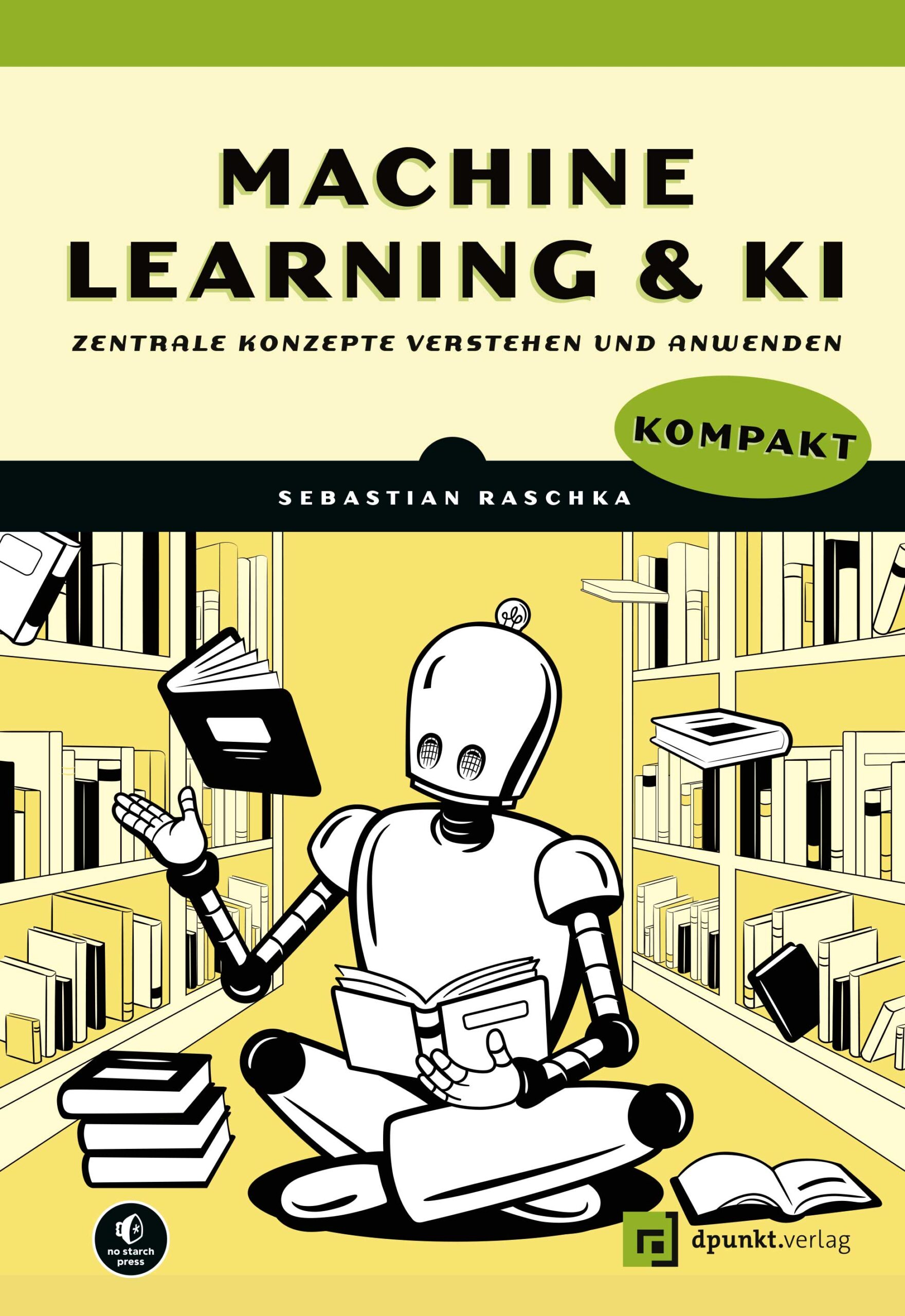
Machine Learning und KI kompakt
Zentrale Konzepte verstehen und anwenden. Erstauflage aus Januar 2025.Sie verfügen bereits über Grundkenntnisse zu maschinellem Lernen und künstlicher Intelligenz, haben aber viele Fragen und wollen tiefer in wesentliche und aktuelle Konzepte eintauchen? ML- und KI-Experte Sebastian Raschka greift in diesem Buch die wichtigsten Schlüsselfragen auf und liefert sowohl prägnante als auch einfach verständliche Erklärungen zu komplexen und fortgeschrittenen Themen wie Deep Learning, Überanpassung, Self-Supervised Learning, generative KI, Computer Vision, Natural Language Processing und Modellevaluierung.Viele Beispiele, anschauliche Illustrationen und praktische Übungsaufgaben helfen Ihnen dabei, das Erlernte nicht nur schnell zu verstehen, sondern auch praktisch umzusetzen. Dabei werden weder fortgeschrittene Mathematik- noch Programmierkenntnisse vorausgesetzt – wer tiefer in den Code eintauchen will, findet jedoch im kostenlosen Zusatzmaterial einige Codebeispiele.Aus dem Inhalt: Umgang mit verschiedenen Zufallsquellen beim Training neuronaler Netze Unterscheidung zwischen Encoder- und Decoder-Architekturen in großen Sprachmodellen (LLMs) Verringerung von Überanpassung durch Daten- und Modellmodifikationen Konstruktion von Konfidenzintervallen für Klassifizierer und Optimierung von Modellen mit begrenzten gelabelten Daten Wählen zwischen verschiedenen Multi-GPU-Trainingsparadigmen und verschiedenen Arten von generativen KI-Modellen Verstehen von Performancemetriken für die Verarbeitung natürlicher Sprache Zusatzmaterial auf GitHubZum Autor:Sebastian Raschka, PhD, ist Forscher für maschinelles Lernen und KI mit einer großen Leidenschaft für Wissensvermittlung. Als Lead AI Educator bei Lightning AI brennt er dafür, KI und Deep Learning verständlich darzustellen und Menschen beizubringen, wie sie diese Technologien in großem Umfang nutzen können. Bevor er voll und ganz in Lightning AI eingestiegen ist, hatte Sebastian Raschka eine Position als Assistenzprofessor für Statistik an der University of Wisconsin-Madison inne, wo er sich auf die Erforschung von Deep Learning und maschinellem Lernen spezialisierte. Auf seiner Website (https://sebastianraschka.com) erfahren Sie mehr über seine Forschung. Außerdem liebt Sebastian Raschka Open-Source-Software und leistet seit über einem Jahrzehnt leidenschaftlich Beiträge dazu. Neben dem Programmieren schreibt er auch gern und ist Autor der Beststeller Python Machine Learning und Machine Learning with PyTorch and Scikit-Learn (beide bei Packt Publishing veröffentlicht).

Machine Learning und KI kompakt
Vertiefendes Wissen von Deep Learning über Computer Vision bis Natural Language Processing Schließt die Lücke zwischen Grundlagen und Profiwissen Einfache, prägnante Erklärungen zu wichtigen und aktuellen Themen Mit Übungsaufgaben sowie Codebeispielen auf GitHub Sie verfügen bereits über Grundkenntnisse zu maschinellem Lernen und künstlicher Intelligenz, haben aber viele Fragen und wollen tiefer in wesentliche und aktuelle Konzepte eintauchen? ML- und KI-Experte Sebastian Raschka greift in diesem Buch die wichtigsten Schlüsselfragen auf und liefert sowohl prägnante als auch einfach verständliche Erklärungen zu komplexen und fortgeschrittenen Themen wie Deep Learning, Überanpassung, Self-Supervised Learning, generative KI, Computer Vision, Natural Language Processing und Modellevaluierung. Viele Beispiele, anschauliche Illustrationen und praktische Übungsaufgaben helfen Ihnen dabei, das Erlernte nicht nur schnell zu verstehen, sondern auch praktisch umzusetzen. Dabei werden weder fortgeschrittene Mathematik- noch Programmierkenntnisse vorausgesetzt – wer tiefer in den Code eintauchen will, findet jedoch im kostenlosen Zusatzmaterial einige Codebeispiele. Aus dem Inhalt: Umgang mit verschiedenen Zufallsquellen beim Training neuronaler Netze Unterscheidung zwischen Encoder- und Decoder-Architekturen in großen Sprachmodellen (LLMs) Verringerung von Überanpassung durch Daten- und Modellmodifikationen Konstruktion von Konfidenzintervallen für Klassifizierer und Optimierung von Modellen mit begrenzten gelabelten Daten Wählen zwischen verschiedenen Multi-GPU-Trainingsparadigmen und verschiedenen Arten von generativen KI-Modellen Verstehen von Performancemetriken für die Verarbeitung natürlicher Sprache
Anwendungen mit GPT-4 und ChatGPT entwickeln
Nutzen Sie die Leistungsfähigkeit von Large Language Models für wirklich innovative Anwendungen! - Dieses Buch vermittelt Ihnen Schritt für Schritt das notwendige Wissen, um GPT-4 und ChatGPT in Ihre eigenen Projekte zu integrieren - Es verbindet nahtlos Theorie und Praxis und macht die Komplexität von GPT-4 und GPT 3.5 für Programmierer:innen verständlich - Die Themen reichen von den grundlegenden Prinzipien der LLMs und der API-Integration bis hin zu Prompt Engineering und Feintuning - Die aktualisierte und erweiterte 2. Auflage behandelt neben GPT 4 und GPT 3.5 jetzt auch GPT 4o sowie das Thema Multimodalität Diese Einführung zeigt Python-Entwicklerinnen und -Entwicklern, wie sie Anwendungen mit Large Language Models erstellen. Olivier Caelen und Marie-Alice Blete erklären die wichtigsten Features von GPT-4 und GPT-3.5 und beschreiben, wie sie für eigene NLP-Aufgaben eingesetzt werden können. In nachvollziehbaren Schritten wird erläutert, wie Sie mithilfe der OpenAI-Python-Bibliothek Applikationen zur Textgenerierung, für das Question Answering oder für intelligente Assistenten entwickeln. Anschauliche Beispiele sowie klare und detaillierte Erklärungen unterstützen Sie dabei, die Konzepte zu verstehen und sie auf Ihre Projekte anzuwenden. Die Codebeispiele sind in einem GitHub- Repository verfügbar. Zudem enthält das Buch ein Glossar mit den wichtigsten Begriffen. Für diese 2. Auflage wurde das Buch aktualisiert und deutlich erweitert, es berücksichtigt die neuesten Entwicklungen in der KI-Technologie wie beispielsweise GPT-4o und Multimodalität. Sind Sie bereit, das Potenzial von Large Language Models in Ihren Anwendungen zu nutzen? Dann ist dieses Buch ein Muss für Sie. Es behandelt: - Grundlagen und Stärken von GPT-4- und GPT-3.5-Modellen und deren Funktionsweise - Die Integration dieser Modelle in Python-basierte Anwendungen für Aufgaben im Natural Language Processing - Beispielprojekte, die den Einsatz der OpenAI-API für Aufgaben wie Texterstellung, Inhaltszusammenfassung, Dokumentenklassifikation oder Sentimentanalyse demonstrieren - Fortgeschrittene LLM-Themen wie das Prompt Engineering, das Optimieren von Modellen, RAG, Plug-ins, LangChain, LlamaIndex und KI-Assistenten

CompTIA Security+
* FUNDIERTES UND UMFASSENDES WISSEN ZUM THEMA IT-SICHERHEIT* INKLUSIVE ALLER NEUERUNGEN ZUR RECHTSLAGE BZGL. DATENSCHUTZ UND DATENSICHERHEITT* MIT VORBEREITUNGSFRAGEN ZU JEDEM FACHGEBIETBedrohungen durch mangelhafte Sicherheitskonzepte, unsichere Anwendungen und Angriffe nehmen laufend zu. Eine sichere IT-Umgebung zu gestalten, ist daher ein zentrales Thema in jedem Unternehmen. Die Zertifizierung CompTIA Security+ ist ein wertvoller Nachweis für praxisnahe und umfassende Kenntnisse im Bereich der Informationssicherheit, denn die Prüfung deckt zahlreiche wichtige Themengebiete ab.In der aktuellen Fassung der Prüfung (SYO-701) sind das:* Generelle Sicherheitskonzept* Bedrohungen, Schwachstellen und Abwehrmaßnahmen* Sicherheitsarchitektur* Sicherer Betrieb* Verwaltung und Überwachung von SicherheitsprogrammenDie Autoren behandeln umfassend die genannten Themenbereiche und vermitteln Ihnen mit diesem Buch das für die Zertifizierung notwendige Fachwissen. Im Zentrum steht dabei der Aufbau eines eigenen Verständnisses für die IT-Sicherheit. So erhalten Sie die notwendigen Grundlagen, um die Prüfung CompTIA Security+ erfolgreich zu bestehen.AUS DEM INHALT:* Sicherheitsmanagement und Richtlinien* Unterschiedliche Zugriffsverfahren* Authentifizierungsmethoden* Aktuelle Rechtslage im Datenschutz* Biometrische Erkennungssysteme* Sicherheit durch Redundanz* IT-Infrastruktur resilient gestalten* Grundlagen der Systemhärtung* Gezielte und neuartige Angriffsformen* Mailverkehr sichern* Cloud Computing sicher gestalten* Denial of Service, Pufferüberlauf, Race-Condition* Sichere Verbindungen durch VPN und Remote Access* Sicherheitsimplikationen bei eingebetteten Systemen und IoT* WLAN sicher konfigurieren* System- und Netzwerküberwachung* Analyseprogramme Wireshark, RRDTools, Nagios* Unterschiedliche Firewallkonzepte* Methoden der Datensicherung* Disaster Recovery-Planung* Pentesting und Forensics* Metasploit Framework* Sicherheitsüberprüfungen und Security AuditsMARKUS KAMMERMANN, ausgebildeter ICT-Projektleiter und Erwachsenenausbilder für CompTIA Security+, ist seit mehr als fünfundzwanzig Jahren in der System- und Netzwerktechnik tätig. Er ist Dozent in der höheren beruflichen Bildung und Autor zahlreicher Fachbücher. Sein Standardwerk CompTIA Network+ liegt bereits in der neunten Auflage vor.

CI/CD Unleashed
The ability to deliver software quickly and efficiently is paramount to a company’s success. This book is a comprehensive guide to continuous integration (CI) and continuous delivery (CD), providing insights and practical strategies for streamlining the software delivery pipeline for speedy and efficient deployments.You’ll start by reviewing the fundamentals of CI/CD, and how it enables teams to automate the building, testing, and deployment of software, for faster and more reliable releases. The book then examines CI/CD pipelines, tooling, caching, and how to leverage these tools to expedite delivery workflows, before highlighting the increased importance of testing and monitoring during that process. You’ll also gain insights into various testing methodologies and learn how to implement them effectively within your CI/CD pipelines.However, the journey towards accelerated software delivery is not just about technology. It also requires a cultural shift within your software development team. The book accomplishes this by delving into strategies for getting apprehensive team members on board. _CI/CD Unleashed_ provides the tools and techniques you need to ensure the quality and reliability of your software, while staying relatively agnostic regarding things like language and framework choices.YOU WILL* Understand the advantages continuous integration and continuous delivery provide.* Explore how to automate the building, testing, and deployment of software for faster releases.* See how CI/CD can aid a cultural shift within software development teams.* Implement CI/CD best practices to deliver streamlined and more cost-effective deployments for your organization.* Review WIP limits, small batch releases, and the importance of fostering a blame-free culture.* Apply various testing methodologies such as unit testing, integration testing, and end-to-end testing.WHO THIS BOOK IS FORSenior software engineers, technical leaders, and business managers who are looking to deliver change for their customers, and make their business quicker.TOMMY CLARK has over 10 years of experience in software development as a principal developer, solutions designer, and technical team lead. He has worked in industries as diverse as music, oil, e-commerce and the charity sector, for organisations like Sainsbury’s, Deloitte, and Cancer Research UK. Tommy’s career so far has been dedicated to the transformative impact of working smarter and faster. Currently serving as a Principal Engineer at MoneySupermarket Group, he is passionate about championing improvements to CI/CD processes both within the company as well as in the broader tech community, including sharing his knowledge at local tech conferences.Chapter 1: Introduction to Continuous Integration and Continuous Deployment (CI/CD) .- Chapter 2: The Fundamentals of CI/CD.- Chapter 3: Cultural Shifts.- Chapter 4: Implementing CI/CD Safely.- Chapter 5: The Future of CI/CD.
ChatGPT für Dummies (2. Auflg.)
PROMPT ZUR STELLE: IHR LEITFADEN FÜR DEN UMGANG MIT GENERATIVER KIProfitieren auch Sie von den wunderbaren Fähigkeiten von ChatGPT. Pam Baker erklärt Ihnen, wie ChatGPT funktioniert und wie Sie den Chatbot gewinnbringend einsetzen – sei es bei der Texterstellung für Werbezwecke, der Kundenbetreuung auf einer Webseite, dem Brainstorming für eine Marketing-Aktion oder für die Beantwortung all jener Fragen, auf die Sie bisher keine Antwort gefunden haben. Sie lernen die Stärken und die Schwächen des Tools kennen. So können Sie besser einschätzen, wo es Ihnen nutzt und wo Sie besser weiter arbeiten wie bisher. Erschließen Sie das Potenzial von ChatGPT! SIE ERFAHRENWie generative KI funktioniertWelche Möglichkeiten die integrierten GPTs Ihnen bietenWas einen guten Prompt ausmachtWarum Sie die Ausgabe von ChatGPT kritisch hinterfragen solltenPAM BAKER ist freiberufliche Journalistin, die sich auf aufkommende Technologiethemen wie künstliche Intelligenz, Datenanalyse und Edge Computing konzentriert. Sie ist auch Autorin des Buchs Generative AI for Dummies.Über die Autorin 11Einleitung 21TEIL I: GRUNDLAGEN 25Kapitel 1: Gestatten, mein Name ist GPT ChatGPT 27Kapitel 2: Wie ChatGPT funktioniert 63TEIL II: PROMPTING, ABER SICHER 83Kapitel 3: Prompts schreiben 85Kapitel 4: Die GPT-Modelle verstehen 111Kapitel 5: KI, ethisch und verantwortungsbewusst 123TEIL III: CHATGPT HEUTE UND MORGEN 151Kapitel 6: Im Einsatz mit ChatGPT 153Kapitel 7: ChatGPT im Klassenzimmer 171Kapitel 8: Die Zukunft des Suchens 181Kapitel 9: Wie ChatGPT die Welt verändern wird 195TEIL IV: DER TOP-TEN-TEIL 203Kapitel 10: Zehn weitere generative KI-Tools zum Ausprobieren 205Kapitel 11: Zehn ChatGPT-Prompts für regnerische Nachmittage 223Abbildungsverzeichnis 233Stichwortverzeichnis 235
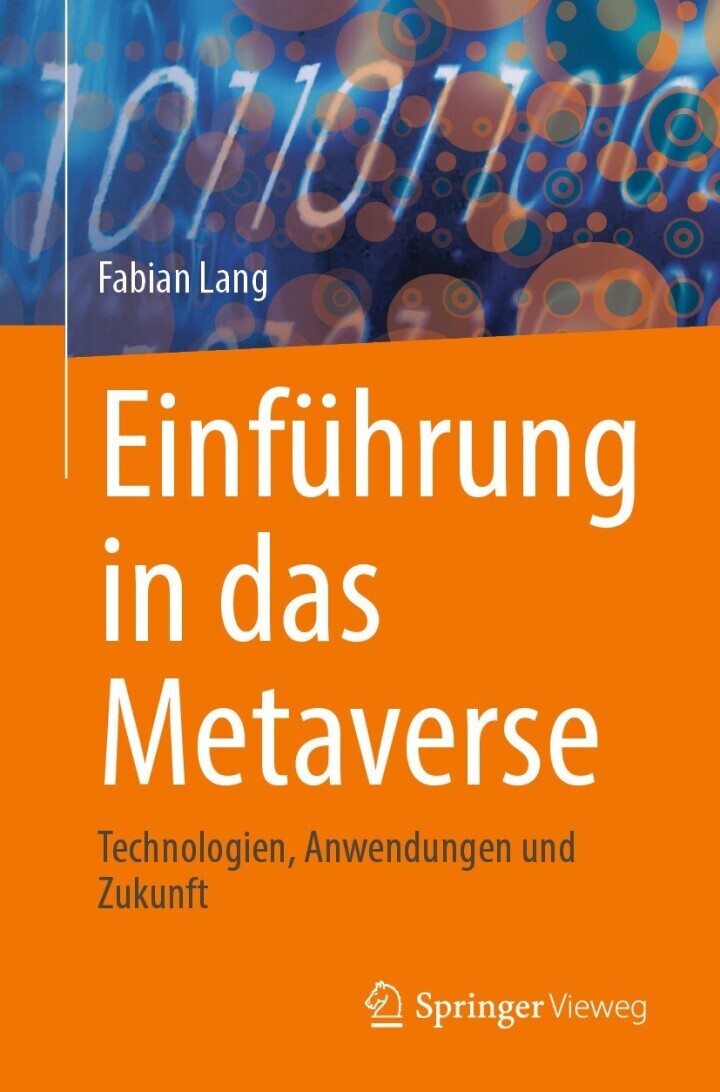
Einführung in das Metaverse
Dieses Buch bietet eine fundierte Einführung in die Grundlagen, Prinzipien und Anwendungen des Metaverse. Es beleuchtet die wesentlichen Aspekte erweiterter Realitäten und virtueller Welten und legt besonderen Wert auf die Verknüpfung mit dem dezentralen Web3 und Distributed-Ledger-Technologien. Diese Verbindung schafft neue Möglichkeiten für zukunftsweisende Geschäftsmodelle im Metaverse.Neben den theoretischen Grundlagen präsentiert das Buch praxisnahe Fallstudien, die reale Anwendungsbeispiele aus verschiedenen Branchen beleuchten und wertvolle Einblicke für Strateg:innen und Innovator:innen bieten. Es widmet sich auch den technologischen, rechtlichen und sozialen Herausforderungen und liefert einen interdisziplinären Ausblick auf die Zukunft und Entwicklung des Metaverse – jenseits des Hypes.Mit umfassenden Erklärungen, praxisorientierten Einordnungen und über 100 anschaulichen Abbildungen richtet sich dieses Buch an Innovations- und Digitalmanager:innen, Studierende sowie alle, die verstehen möchten, wie das Metaverse die Wirtschaft und Gesellschaft transformieren könnte. Was ist das Metaverse. Erweiterte Realitäten und virtuelle Welten. Distributed Ledger und Web3. Betriebliche Anwendungsbeispiele. Herausforderungen. Markt, Zukunft und Schlussbetrachtung. PROF. DR. FABIAN LANG ist Professor für Betriebswirtschaftslehre an der Hochschule Hannover und forscht zu digitaler Transformation, Analytics und Künstlicher Intelligenz sowie unternehmerischer Entscheidungsunterstützung. Vor seiner Ernennung war er als Management Consultant, Vorstandsassistent und Data Product Manager im Bank- und Versicherungswesen tätig.

Advanced Excel 365
Excel is more than a spreadsheet—it's a powerhouse for data analysis, decision-making, and business productivity. This course begins with foundational concepts, such as cell referencing, formulas, and functions, before moving into tools like data validation, pivot tables, and conditional formatting. You'll also explore advanced techniques for working across multiple worksheets and creating impactful charts.The journey continues with in-depth coverage of VBA programming, where you'll learn to automate repetitive tasks, debug errors, and create user-friendly applications. Starting with the basics of macros and variables, you'll advance to building custom add-ins and employing sophisticated VBA techniques to handle complex data processes seamlessly. Each lesson combines practical examples with actionable insights.By the end of the course, you'll possess a versatile toolkit to handle everything from daily spreadsheet tasks to creating powerful custom solutions. Whether you're preparing reports, analyzing trends, or developing VBA-driven applications, this course equips you to work smarter and achieve more.

Keine Panik, es ist nur KI!
Machen Sie die KI zu Ihrer besten Kollegin! - Das Grundlagenwerk für Arbeiten mit generativer Text-KI wie ChatGPT, Claude u. v. m. - Von Skepsis zu Enthusiasmus: KI als nützliches Werkzeug kennenlernen - Mit direkt umsetzbaren Schritt-für-Schritt-Anleitungen, Praxisbeispielen und digitaler Prompt-Sammlung Sie haben das dumpfe Gefühl, dass Sie sich eigentlich mit ChatGPT und anderen Text-KIs befassen müssten, aber Sie wissen nicht genau, wie? Dieses Buch richtet sich an AnfängerInnen, Neugierige und alle, die sich mit Text-KI auskennen müssen, um beruflich nicht hinterherzuhinken – ohne Hürden, praxisnah und verständlich erklärt. Text-KIs sind wertvolle Werkzeuge, die im beruflichen Alltag unterstützen und Workflows verschlanken und verbessern können. Die Autorin erläutert in diesem Buch, wie Text-KIs funktionieren und wie man diese optimal in verschiedenen Bereichen anwenden kann, zum Beispiel bei der Marktanalyse, Finanzplanung, im Marketing, aber auch zur optimierten Führung. Nach der Lektüre können Sie durchatmen: Sie beherrschen die Prinzipien des guten Promptings und können diese in jedem Arbeitsbereich erfolgreich anwenden. Auch im Wettbewerb können Sie punkten, denn Sie wissen, wie Sie sich zum Beispiel bei kreativen Prozessen unterstützen lassen können und wie sie sich eigene GPT-Assistenten für Ihre tägliche Arbeit erstellen, um Ihre Aufgaben schneller und effizienter erledigen. Bei Problemen können Sie zudem einen hilfreichen Assistenten zu Rate ziehen, der Sie dabei unterstützt, fundierte Entscheidungen zu treffen. Mit diesem Wissen in der Hand sind Sie bestens gerüstet, um die Potenziale der KI voll auszuschöpfen und Ihre berufliche Zukunft aktiv und erfolgreich zu gestalten.
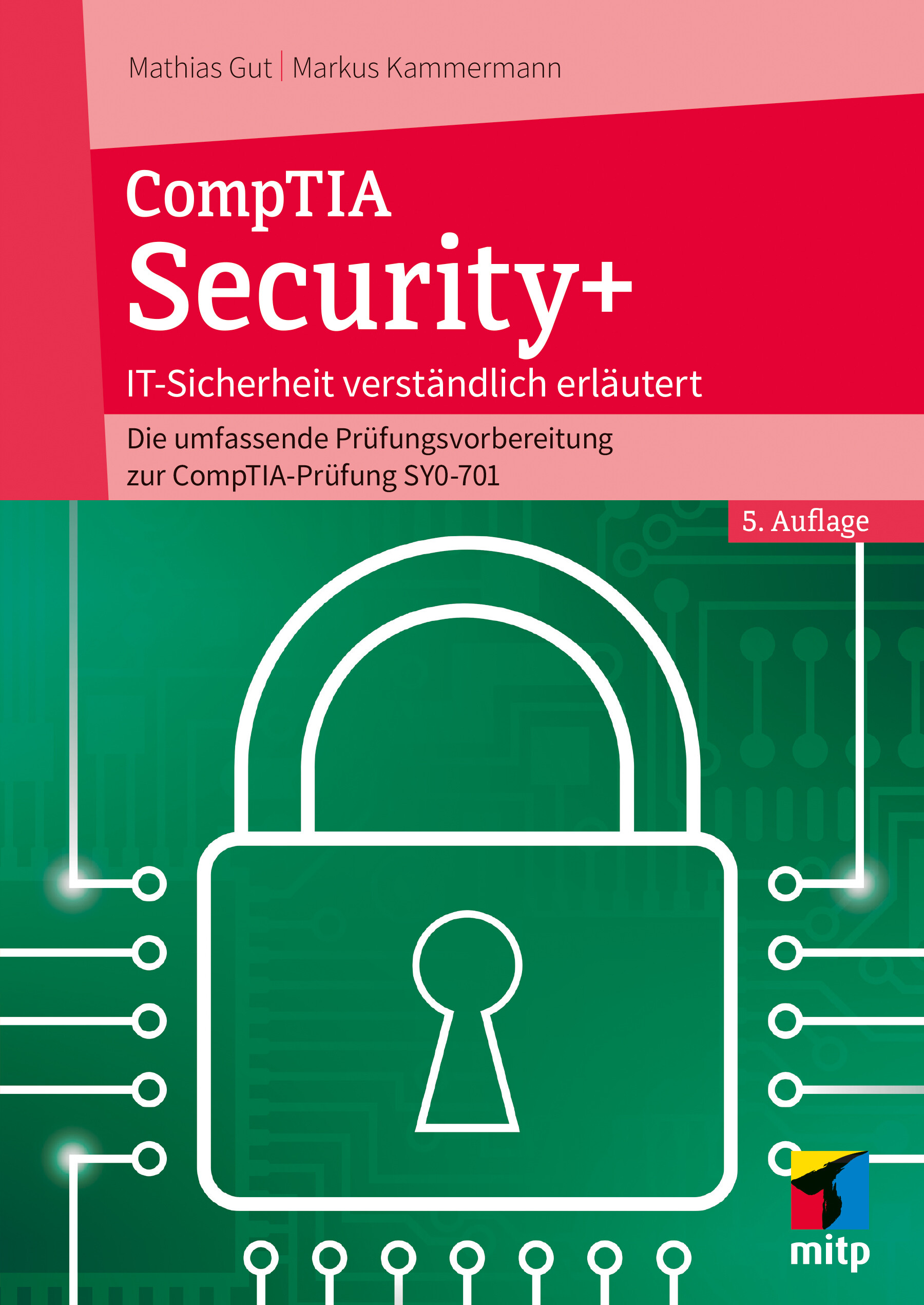
CompTIA Security+ (5. Auflg.)
IT-Sicherheit verständlich erklärt: Die umfassende Prüfungsvorbereitung zur CompTIA-Prüfung SY0-701 in 5. Auflage aus Januar 2025.Bedrohungen von Unternehmen durch Angriffe und Sicherheitslücken in den Systemen nehmen laufend zu. Informationssicherheit ist daher ein zentrales Thema in jeder IT-Umgebung. Unternehmen müssen sich gründlich mit der Thematik auseinandersetzen und sich kontinuierlich weiterbilden. Die Zertifizierung CompTIA Security+ ist ein wertvoller Nachweis für praxisnahe und umfassende Kenntnisse zu Themen der Unternehmenssicherheit und die Prüfung deckt die wichtigen Fragestellungen ab. In der aktuellen Fassung der Prüfung (SYO-701) sind das: Generelle Sicherheitskonzept Bedrohungen, Schwachstellen und Abwehrmaßnahmen Sicherheitsarchitektur Sicherer Betrieb Verwaltung und Überwachung von Sicherheitsprogrammen Die Autoren behandeln umfassend die genannten Themenbereiche und vermitteln Ihnen mit diesem Buch das für die Zertifizierung notwendige Fachwissen. Im Zentrum steht dabei der Aufbau eines eigenen Verständnisses für die IT-Sicherheit. So erhalten Sie die notwendigen Grundlagen, um die Prüfung CompTIA Security+ erfolgreich zu bestehen. Aus dem Inhalt: Sicherheitsmanagement und Richtlinien Grundlagen der Kryptografie Unterschiedliche Zugriffsverfahren Authentifizierungsmethoden Aktuelle Rechtslage im Datenschutz Biometrische Erkennungssysteme Sicherheit durch Redundanz IT-Infrastruktur resilient gestalten Grundlagen der Systemhärtung Gefahren durch Malware Gezielte und neuartige Angriffsformen Social Engineering Phishing, Pharming und andere Bösartigkeiten Mailverkehr sichern Sicherheit für Protokolle Cloud Computing sicher gestalten Denial of Service, Pufferüberlauf, Race-Condition Cross-Site-Scripting, SQL-Injection, LDAP-Injection Spoofing, Man-in-the-Middle, Session-Hijacking Sichere Verbindungen durch VPN und Remote Access Sicherheitsimplikationen bei eingebetteten Systemen und IoT WLAN sicher konfigurieren System- und Netzwerküberwachung Analyseprogramme Wireshark, RRDTools, Nagios Unterschiedliche Firewallkonzepte Methoden der Datensicherung Disaster Recovery-Planung Pentesting und Forensics Metasploit Framework Sicherheitsüberprüfungen und Security Audits Über den Autor: Mathias Gut ist Informations- und Cyber-Security-Experte. Er ist in verschiedenen Bereichen von Sicherheitsfragen ausgebildet und zertifiziert – unter anderem als CompTIA Advanced Security Practitioner, CompTIA Security+ – und hat zusätzlich ein abgeschlossenes CAS Information Security & Risk Management der Fachhochschule Nordwestschweiz. Als Dozent unterrichtet er im Bereich der Informationstechnik mit Schwerpunkt IT-Sicherheit in der höheren beruflichen Bildung. Markus Kammermann, ausgebildeter ICT-Projektleiter und Erwachsenenausbilder für CompTIA Security+, ist seit mehr als zwanzig Jahren in der System- und Netzwerktechnik tätig. Er ist Dozent in der höheren beruflichen Bildung und Autor zahlreicher Fachbücher.
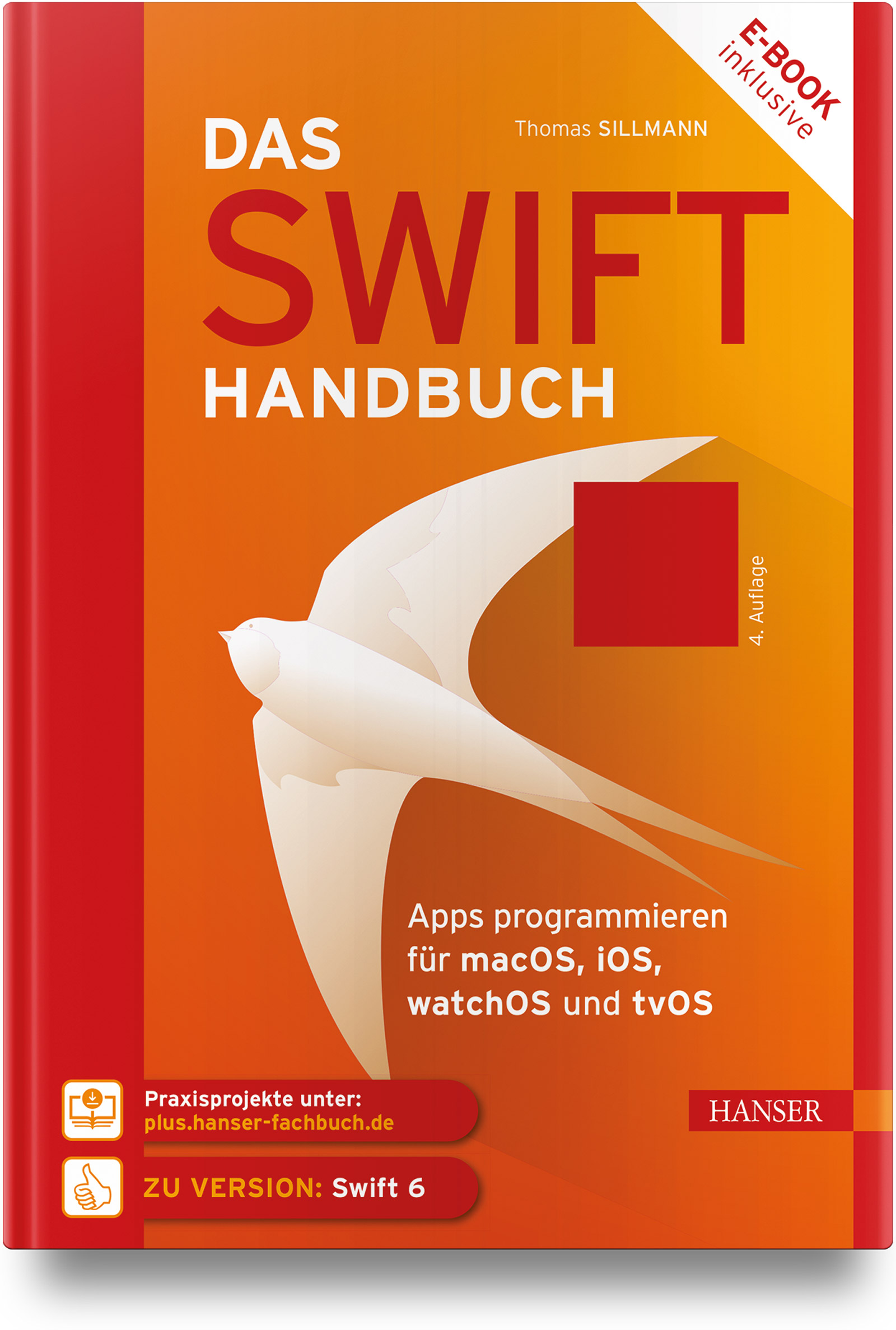
Das Swift-Handbuch (4. Auflg.)
Das Swift-Handbuch in aktualisierter 4. Auflage aus dem Januar 2025- Einsteiger lernen die Grundlagen der Swift-Programmierung und wie sie Apps auf Basis von SwiftUI mit Xcode für die unterschiedlichen Plattformen entwickeln.- Profis erfahren u. a., wie sie die Versionsverwaltung von Xcode nutzen und welches Vertriebsmodell das richtige für ihre App ist.- Auf plus.hanser-fachbuch.de: Praxisprojekte zum Ausprobieren und Lernen als DownloadDer unentbehrliche Begleiter für alle, die mit Swift und SwiftUI eigene Apps für die verschiedenen Apple-Plattformen entwickeln möchten. Hier werden von den Grundlagen über Listen und Navigationsstrukturen bis hin zum Umgang mit dem Status alle relevanten Themen der App-Entwicklung abgedeckt. Sie können das Buch als Nachschlagewerk für einzelne Funktionen verwenden, aber auch, um sich in neue Themen einzuarbeiten.Aufgrund des modularen Aufbaus finden Sie sich leicht zurecht: Die Programmiersprache Swift, die Entwicklungsumgebung Xcode und die Arbeit mit SwiftUI werden jeweils in einem eigenen Abschnitt behandelt.Das Buch richtet sich gleichermaßen an Einsteiger wie an Profis, die ihr Know-how in Bezug auf die App-Entwicklung für Apple-Plattformen ausbauen und vertiefen wollen. Ganz gleich, ob Sie mit der Programmierung in Swift neu durchstarten und die erste eigene App kreieren oder ob Sie die Profi-Funktionen von Xcode beherrschen möchten: Das Swift-Handbuch ist Ihr idealer Wegbegleiter.
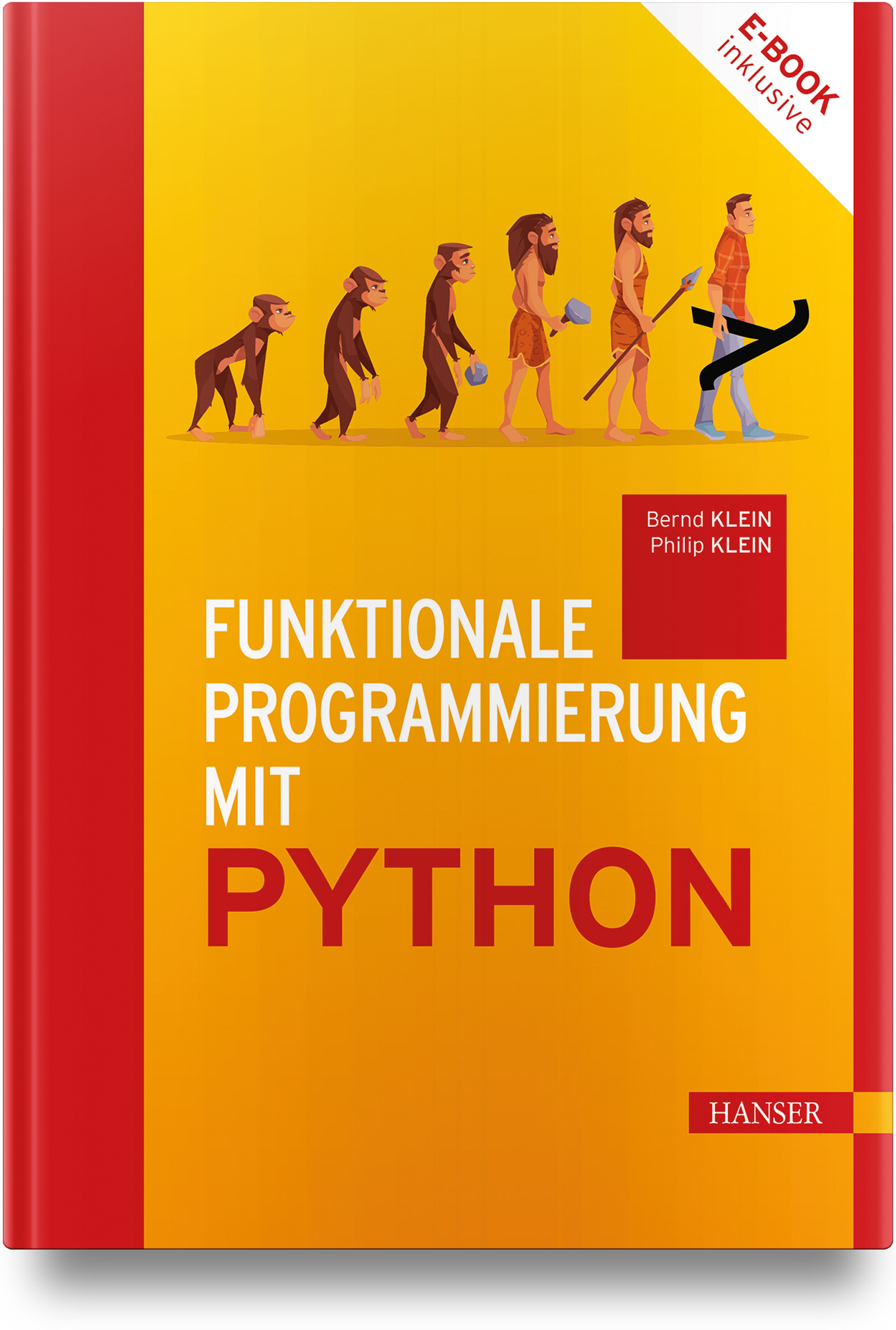
Funktionale Programmierung mit Python
Funktionale Programmierung mit Python, Erstauflage aus Januar 2025Das Buch bietet mehrere Vorteile für diejenigen, die ihre Programmierkenntnisse vertiefen möchten.Es vermittelt ein grundlegendes Verständnis für Konzepte wie Funktionen als erste Klasse Bürger, Unveränderlichkeit und Funktionskomposition.Durch die Förderung eines deklarativen Stils erweitert es den Denkansatz und erleichtert die Skalierbarkeit von Anwendungen. Funktionale Programmierung minimiert durch den Einsatz von Funktionen ohne Seiteneffekte das Risiko von Fehlern und verbessert die Codequalität.Das Buch hilft beim Verstehen von höheren Abstraktionen wie Dekorateuren und Generatoren sowie deren praktische Anwendungen und erleichtert die Anwendung dieser Konzepte durch zahlreiche Beispiele und Übungen mit Musterlösungen.Diese praxisorientierte Herangehensweise ermöglicht es den Lesenden, das Gelernte unmittelbar in realen Situationen anzuwenden und ihre Fähigkeiten zu vertiefen.Insgesamt trägt es dazu bei, die Programmierfähigkeiten zu verbessern und eine effektive Anwendung in verschiedenen Kontexten zu ermöglichen. Die Autoren:Der Diplom-Informatiker Bernd Klein genießt internationales Ansehen als Python-Dozent. Bisher hat er über 500 Python-Kurse in Firmen, Forschungsinstituten und Lehraufträgen von Universitäten in Deutschland, Frankreich, der Schweiz, Österreich, den Niederlanden, Luxemburg, Rumänien und Kanada durchgeführt. Er ist Gründer und Inhaber des Schulungsanbieters Bodenseo. Große Aufmerksamkeit finden seine Python-Webseiten www.python-kurs.eu und www.python-course.eu mit jährlich über 6 Millionen Besuchenden.Philip Klein hat einen Bachelor und Master in Informatik an der Universität Freiburg und schon während des Studiums bereits Python-Kurse für Bodenseo gegeben. Nach dem Studium war er bei Telocate als Softwareentwickler tätig. Er hat primär mit Python und Cpp gearbeitet. Seit Januar 2023 arbeitet er bei Bodenseo als Python-Dozent, primär als Pythonspezialist sowie auch als Trainer für Kurse über Machine Learning.
Pro Spring Boot 3 with Kotlin
Quickly and productively build complex Kotlin-based Spring applications and microservices out of the box, with minimal concern over things such as configurations. This revised edition will show you how to fully leverage the Spring Boot 3 micro-framework and apply it to create enterprise-ready Kotlin-based cloud-native applications, microservices, and web applications that just work.The book covers what has been added to the new Spring Boot 3 release, including improved support for the Kotlin programming language, changes to Stream Editor UI, Maven Preemptive Authentication, building Docker images using cloud-native build packs, building layered jars for optimized Docker images, E2E traceability for configuration properties, many dependency upgrades, support for Spring Data, and much more.This book is your in-depth pragmatic guide for increasing your enterprise Kotlin and cloud application productivity while decreasing development time. It is a no-nonsense guide with case studies of increasing complexity throughout the book. The main author, a senior solutions architect and Principal Technical instructor at Pivotal, the company behind the Spring Framework, shares his experience, insights, and first-hand knowledge about how Spring Boot technology works, and best practices.This is an essential book for your Kotlin-based Spring learning and reference library.WHAT YOU WILL LEARN* Build cloud-native apps and microservices with the Spring Boot 3 framework* Persist and access your data using and integrating with Spring Data* Message with Kafka, RabbitMQ, and WebSockets* Explore Spring Cloud projects* Extend Spring Boot by creating your own Spring Boot Starter and @Enable feature* Test and deploy Spring Boot with best practices* Effectively use Kotlin as a programming language for Spring applicationsWHO THIS BOOK IS FORExperienced Spring, Java, and Kotlin developers seeking increased productivity gains and decreased complexity and development time in their applications and software servicesPETER SPÄTH graduated in 2002 as a physicist and soon afterward became an IT consultant, mainly for Java-related projects. In 2016, he decided to concentrate on writing books on various aspects, but with the main focus on software development. With two books about graphics and sound processing, three books on Android app development, and a beginner’s book on Jakarta EE development, the author continues his effort in writing software development-related literature.FELIPE GUTIERREZ is a Senior Platform Architect at Pivotal, the creators of Spring Boot and Spring Framework, where he serves as a senior consultant with the Spring team. He has more than 20 years of IT experience, during which time he developed programs for companies in multiple vertical industries such as government, retail, healthcare, education, and banking. He also develops in Groovy, RabbitMQ, and other technologies. Previously he has consulted for companies such as Nokia, Apple, Redbox, and Qualcomm, among others. He received his bachelor and master degrees in computer science from Instituto Tecnologico y de Estudios Superiores de Monterrey Campus Ciudad de Mexico.Part I: Introduction.- Chapter 1: Spring Boot Quick Start.- Chapter 2: Spring Boot Internals.- Chapter 3: Spring Boot Web Development.- Chapter 4: Spring Boot SQL Data Access.- Chapter 5: Spring Data with Spring Boot.- Chapter 6: Spring Data NoSQL with Spring Boot.- Chapter 7: Spring Boot Reactive.- Chapter 8: Spring Boot Testing.- Part II. Spring Cloud Data Flow: Internals.- Chapter 9: Spring Boot Security.- Chapter 10: Messaging with Spring Boot.- Chapter 11: Spring Boot Actuator.- Chapter 12: Spring Boot Native and AOT.- Chapter 13: Spring Cloud with Spring Boot.- Chapter 14: Extending Spring Boot.- Chapter 15: Spring Boot New Projects.

Windows 11 Simplified
LEARN WINDOWS 11 QUICKLY AND PAINLESSLY WITH THIS BEGINNER'S GUIDEWindows 11 Simplified, 2nd Edition is your absolute beginner's guide to the ins and outs of Windows. Fully updated to cover Windows 11 and the latest updates from Microsoft, this highly visual guide covers all the new features in addition to the basics, giving you a one-stop resource for complete Windows 11 mastery. Every page features step-by-step screen shots and plain-English instructions that walk you through everything you need to know, no matter how new you are to Windows. You'll master the basics as you learn how to navigate the user interface, work with files, create user accounts, and practice using the tools that make Windows 11 the most efficient Windows upgrade yet. This guide gets you up to speed quickly, with step-by-step screen shots that help you follow along with the clear, patient instruction.* Shed your beginner status with easy-to-follow instructions* Master the basics of the interface, files, and accounts* Browse the web, use media features, and send and receive email * Customize Windows to look and work the way you wantLearning new computer skills can be intimidating, but it doesn't have to be. Even if you have no Windows experience at all, this visually rich guide demonstrates everything you need to know, starting from the very beginning. If you're ready to become fluent in Windows, Windows 11 Simplified, 2nd Edition is the easiest, fastest way to learn.

Real-World Java
A CONCISE HANDBOOK FOR THE MOST COMMON TOOLS USED IN MODERN JAVA DEVELOPMENTGood Java developers learn Java syntax, how to create loops and switches, and can work out a lambda filter stream. But great Java developers need to understand the vast ecosystem of tools and frameworks for collaboration, testing, building, and more. In Real-World Java®: Helping You Navigate the Java Ecosystem, a team of veteran Java developers delivers a concise and authoritative discussion of the most common frameworks, tools, and techniques used in enterprise Java development shops. The authors provide just enough background and examples to allow you to dive right into the expert guidance on annotations, logging frameworks, observability, performance tuning, testing tools, and collaboration, that real-life commercial Java development typically relies on. You’ll expand your Java development toolkit with frameworks and utilities like Spring, Git, Prometheus, and Project Lombok. You’ll also discover links to tested, downloadable code examples that demonstrate the skills discussed in the book. Real-World Java® is the perfect resource for everyone already somewhat comfortable with the language but who wants to familiarize themselves with the tools and frameworks used in contemporary Java software development. VICTOR GRAZI is an Oracle Java Champion and a veteran Java engineer in the USA, and has built serious Java applications at some of the world's leading banks. He is a Pluralsight author, has served as infoQ Java lead editor, and serves on the Java community process executive committee. Victor is a frequent presenter at technical conferences and hosts the “Java Concurrent Animated” and “Bytecode Explorer” open-source projects. JEANNE BOYARSKY is an Oracle Java Champion and has worked as a Java developer for a major bank for more than 20 years. She is a senior moderator at CodeRanch, and trains and mentors students of all levels, including the programming department of a FIRST robotics team.

Funktionale Programmierung mit Python
- Erweitern Sie Ihre Programmierfähigkeiten in Python - Erhöhen Sie mittels funktionaler Programmierung die Qualität Ihres Codes - Lernen Sie anhand zahlreicher praxisbezogener Übungsaufgaben - Mit Beispielen und Lösungen aus dem Buch auf der begleitenden Website - Vermeiden Sie Nebenwirkungen durch den Einsatz reiner Funktionen - Einführung in höherwertige Funktionen zur Steigerung der Programmier-Effizienz - Optimieren Sie Ihre Codes durch Lazy Evaluation und Generatoren - Ihr exklusiver Vorteil: E-Book inklusive beim Kauf des gedruckten Buches Das Buch bietet zahlreiche Vorteile für alle, die ihre Programmierkenntnisse vertiefen möchten. Es vermittelt grundlegende Konzepte wie Funktionen als erste Klasse Bürger, Unveränderlichkeit, Funktionskomposition und Funktionen höherer Ordnung. Dabei fördert es einen deklarativen Programmierstil, der die Skalierbarkeit von Anwendungen erleichtert und durch den Einsatz von Funktionen ohne Seiteneffekte die Codequalität verbessert. Zudem werden höhere Abstraktionen wie Dekoratoren, Generatoren, Closures, Memoisation und Currying ausführlich erklärt. Durch praxisnahe Beispiele und Übungen mit Lösungen wird die Anwendung dieser Konzepte deutlich erleichtert. Darüber hinaus behandelt das Buch auch die funktionale Emulation von OOP-Konzepten, was besonders bei komplexen Anwendungen von Nutzen ist. Insgesamt hilft es dabei, das Verständnis für diese fortgeschrittenen Themen zu vertiefen und die Programmierfähigkeiten in verschiedenen Kontexten effektiv anzuwenden. AUS DEM INHALT // - Einführung in Python unter funktionalen Aspekten - Collections-Modul - Dataclasses und Pattern Matching - Funktionen höherer Ordnung - Dekoratoren _ Memoisation - Closures - Komposition von Funktionen - Currying in Python - Funktionale Emulation von OOP-Konzepten - Generatoren und Iteratoren - Iteratoren der Standardbibliothek - Das Modul itertools
From teaching to learning
- Nutzen Sie Scrum als transformative Lehrmethode für Ihren Unterricht- Steigern Sie mit Scrum4Schools die Selbstständigkeit und Kreativität Ihrer Schüler:innen- Mit konkreten Umsetzungsbeispielen aus dem deutschen und österreichischen SchulalltagSchüler:innen und Lehrkräfte haben an ihren ersten Schultagen eines gemeinsam: die Begeisterung für das Lernen. Doch die Freude hält oft nur kurz. Während die Lehrenden in Bürokratie versinken und gesellschaftlichen Verwerfungen abfedern sollen, lernen Kinder und Jugendliche vor allem eines: Ihre individuellen Fähigkeiten und Bedürfnisse haben in der Schule nur wenig Platz, denn das System pocht auf Standards. Was unter den Tisch fällt, ist die Ausbildung von Kompetenzen für eine komplexe Welt: die Fähigkeit zur Zusammenarbeit, zur Kommunikation, zum kritischen und kreativen Denken.In der Wirtschaft werden agile Arbeitsmethoden wie „Scrum“ eingesetzt, um genau diese Fähigkeiten zu fördern. Mit Scrum4Schools haben Boris Gloger und sein Team diesen Ansatz für den Klassenraum adaptiert: Durch selbstgesteuertes Lernen erfahren die Schüler:innen ihre Selbstwirksamkeit, während die Lehrkräfte entlastet werden und mehr Zeit für individuelle Unterstützung haben. Sie werden zu Begleitern von jungen Menschen, die mit Scrum4Schools endlich aktive Teilnehmer:innen in ihrem Lernprozess werden können.Boris Gloger zeigt, wie Scrum4Schools das System Schule von innen modernisieren kann. Vorgestellt wird nicht nur die Methode selbst, sondern auch die praktische Anwendung in Schulen in Deutschland und Österreich.AUS DEM INHALT //- Neues Denken für ein neues Bildungssystem- Wie Unterricht gelingen kann- Die agile Lernmethode Scrum4Schools- Planung und Umsetzung des Unterrichts mit Scrum4Schools- Epilog- Projektbeispiele- Glossar Boris Gloger ist in der DACH-Region der bekannteste Proponent von Agilität. Mit seinem Team der borisgloger consulting GmbH unterstützt er namhafte nationale und internationale Unternehmen dabei, mit agilen Arbeitsmethoden die Selbstwirksamkeit der Mitarbeiter:innen und die Resilienz der Organisation zu stärken.

Dataverse
Datenchaos in Excel? Zeit für eine smarte Lösung! Viele kleine und mittelständische Unternehmen verarbeiten ihre Daten immer noch auf altbewährte Weise - mit Excel. Doch sobald die Datenmengen wachsen und die Komplexität zunimmt, stoßen auch Excel-Nutzer schnell an ihre Grenzen. Listen, die per E-Mail hin- und hergeschickt werden, komplexe S- oder XVerweis-Funktionen und wachsende Sicherheitsbedenken - all das kostet Geld, Zeit, Nerven und birgt Risiken. Aber was, wenn es eine einfachere und sicherere Lösung gibt? In diesem Buch erfahren Sie, warum eine Datenbank die Antwort auf Ihre Probleme ist und wie Sie mit Microsoft Dataverse den Sprung in die Zukunft der Datenverarbeitung schaffen. Egal, ob Sie große Datenmengen effizienter verwalten, den Überblick über Zugriffsrechte behalten oder Ihre Daten online im Team bearbeiten wollen - hier finden Sie den einfachen Einstieg in die Welt von Dataverse, abgestimmt auf Microsoft 365. Sagen Sie dem Excel-Chaos Lebewohl und entdecken Sie, wie Sie Ihre Daten sicherer, schneller und professioneller verwalten! Heike Hofert: Heike Hofert ist seit mehr als 30 Jahren IT-Trainerin, Beraterin und Entwicklerin für digitale Lösungen mit Microsoft-Produkten.
Adobe Firefly
Adobe Firefly. Das umfassende Handbuch (2025)KI ist das Zukunftsthema für alle Gestalter und Gestalterinnen: Dieses Buch bringt Ihnen die Welt von KI im Grafikdesign nahe und legt dabei einen besonderen Schwerpunkt auf die Adobe-Programme. Annett Bergk und Vivien Pietruck vermitteln Ihnen grundlegende Konzepte, die Einbindung von KI in den kreativen Prozess sowie die Kunst des effektiven Promptings. Vor allem aber erleben Sie Adobe Firefly in der Praxis: Sie erstellen effektive Text- oder Bildprompts, die exakt die gewünschten Bilder liefern. Sie fügen Objekte ein oder entfernen störende Elemente. Auch der Einsatz von KI in Photoshop, Illustrator und Adobe Express wird ausführlich behandelt, und zwar mit einem besonderen Fokus auf das Generative Füllen, Erweitern und Neufärben. Praxisbeispiele runden das Buch ab. Lassen Sie Ihre Ideen Wirklichkeit werden!Ihr ständiger Begleiter1. Das Handbuch für jeden ZweckDas Buch ist ein unverzichtbarer Leitfaden für jeden, der die Möglichkeiten von KI im Grafikdesign voll ausschöpfen möchte. Es bietet neben einer ausführlichen Einführung ins Thema auch zahlreiche Beispiele und Schritt-für-Schritt-Anleitungen – ideal für Designer und Designerinnen, die ihre kreativen Prozesse durch den Einsatz von KI optimieren möchten.2. Effektive Prompt-Techniken mit Adobe FireflyTauchen Sie in die Welt des Promptens mit Adobe Firefly ein. Hier erfahren Sie, wie Sie durch die Erstellung präziser und kreativer Textprompts beeindruckende Bilder und Strukturen erzeugen.3. Den Kreativprozess verbessernDas Buch demonstriert eindrucksvoll, wie KI in Ihren kreativen Arbeitsprozess eingebunden werden kann. Anhand von Beispielen aus den Bereichen Illustration, Logodesign, Produktdesign und Fotografie werden die vielfältigen Anwendungsmöglichkeiten verständlich und praxisnah erklärt.Aus dem InhaltKI im Kreativprozess anwenden für Ideenfindung, Research, Komposition u.a.Grundlagen von Adobe Firefly und die Integration in den eigenen WorkflowGrundlagen des PromptingsProfessionelle Prompts mit Firefly, Photoshop, Illustrator u.a.Verwenden von Referenzbildern zum Anpassen an einen StilVarianten über Seitenverhältnis, Stil, Stilreferenzen, Farbe, Effekte und Beleuchtung erstellenTexteffekte und das Hinzufügen von Formen und ElementenEinführung in die KI-Funktionen von Adobe ExpressInteraktion von Firefly mit Photoshop und Illustrator: Generatives Füllen, Erweitern und NeufärbenTeilen von KI-Werken in Galerie und Creative CloudLeseprobe (PDF-Link)Über die AutorenAnnett Bergk ist Inhaberin der Agentur EINFACHkommunikation und berät Unternehmen in den Themen Strategische Kommunikation und Grafikdesign.Die Grafikdesignerin und Dozentin Vivien Pietruck berät Kunden weltweit zu ihrem Außenauftritt. Anfang der 2000er Jahre hat sie mit einer Ausbildung zur Mediengestalterin den Grundstein für das nachfolgende Studium und die parallele Selbstständigkeit gelegt.

Cloud-Infrastrukturen (2. Auflage)
Cloud-Infrastrukturen. Das Handbuch für DevOps-Teams und Administratoren (2., aktualisierte Auflage, 2025)Infrastructure as a Service: Moderne IT-Infrastrukturen werden in die Cloud integriert und nutzen die Rechenzentren von Amazon, Microsoft und Co. Das ermöglicht ganz neue Arbeitsweisen und verspricht mühelose Skalierbarkeit und eine einfache Administration – aber der Teufel steckt im Detail!Wo AWS, Azure und andere Anbieter echte Vorteile ausspielen können, welche Probleme sich dort verstecken und wie Sie die Dienste richtig nutzen, zeigen Ihnen Kevin Welter und Daniel Stender anhand vieler Praxisbeispiele und Anleitungen in diesem Handbuch.Welcome to the Cloud!1. Public Cloud ComputingDie Vorteile von IaaS kennen Sie: Kostenersparnis, flexible Skalierbarkeit, Ressourcen nach Bedarf. Wie Sie mit den richtigen Konzepten das Maximum aus der Cloud herausholen, erfahren Sie hier.2. Der Werkzeugkasten für Cloud EngineersIn der modernen Systemadministration führt kein Weg mehr an zeitgemäßen Tools vorbei. Setzen Sie Python, Google Go und Ansible ein, um Ihre Cloud-Infrastruktur effizient zu verwalten. Und benutzen Sie Docker und Kubernetes als Plattform für Ihre Applikationen in der Cloud.3. Infrastructure-as-CodeFür das Cloud Computing brauchen Sie die richtigen Werkzeuge und Ideen. So scripten Sie Ihre Infrastruktur und sorgen für komfortable Automation und sichere Reproduzierbarkeit.Aus dem InhaltPublic Cloud Computing: IaaS und PaaSWerkzeuge und Skills für Cloud EngineersIaaS-Anbieter verwendenAmazon Web Services, Azure, Google Compute Engine, Hetzner und andere: Welcher Anbieter ist der Richtige für mich?Hybrid- und Multicloud-ComputingCloud-Infrastrukturen automatisch ausrollenCloud-Infrastrukturen mit Ansible konfigurierenCloud-Server testenCloud-Monitoring mit PrometheusCloud-Ressourcen programmierenLeseprobe (PDF-Link)Über die AutorenKevin Welter ist Mitgründer und Geschäftsführer der HumanITy GmbH. Mit seinem Unternehmen unterstützt er Großkonzerne wie Deutsche Bahn, EnBW und Deutsche Telekom bei der Weiterentwicklung ihrer Software sowie der dazugehörigen Prozesse.Daniel Stender hat als freier Cloud-, DevOps- und Linux-Engineer für Banken und Finanzdienstleister gearbeitet.