

Hardware

Android Smartphones For Seniors For Dummies
TAKE COMMAND OF YOUR ANDROID SMARTPHONE.Android Smartphones For Seniors For Dummies is the best no-nonsense guide for members of the older-and-better crowd who want to use their smartphone's features without making a support call. This fluff-free guide shows you the essentials of a smartphone running the Android operating system. Thanks to larger-print type and full-color images, it's easy to learn how to turn your phone into a communications, photography, security, and media streaming powerhouse—without wasting time on the features you may never use. You'll definitely pick up a few tricks to show off to friends and family.* Stay organized and keep track of appointments with your smartphone* Sharpen your messaging skills and connect with the newest media apps* Take photos and videos and share them with friends and family everywhere you go* Understand the privacy and security apps in your phone for a safe experience* Stream music, movies, radio, and podcasts using apps on your phoneThis is the perfect Dummies guide for Android smartphone users who want to feel confident handling the basics of apps and functions that they'll use every day. MARSHA COLLIER is one of the top-selling For Dummies authors of all time. Her books on eBay, social selling, and social media platforms add up to over a million copies sold. Marsha is a recognized social influencer as well, regularly named to ‘top influencer’ lists in the business and tech categories. Introduction 1About This Book 1Foolish Assumptions 3Icons Used in This Book 3Beyond the Book 4Where to Go from Here 4PART 1: YOUR PHONE IN THE ANDROID UNIVERSE 5CHAPTER 1: WHY ANDROID? WHAT’S THE DEAL? 7A Little Android History 8The Many Flavors (Versions) of Android 9Reasons That People Choose Android 10Why You Need a Google Account 12Accessing your Google account 12Bequeathing your Google account 15So Many Choices! 16Flagship versus mid-range versus feature phones 17Tech support options 185G? LTE? 4G? VoLTE? Whaaat? 19A Word about Privacy and Security 20Free usually isn’t 21The terms of service can be tricky 21Making the AI decision — what is it really? 22Marsha’s sage advice about privacy 23CHAPTER 2: BUYING YOUR ANDROID SMARTPHONE AND ACCESSORIES 25Investigate First — Then Make a Buying Decision 26Recognizing types and styles of phones 26Looking at a phone’s physical features 28Reviewing before making a decision 32What is the brand’s update policy? 33Considering an older model 34Choosing where to buy your phone 35Consider Your Carrier Choice 37Checking out the carrier’s coverage area 37Finding senior discounts on carrier service 37You Need a Few Accessories, Too 39Power charging or wireless — volts and watts matter 39MicroSD card 41Phone cases 41Phone sanitizer 43Earbuds, wired or wireless? 44CHAPTER 3: ACTIVATING AND CONNECTING YOUR PHONE 45Unbox Your New Phone 46Insert a SIM Card or Use an eSIM 48Hardware Buttons and What They Do 49Power buttons and your power-down options 51Volume buttons and how they work 55Turn On Your Phone for the First Time 57Connecting to a network 58Setting up a Google account 59Setting up a secure lock 59Restoring data from an older phone 60Learn about Google One and Google Drive 61Learn Android Smartphone Symbols and Gestures 62Swipe, tap, pinch, and more 63Recognizing common Android icons 63Meeting the top status bar 65Exploiting screen navigation and gestures 66PART 2: GETTING STARTED WITH YOUR ANDROID SMARTPHONE 69CHAPTER 4: SAFETY FIRST: MAKING YOUR NEW PHONE PRIVATE 71Set Up a Screen Lock 72Checking out the screen locking options 72Following the Lock screen setup process 75Establish Data Backup 76Place Owner Information on the Lock Screen 78Add Emergency Info 81Designating emergency or ICE contacts 81Providing medical information 82CHAPTER 5: PERSONALIZING YOUR HANDSET 85Find and Sort Your Apps 86Move App Shortcuts to the Home Screen 88Group Apps into Folders 89Creating your own apps folders 90Enlarge folders for easy viewing 91Deal with Preinstalled Applications (or Bloatware) 92Get the News (and Other Media) You Can Use 94Customize the Home Screen’s Look and Feel 95Finding handy widgets 95Looking for particularly handy widgets 97Show your creative side with wallpaper and styles 99Try Out the Android Accessibility Suite 100CHAPTER 6: ANDROID TYPING TRICKS WITH GOOGLE’S GBOARD 103Make the Keyboard Decision 104Selecting a keyboard to use 104Noting keyboard features 106Exploring keyboards you have (or can have) 110Check Out Keyboard Contenders 112Gboard, the official Google keyboard 112Samsung Keyboard 115Microsoft SwiftKey keyboard 115Dictate with Voice Typing 117Extended Keyboard and Special Characters 118Learn the Emoji Language 119Delete, Copy, and Paste Text 120CHAPTER 7: HANDLING NOTIFICATIONS AND GOOGLE ASSISTANT 123Meet the Android Notifications Drawer 124Recognizing notification types and settings 124Disabling notifications (or not) 125Controlling notifications via app settings 129Having fun with notifications (or not) 129Taming Google Discover news feed 131Manage Your Phone with Quick Settings 133The first-up Quick Settings 134The full cast of Quick Settings 135Customizing the Quick Settings 136Get the 411 from Google Assistant 138Knowing what you can do with Google Assistant 139Google Gemini versus Assistant 141PART 3: LET’S START COMMUNICATING 143CHAPTER 8: SETTING UP AND MAINTAINING CONTACTS 145Establish Your Phone’s Contacts 146Starting out right with Google Contacts 147Importing old address books 147Save Contacts from Email 150Add a Contact in Other Ways 151Importing contacts from texts 152Adding a contact from the call log 152Type a Full Contact in the Contacts App 153Merge Duplicate Contacts and Other Fixes 156Customize, Delete, and Update Contacts 158CHAPTER 9: CHATTING VIA VOICE OR VIDEO 161Make a Voice Call 162Making international calls from your phone 164Calling internationally or locally with no contract 165Check Voicemail 167Get Voicemail Transcriptions 168Reply to an Incoming Call by Sending a Text 170Busy? Have Google Assistant Handle Your Calls 173Using Audio Emoji 176Set a Built-in Ringtone 178Spend Face Time with Google Meet 178CHAPTER 10: TEXTING WITH POISE AND CHARACTER 181Compare Types of Text Messaging 182Turning on RCS chat features 185Using third-party chat apps 187There may be bubbles? 188Dress Up Texts in Google Messages 189The Text Message Bar and Emoji in Gboard 192Find Even More Texting Options 194Share Multimedia in Texts 195Voice-Type (Dictate) 199Manipulate the Text in Your Message 200Act on Text Messages You Receive 201CHAPTER 11: MANAGING EMAIL WITH THE GMAIL APP 203Discover Gmail Features 204Revealing the Gmail app’s main menu 204Tending to mailbox organization 205Scoping out the main mailbox 206Send a Gmail Email 207Adding an email signature. 210Scheduling an email delivery 211Perform Basic Gmail Tasks 212A table of common email tasks 212Printing an email from Gmail 214Print Other Messages, Documents, and Web Pages 215Link to Other Apps and Gmail Settings 218PART 4: EXPLORING YOUR PHONE’S HANDY APPS 219CHAPTER 12: CHOOSING AND USING A SMARTPHONE CAMERA 221Examine Smartphone Cameras and Brands 222Paying the right amount of attention to reviews 222Phones with camera brand collaborations 223Take a Camera-Spec Safari 224Enough megapixel, but not too much 224Home in on subjects with zoom 225Exercise Your Android Camera’s Capabilities 227Just point-and-shoot either stills or video 227Add interest with your camera’s tools 229Expand your reach with Google Lens visual search 229Access camera features on the scrolling menu 235Go Pro with Pro Mode 236Discovering the Pro settings 236Applying the Pro settings 237CHAPTER 13: ORGANIZING AND EDITING PHOTOS 239Find and Organize Photos on Your Phone 240Using the in-phone Gallery 242Using the Albums feature 242Sharing photos in texts, emails, and more 243Backing up your photos 244Edit Your Photos in the Gallery 246Finding editing options 247Applying your phone’s photo editing tools 248Playing with filters, colors, and more 250Getting into the Google Photos App 251Organizing Google Photos 252Organize and select a Top Pick with Stacks 254Editing images in Google Photos 255CHAPTER 14: GOOGLE MOBILE SERVICES AND APPS FOR ANDROID 257Find Popular Google Apps 258Google Photos 259Storing and retrieving photos 261Syncing and deleting photos 261Sharing with friends 262Searching for photos 262Adding info to help with photo searching 264Google Maps 266Finding your way to an appointment 267Employing the Directions screen options 268Sharing your location 269Google Find My Device Network 271Take Note(s) with Google Keep 275CHAPTER 15: USEFUL APPS IN GOOGLE PLAY STORE 277Frequent the Google Play Store 278Establish App Privacy Permissions 278Connect to Radio (Yes, Radio), Podcasts, and Music 281Configuring your speakers’ volume 281Making a wired connection 282Using a Bluetooth connection 283Find Favorite and Fun Apps — a Consensus 284Radio, podcasts, and music 284Video apps 286Travel 286Games 289News 290Books 291Engaging Social Media 291CHAPTER 16: MARSHA’S MUST-DO THINGS FOR YOUR PHONE 293Make the Orientation Decision 294Take a Screenshot 295Configure Do Not Disturb 296Use Your Home Wi-Fi for Calls and Browsing 297Practice Safety When Using Public Connections 299Use a VPN to secure public Wi-Fi connections 299Beware of charging a phone from a public port 301Protect the Heart of Your Phone 302Wireless charging overnight 303Secure your power cables 304Set Up Emergency Call and SOS 304Establishing SOS messaging 305Activating Emergency mode 306Managing Emergency mode 307Adding on the Pixel Personal Safety app 308Dealing with unknown trackers 308Index 311

The Ultimate LEGO Technic Book
LEGO has come a long way from the days of simple square bricks, and many still associate LEGO with their various playsets. For those that want more advanced building, some LEGO enthusiasts prefer the Technic sets, which feature beams, axles, gears, and other mechanized parts that can be powered and programmed to make fairly complex machines.This book begins with an introduction of basic pieces and building techniques, and there will be instruction of how to build some terrific vehicles that will look like actual cars, planes, and other machines. Not only that, I will instruct how to make these vehicles do all kinds of motion, even steering and walking!After reading this book, the reader will be inspired to create any machine they want. They will also be able to use the programming tools for even more mechanical creations in the future.WHAT YOU'LL LEARN* How to use beams, axles, gears, and other mechanized parts to create intricate and functional machines.* How to create building impressive vehicles with step-by-step instructions.* How to innovate and design your unique LEGO creations* Learn the basics of Technic to bring creations to lifeWHO THIS BOOK IS FORThis is a book that is made for students but is also made for educators. From the classroom to the adult hobbyist, people from all over the world want to create, thanks to Maker culture. This book will help those who are not certain where to begin with their creations.Mark has been an established writer for two decades, delving into tech and gadget blogging twenty years ago, contributing to various consumer electronics-related websites. Over the last fifteen years, he has successfully managed TheGeekChurch.com, boasting a tech website, a YouTube channel (700+ subscribers), and a TikTok channel (20,000+ followers). As a seasoned author, Mark has published six books with Apress, covering Android Marketing, LEGO, Kindle Fire, and UBTECH/Jimu Robots, displaying a diverse and comprehensive writing portfolio.Chapter 1. Introduction.- Chapter 2. A Solid Base of Features.- Chapter 3. Constructing a LEGO Technic Car Body.- Chapter 4. Introducing the LEGO Motors and Remotes.- Chapter 5. Problems that Arise with Four-Wheeled Steering and Four-Wheel Drive.- Chapter 6. The LEGO Technic Helicopter.- Chapter 7. Airplanes.- Chapter 8. LEGO Technic Construction Equipment.- Chapter 9. LEGO Technic Robots.- Chapter 10. Final Thoughts.

Ultimate LEGO Worldbuilding and Architecture
While most see LEGO as a toy, in reality it is much more than just that; it is a way to build a world from the brick up. Although LEGO might have playsets, it is the LEGO enthusiasts that can really make miniature worlds of wonder. This book is for those that want to create something massive and learn how to replicate the real (or imagined) world in LEGO.You’ll start with an introductory view of LEGO and review a collection of projects that can be built with a small budget. You’ll then decide what to build so the dream can be given form and apply the techniques used to create something that can stand strong. Once the basic model is built, instructions are given on how to bring it to life with details._Ultimate LEGO Worldbuilding and Architecture_ will allow Lego enthusiasts and amateurs to take their dreams, whatever they may be, and bring them to life in the easiest and most cost-effective way.WHAT YOU'LL LEARN* Grasp LEGO basics * Create your instructions for big builds* Construct a solid architectural foundation* Build expediently on a budgetWHO THIS BOOK IS FORBeginner Lego enthusiasts.Mark has been an established writer for two decades, delving into tech and gadget blogging twenty years ago, contributing to various consumer electronics-related websites. Over the last fifteen years, he has successfully managed TheGeekChurch.com, boasting a tech website, a YouTube channel (500+ subscribers), and a TikTok channel (20,000+ followers). Mark recently collaborated with Pullman Marketing, showcasing his skills. As a seasoned author, Mark has published six books with Apress, covering Android Marketing, LEGO, Kindle Fire, and UBTECH/Jimu Robots, displaying a diverse and comprehensive writing portfolio.Chapter 1: LEGO: Past, Present, and FutureChapter 2: Planning in LEGO Virtually with Architecture: The Model Before the ModelChapter 3: How to Build a Strong LEGO Base that is Ready for ExpansionChapter 4: Creating a LEGO House and Any Other Multi-Story BuildingChapter 5: Smaller Scale: Creating LEGO Furniture and MoreChapter 6: Cars and Trains, Designing Anything with Wheels in LEGOChapter 7: LEGO Planes, Helicopters, and BoatsChapter 8: Setting Sights for the Stars: Building LEGO SpaceshipsChapter 9: Going Giant with LEGO Robots and AnimalsChapter 10: Detailing a LEGO Creation and Final Thoughts

Computers For Seniors For Dummies
BECOME A TECH-SAVVY COMPUTER USER, THE BEGINNER-FRIENDLY WAYComputers For Seniors For Dummies gives you the confidence you need to connect with friends and explore the internet all from the comfort of your couch. This step-by-step guide walks you through the basics of buying and setting up a computer, working with Windows or Mac, and getting online. With large print and clear figures, you'll learn essential tasks like emailing, browsing the internet, creating and viewing digital photos, and staying safe from hackers and viruses. In no time you'll be shopping online and video calling family from across the country.* Get advice on purchasing a reliable, budget-friendly computer, along with accessories like printers* Create formatted documents and spreadsheets and share them with others* Organize and share family photos* Watch movies and listen to music online* Stay safe online, with tips to avoid hackers, scammers, and identity theft* Shop online for everything from groceries to life insuranceThose older and wiser who need help getting started with computers will love this no-nonsense For Seniors For Dummies guide. FAITHE WEMPEN, M.A., CompTIA A+, has spent the last 35+ years as an information technology instructor and learning designer. She designs and creates technology courses for online universities, and is the author of over 160 books, including Office for Seniors for Dummies and Outlook for Dummies. Introduction 1PART 1: GET GOING! 5Chapter 1: Buying a Computer 7Chapter 2: Setting Up Your Computer 37Chapter 3: Buying and Setting Up a Printer 65PART 2: GETTING UP TO SPEED WITH WINDOWS 79Chapter 4: Working with Apps in Windows 81Chapter 5: Managing Your Personal Files 109Chapter 6: Making Windows Your Own 133PART 3: GOING ONLINE 151Chapter 7: Getting Connected to the Internet 153Chapter 8: Browsing the Web 167Chapter 9: Staying Safe While Online 189Chapter 10: Keeping in Touch with Email 209Chapter 11: Working in the Cloud 229Chapter 12: Connecting with People Online 247Chapter 13: Exploring Artificial Intelligence 263PART 4: HAVING FUN 273Chapter 14: Let’s Play a Game! 275Chapter 15: Viewing and Creating Digital Photos and Videos 289Chapter 16: Listening to Music on Your PC 309PART 5: WINDOWS TOOLKIT 323Chapter 17: Working with Networks 325Chapter 18: Protecting Windows 341Chapter 19: Maintaining Windows 353Index 369
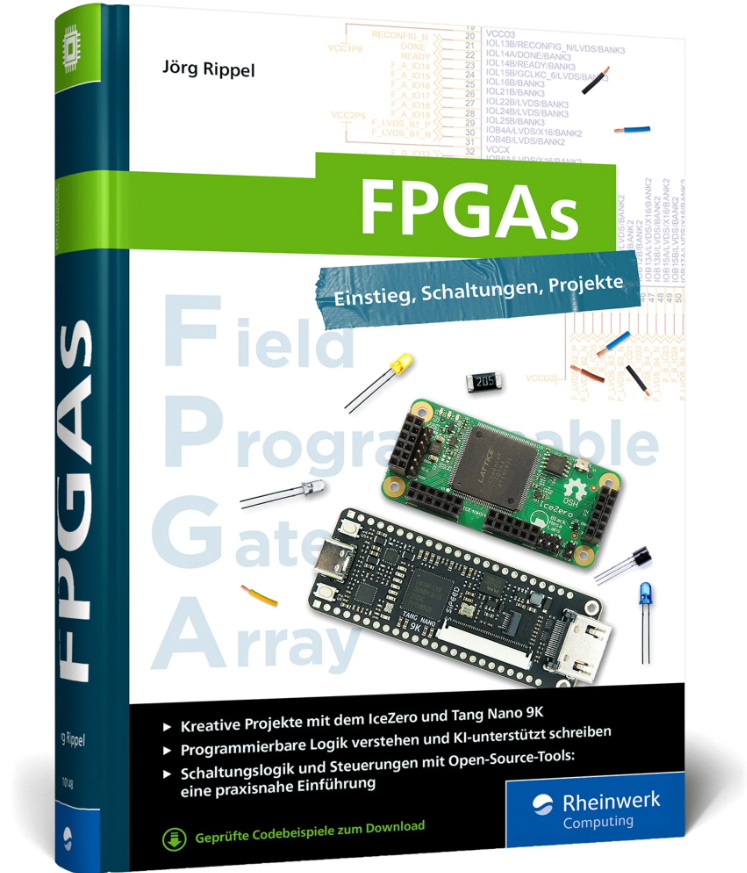
FPGAs - Einstieg, Schaltungen, Projekte
FPGAs. Einstieg, Schaltungen, Projekte.Field Programmable Gate Arrays – kurz FPGAs – sind die ideale Basis für anspruchsvolle Maker-Projekte. Dank effizienter Parallelverarbeitung und hoher Flexibilität lassen sich mit diesen frei programmierbaren Logikbausteinen komplexe digitale Schaltungen mühelos realisieren.In diesem Praxisbuch zeigt Ihnen Jörg Rippel anhand kreativer Beispielprojekte mit den benutzerfreundlichen FPGAs von Lattice und Gowin Semiconductor, wie Sie Ideen schnell umsetzen. Durch den Einsatz einer Chat-KI generieren Sie ohne Vorkenntnisse den benötigten Verilog-Code. Im Handumdrehen basteln Sie Lichteffekte oder Animationsanzeigen, verarbeiten Sensordaten und realisieren Ihr persönliches Traumprojekt.FPGAs für Maker und Kreative1. Alles für den EinstiegDieser Leitfaden stellt Ihnen das IceZero-Board mit dem iCE40HX FPGA von Lattice Semiconductor sowie das Sipeed Tang Nano 9K Board mit dem Gowin GW1NR-9C FPGA im Detail vor. Sie richten sich eine passende Raspberry-Pi-Entwicklungsumgebung mit Open-Source-Toolchain ein und lernen alle Grundlagen für die Arbeit mit programmierbarer Logik.2. Programmieren mit KIDie Hardwarebeschreibungssprache Verilog können Sie in 50 bis 100 Stunden erlernen – oder Sie lassen sich von ChatGPT oder GitHub Copilot für den Einstieg unterstützen. Jörg Rippel zeigt Ihnen, wie Sie künstliche Intelligenz nutzen, um blitzschnell Code zu erstellen, der Ihrem FPGA-Design Leben einhaucht.3. Setzen Sie Ihr Traumprojekt umMit FPGAs können Sie viel mehr machen als nur LEDs blinken lassen. Die vielen Beispielprojekte, Anleitungen, Praxishinweise und Verilog-Codebeispiele helfen Ihnen, um Ihr ganz persönliches Traumprojekt umzusetzen. Mit dabei: Zugriff auf Displays, Sensoren, SPI- und I2C-Schnittstellen, die Arbeit mit Zufallszahlen, Testbenches und Simulationen und einer lizenzfreien Entwicklungsumgebung .Aus dem InhaltGrundlagen der FPGAs und hardwarenahen ProgrammierungEffizientes Pairprogramming mit künstlicher Intelligenz wie ChatGPTPraxisnaher Einstieg: FPGAs programmieren und die Toolchain beherrschenAnbindung und Verarbeitung von Sensordaten über gängige SchnittstellenInteraktive Steuerung und Kommunikation über serielle VerbindungenSteuern von Displays, RGB-LEDs und vielfältigen AusgabenTestbenchsysteme entwickeln zum Simulieren und DebuggenEinrichten der Open-Source-Entwicklungsumgebung auf dem Raspberry PiLeseprobe (PDF-Link)Über den AutorDas Basteln mit elektronischen Geräten gehörte schon immer zu Jörg Rippels Hobbys. Privat beschäftigt er sich gerne mit Mikrocontroller- und Mikrocomputing-Projekten, beruflich hat er mehr als 20 Jahre in verschiedenen IT-Unternehmen und in der Luft- und Raumfahrtindustrie gearbeitet.Als Systemingenieur lag sein Schwerpunkt auf der Zusammenführung und Pflege komplexer Systeme, die aus vielen verschiedenen technischen Bereichen bestehen. Heute lebt er mit seiner Frau im Grünen und schraubt gerne an kreativen Projekten, wobei es auch immer mal wieder Probleme gibt und nicht immer alles beim ersten Versuch funktioniert. Trotzdem – oder gerade deswegen – macht ihm die Arbeit mit Elektronik immer Spaß. Sein Wissen teilt er in Fachbüchern und Beiträgen. Ausbildungen und Studiengänge in Elektronik, Funktechnik und Informatik haben dafür gesorgt, dass er ein breites Wissen zu allerlei elektrischen Geräten hat. Dazu gehören die Erstellung von analogen und digitalen Robotern, der Bau von Computern, das Betreiben von Amateurfunk und Satellitenfunk, das Design von Schaltungen und Platinenlayouts, die Arbeit mit 8- und 32-Bit-Mikrocontrollern und die Programmierung in verschiedenen Sprachen.
Home Assistant (2. Auflg.)
Home Assistant ist Ihr Begleiter auf dem Weg zum eigenen Smart Home. Im Handumdrehen integrieren Sie Geräte und Dienste in Ihr System und automatisieren Schaltungen und Szenen ganz nach Ihren Bedürfnissen. Udo Brandes beschreibt alle Schritte, die Sie für Ihr eigenes Smart Home benötigen, von der Einrichtung über die Verwaltung bis hin zur Automatisierung. So erfahren Sie in übersichtlichen Kapiteln zum Nachschlagen, wie Sie den Home Assistant um Datenbank- und Programmiermöglichkeiten erweitern, mit ESPHome eigene Schalter und Sensoren einbinden und daraus ein Komplettpaket für die Heimautomation schnüren.Neu in der 2. Auflage: Ein Ausblick auf den neue Matter-Standard zur Heimautomation und die Einrichtung einer Home-Assistant-Installation auf Proxmox.Aus dem InhaltDas Setup und der erste Start: das Webinterface von Home AssistantHome Assistant administrierenGeräte, Dienste, EntitätenAutomatisierungen mit Szenen, Skripten und VorlagenDashboards, Apps und externer ZugriffMedien und SprachdiensteBereiche und ZonenWerkzeuge und HelferDatenspeicherung mit MariaDB und InfluxDBSonoff, Tasmota, Shelly, Matter und Tuya integrierenProgrammierung mit Node-REDEigene Geräte mit ESPHome Leseprobe (PDF)Über den Autor:Udo Brandes ist selbständiger Programmierer, IT-Entwickler und Autor. Die Möglichkeiten der Mikrocontrollerprogrammierung sind Zukunftsthemen, die ihn faszinieren und mit deren Chancen und Risiken er sich seit langem intensiv befasst.

Raspberry Pi für Kids
* Spannende Spiele sowie Projekte wie Autosimulator, Temperaturmessung und Überwachungskamera * Einfache Programmierbeispiele mit Scratch und Python * Für Raspberry Pi 5, 4, 3 und Raspberry Pi Zero WH * Ab 12 Jahre, aber auch für Erwachsene, die eine wirklich einfache Einführung suchen Raspberry Pi von Grund auf kennenlernen Du lernst, wie du deinen Raspberry Pi zum Laufen bringst, Software installierst und sogar deine eigenen Spiele programmierst! Außerdem gibt es jede Menge spannende Projekte mit Sensoren und anderen Gadgets. Dafür eignet sich selbst das günstige Modell Raspberry Pi Zero. Mit dabei ist auch eine Liste der benötigten Hardware inklusive Sensoren. Programmieren ohne Vorkenntnisse Du musst kein Technik-Nerd sein, um loszulegen! Mit der visuellen Programmiersprache Scratch erstellst du kinderleicht deine eigenen Spiele, Animationen und sogar einen Autosimulator. Für coole Experimente mit Sensoren, Kameras und Co. tauchen wir in die Welt von Python ein. Am Ende jedes Kapitels warten spannende Aufgaben mit Lösungen auf dich, damit du dein Wissen testen und vertiefen kannst. Spannende Projekte und Elektronik-Experimente Sei bereit für zahlreiche Elektronik-Projekte mit einfachen Schritt-für-Schritt-Anleitungen! Du lernst, wie du Programme schreibst, die Blinkmuster erzeugen, LED-Strips steuern und sogar Hindernisse im Dunkeln mit Ultraschall erkennen. Außerdem kannst du Morsezeichen senden, Temperaturen messen, mit einer Kamera den Garten beobachten und das Livebild automatisch auswerten. Aus dem Inhalt: * Einführung in Scratch und Programmierung kleiner Spiele * Grundlagen von Python * Leuchtdioden steuern * Steuerung mit Schaltern * Datensammlungen verarbeiten * Projekte mit dem Ultraschallsensor * Temperaturmessung * Grafische Benutzungsoberflächen und Animation * Projekte mit der Kamera Zum Download: * Zwei Bonuskapitel und der Code für alle Projekte Systemvoraussetzungen: Windows, Linux oder macOS Michael Weigend hat an der Universität Potsdam in Informatik promoviert. Er war für mehr als 30 Jahre als Lehrer tätig und hat 20 Jahre lang an der FernUniversität Hagen Seminare zur Didaktik der Informatik gegeben. An der Universität Münster hält er im Rahmen eines Lehrauftrags Vorlesungen zur Python-Programmierung. Michael Weigend engagiert sich in mehreren nationalen und internationalen Communities für den Computer-Einsatz in der Bildung, darunter Constructionism, International Federation for Information Processing (TC 3 Computers in Education) , Bebras - International Contest on Informatics and Computational Thinking. Er hat über 60 wissenschaftliche Artikel veröffentlicht und mehrere Bücher zu den Themen Programmierung, Web Development und visuelle Modellierung geschrieben.

PCs & Laptops For Dummies
A ONE-STOP GUIDE TO MAKING THE MOST OF YOUR DESKTOP PC OR LAPTOP COMPUTERPCs and Laptops For Dummies is the essential user's guide to the features your PC or laptop has to offer—and how to use them successfully. With this book as your coach, you can jump over technological hurdles with ease, navigating the hardware and software of your personal computer. Regardless of what brand of computer you use, you'll learn to navigate the latest version of Windows. You'll also explore how PCs, laptops, and other mobile devices can be used together, and how to keep your data secure. This Dummies guide is your first step toward computer-whiz status, saving you time and energy with everything in one place.* Learn about Microsoft Windows, the operating system for PC and laptop* Discover PC and laptop features you never knew about, and get your devices to play nicely together* Identify the specs and features you need, so you can purchase a computer that's a fit for you* Get easy-to-understand information, advice, and tricks at your fingertipsThis is the perfect Dummies guide for PC or laptop users at home or at work who need a go-to guide for their hardware and software questions. DAN GOOKIN wrote the very first For Dummies book in 1991. The author of several bestsellers, Dan enjoys worldwide success with books that have been translated into 32 languages and have more than 11 million copies in print. Dan is also author of Word For Dummies and C Programming For Dummies.
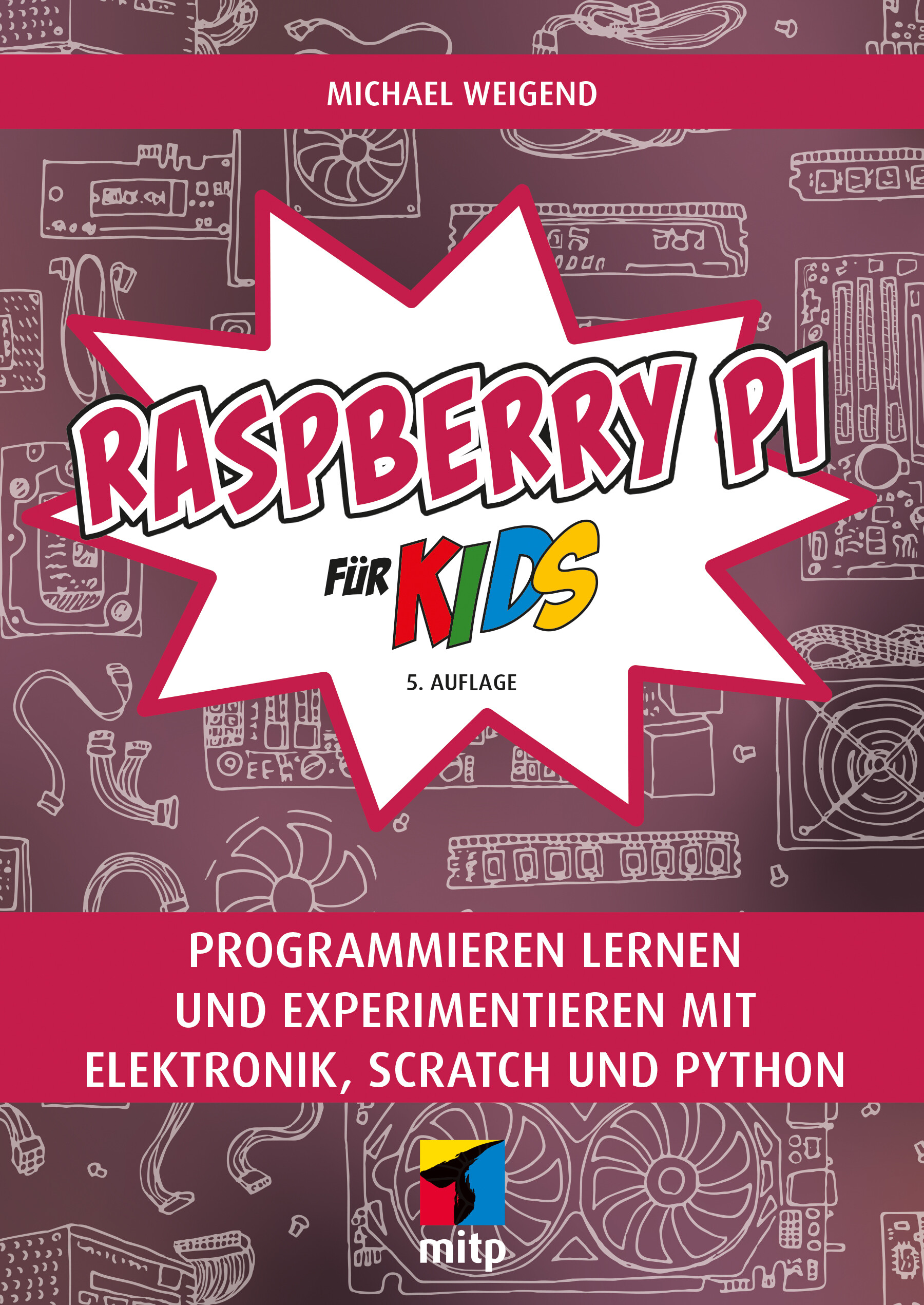
Raspberry Pi für Kids (5. Auflg.)
Raspberry Pi für Kids. 5. Auflage 2024Raspberry Pi von Grund auf kennenlernenDu lernst, wie du deinen Raspberry Pi zum Laufen bringst, Software installierst und sogar deine eigenen Spiele programmierst! Außerdem gibt es jede Menge spannende Projekte mit Sensoren und anderen Gadgets. Dafür eignet sich selbst das günstige Modell Raspberry Pi Zero. Mit dabei ist auch eine Liste der benötigten Hardware inklusive Sensoren.Programmieren ohne VorkenntnisseDu musst kein Technik-Nerd sein, um loszulegen! Mit der visuellen Programmiersprache Scratch erstellst du kinderleicht deine eigenen Spiele, Animationen und sogar einen Autosimulator. Für coole Experimente mit Sensoren, Kameras und Co. tauchen wir in die Welt von Python ein. Am Ende jedes Kapitels warten spannende Aufgaben mit Lösungen auf dich, damit du dein Wissen testen und vertiefen kannst.Spannende Projekte und Elektronik-ExperimenteSei bereit für zahlreiche Elektronik-Projekte mit einfachen Schritt-für-Schritt-Anleitungen! Du lernst, wie du Programme schreibst, die Blinkmuster erzeugen, LED-Strips steuern und sogar Hindernisse im Dunkeln mit Ultraschall erkennen. Außerdem kannst du Morsezeichen senden, Temperaturen messen, mit einer Kamera den Garten beobachten und das Livebild automatisch auswerten.Aus dem Inhalt:Einführung in Scratch und Programmierung kleiner SpieleGrundlagen von PythonLeuchtdioden steuernSteuerung mit SchalternDatensammlungen verarbeitenProjekte mit dem UltraschallsensorTemperaturmessungGrafische Benutzungsoberflächen und AnimationProjekte mit der KameraLeseprobe (PDF-Link)Zum Download: Zwei Bonuskapitel und der Code für alle ProjekteSystemvoraussetzungen: Windows, Linux oder macOSÜber den Autor:Michael Weigend hat an der Universität Potsdam in Informatik promoviert. Er war für mehr als 30 Jahre als Lehrer tätig und hat 20 Jahre lang an der FernUniversität Hagen Seminare zur Didaktik der Informatik gegeben. An der Universität Münster hält er im Rahmen eines Lehrauftrags Vorlesungen zur Python-Programmierung. Michael Weigend engagiert sich in mehreren nationalen und internationalen Communities für den Computer-Einsatz in der Bildung, darunter Constructionism, International Federation for Information Processing (TC 3 Computers in Education) , Bebras – International Contest on Informatics and Computational Thinking. Er hat über 60 wissenschaftliche Artikel veröffentlicht und mehrere Bücher zu den Themen Programmierung, Web Development und visuelle Modellierung geschrieben.

3D Printed Science Projects Volume 1
Create 3D printable models that can help students from kindergarten through grad school learn math, physics, botany, chemistry, engineering and more.This book shows parents and teachers how to use the models inside as starting points for 3D printable explorations. Students can start with these models and vary them for their own explorations. Unlike other sets of models that can just be scaled, these models have the science built-in to allow for more insight into the fundamental concepts.Each of the eight topics is designed to be customized by you to create a wide range of projects suitable for science fairs, extra credit, or classroom demonstrations. Science fair project suggestions and extensive "where to learn more" resources are included, too. You will add another dimension to your textbook understanding of science.FOR THIS NEW EDITION:The second edition of 3D Printed Science Projects is a thorough update of the original, modernizing the 3D printing technology. 3D Printed Science Projects shows you how to create 3D printable models that can help students from kindergarten through grad school learn math, physics, botany, chemistry, engineering and more. Each of the models is created in the free, open source CAD program OpenSCAD, so it can be customized by the reader. This allows the models to be the basis of open-ended STEM projects at a variety of levels.WHAT YOU'LL LEARN* Create (and present the science behind) 3D printed models.* Use a 3D printer to create those models as simply as possible.* Discover new science insights from designing 3D models.WHO THIS BOOK IS FOR3D Printed Science Projects particularly targets the technology-squeamish teacher or parent who want their kids tolearn something from their 3D printer but need help getting started. Kids who love science, homeschoolers (and the grandmas who buy them birthday presents) will be customers.As an engineer and management consultant, JOAN HORVATH has coordinated first-of-a-kind interdisciplinary technical and business projects, helping people with no common vocabulary (startups, universities, small towns, etc). work together. Her experience as a systems engineer has spanned software development, spacecraft flight operations, risk management, and spacecraft/ground system test and contingency planning.As an educator, Joan’s passion is bringing science and technology to the non-specialist in a comprehensible and entertaining way that will stay with the learner for a lifetime.RICH CAMERON is a co-founder of Pasadena-based Nonscriptum LLC. Nonscriptum consults for educational and scientific users in the areas of 3D printing and maker technologies. Rich (known online as “Whosawhatsis”) is an experienced open source developer who has been a key member of the RepRap 3D-printer development community for many years. His designs include the original spring/lever extruder mechanism used on many 3D printers, the RepRap Wallace, and the Deezmaker Bukito portable 3D printer. By building and modifying several of the early open source 3D printers to wrestle unprecedented performance out of them, he has become an expert at maximizing the print quality of filament-based printers. When he's not busy making every aspect of his own 3D printers better, from slicing software to firmware and hardware, he likes to share that knowledge and experience online so that he can help make everyone else’s printers better too.Chapter 1: Math Modeling with 3D Prints.- Chapter 2: Light and Other Waves.- Chapter 3: Gravity.- Chapter 4: Airfoils.- Chapter 5: Simple Machines.- Chapter 6: Plants and Their Ecosystems.- Chapter 7: Molecules.- Chapter 8: Trusses.- Chapter 9: Gears.- Appendix A: Links.

Digital Electronics for Musicians
Dive into the world of computer music and physical computing and stay ahead of the melodic curve. This book is aimed at adventurous musicians who want to learn about music programming with Arduino, sensors, and Pure Data, and how to make new interfaces and instruments with that knowledge.In this updated version, you can expect a wave of updates that bring the content in sync with the latest tech trends. The book now features revamped code and visuals throughout, all tailored to match the cutting-edge versions of Pure Data, Arduino IDE, and the powerful Raspberry Pi 5. What's even more thrilling is the integration of the Bela platform for audio enthusiasts, alongside an expanded wireless toolkit that includes both Wi-Fi and the trusty XBee. To ensure a smoother journey, there are more project-enhancing images to guide you, and a brand-new chapter dedicated to AI, based on the author's innovative neuralnet object for Pure Data, as showcased in the AIMC conference proceedings.You’ll start with the basics of the Pure Data and Arduino languages, how to incorporate sensors into your musical projects, and how to use embedded computers, like the Raspberry Pi, to create stand-alone projects. Along the way, you’ll learn how to create a variety of innovative musical projects, including an interactive glove that can be used bystringed instrumentalists or other musicians, an interactive drum set, a patch-bay matrix synthesizer, a guitar looper, a DIY theremin, and even DIY instruments that incorporate AI.If you are a musician or tinkerer who wants to explore the world of electronic and electroacoustic music, then _Digital Electronics for Musicians_, _Second Edition_ is the book for you.WHAT YOU WILL LEARN* Incorporate sensors into your musical projects.* Combine Arduino and Pure Data to bring the physical world to computers.* Use additional libraries that extend the capabilities of the Arduino.* Work with external objects in Pure Data and create your own patches from scratch.* Write your own sketches with Arduino.WHO THIS BOOK IS FORMusicians who want to explore the world of electronic and electroacoustic music.ALEXANDROS DRYMONITIS is a sound and new media artist. He has a PhD from the Royal Birmingham Conservatoire, Birmingham City University, on the creation of musical works with Python. His previous studies were on the classical guitar at the Conservatorium van Amsterdam, where he got his first stimuli on music technology. Ever since, he has been making electronic music using opensource software and hardware, such as Pure Data, Arduino, and Python. He has also used Pure Data and Arduino to develop the modular synthesizer system 3dPdModular, and is currently doing postdoc research at the Cyprus University of Technology on instant synthesis for computer controlled acoustic instruments with live coding and AI.Chapter 1: Introduction to Pure Data.- Chapter 2: Introduction to Arduino.- Chapter 3: Embedded Computers.- Chapter 4: Going Wireless.- Chapter 5: Getting Started with Musical Applications.- Chapter 6: An Interactive Glove.- Chapter 7: An Interactive Drum Set.- Chapter 8: A DIY Theremin.- Chapter 9: Making a Looper.- Chapter 10: A Patch-Bay Matrix Synthesizer.- Chapter 10: Interactive Projects with AI.
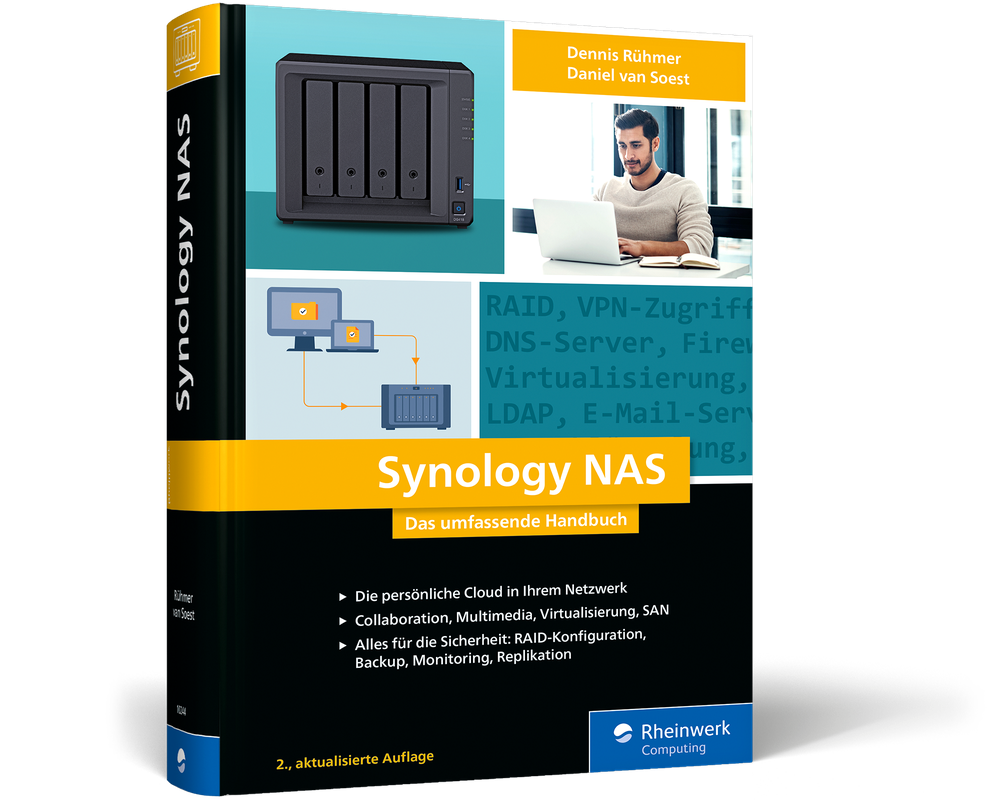
Synology NAS (2. Auflage)
Synology-Wissen für Profis: Das umfassende Handbuch aus dem September 2024 in 2. Auflage.Moderne NAS-Systeme können viel mehr als nur Daten speichern. Dennis Rühmer und Daniel van Soest zeigen Ihnen in diesem umfassenden Begleiter, wie Sie die Synology DiskStation zur Schaltzentrale Ihres Netzwerks machen. Zusammen mit den Netzwerkprofis richten Sie automatisierte Backups ein, geben Daten über Ihre persönliche Cloud frei, konfigurieren detaillierte Benutzersteuerungen, nutzen Collaboration-Dienste und integrieren die DiskStation in Ihre Domain.Aus dem Inhalt:DSM 7 installieren, Benutzer verwaltenFunktionen mit Zusatzpaketen erweiternDas NAS als MultimediazentraleDie DiskStation als private CloudVPN-Konfiguration, SSH-Zugriff und fortgeschrittene AdministrationRAID-Konfigurationen einrichtenSmarte Collaboration: Kalender, Dokumente, Mails austauschenAlles für die Sicherheit: Firewalls, Verschlüsselung, FreigabenZusatzhardware: SSD-Cache, Festplatten, USVDocker-Container auf der DiskStationDas NAS im UnternehmensnetzwerkIntegration ins AD & Domain ControllerLeseprobe (PDF-Link)Über die Autoren:Dr. Dennis Rühmer ist promovierter Ingenieur der Elektrotechnik und arbeitet als wissenschaftlicher Mitarbeiter an der TU Braunschweig.Daniel van Soest arbeitet beim Kommunalen Rechenzentrum Niederrhein in Kamp-Lintfort; die Themenschwerpunkte seiner Tätigkeit als Senior Consultant liegen in der IT-Security, Compliance und Weiterentwicklung.

Industrial Vision Systems with Raspberry Pi
Today’s industries are faced with a growing demand for vision systems due to their non-invasive characteristics in inspecting product quality. These systems identify surface defects and faults, and verify components’ orientation and their measurements, etc. This book explores the vision techniques needed to design and develop your own industrial vision system with the help of Raspberry Pi.You’ll start by reviewing basic concepts and applications of machine vision systems, followed by the preliminaries of Python, OpenCV, required libraries, and installing OpenCV for Python on Raspberry Pi. These are used when implementing image processing for the system applications. You’ll then look at interfacing techniques and some of the challenges industrial vision systems encounter, such as lighting and camera angles.Algorithms and image processing techniques are also discussed, along with machine learning and deep learning techniques. Later chapters explain the use of GUI apps and real-time applications of Industrial vision systems. Each chapter concludes with examples and demo implementations to facilitate your knowledge of the concepts.By the end of the book, you’ll be able to build and deploy computer vision applications with Python, OpenCV, and Raspberry Pi.WHAT YOU'LL LEARN* Build and deploy industrial vision system using Raspberry Pi and Python programming* Explore computer vision techniques using Raspberry Pi and OpenCV* Implement popular vision techniques for industrial applications in real time* Review modern image processing techniques such as image segmentation, thresholding, and contoursWHO THIS BOOK IS FORRaspberry Pi and Python enthusiasts interested in computer vision applications; educators, industrialists, and industrial solution providers who want to design vision-based testing products with the help of Raspberry PiDR. K. MOHAIDEEN ABDUL KADHAR completed his Undergraduate degree in Electronics and Communication Engineering and his M.Tech with a specialization in Control and Instrumentation in 2005. In 2015, he obtained a Ph.D. in Control System Design using evolutionary algorithms. He has more than 16 years of experience in teaching and research. His area of interests includes Robust control systems, Optimization techniques, computer vision and image processing, data science, python programming, and working with Raspberry Pi boards. He is currently developing customized industrial vision systems for various industrial requirements. He has been a consultant for several industries in developing machine vision systems for industrial applications, a master trainer, and delivered workshops in the control systems, computer vision, image processing, optimization techniques, data science and Python programming.G. ANAND completed his Undergraduate degree in Electronics and Communication Engineering in 2008 and his Postgraduate Degree (M.E) in Communication Systems in 2011. He has more than 10 years of experience in teaching and research. His areas of interest include Signal Processing, Image processing, Vision system, Python programming, Data science, and Machine Learning. He has also delivered workshops in signal processing, image processing and python programming.Chapter 1: Introduction to Industrial Vision Systems.- Chapter 2: Raspberry Pi and required software.- Chapter 3: OpenCV - Python.- Chapter 4: Challenges in Industrial Vision Systems.- Chapter 5: Image Processing using OpenCV.- Chapter 6: Graphical User Interface with OpenCV and tkinter.- Chapter 7: Feature Detection and Matching.- Chapter 8: Image segmentation.- Chapter 9: Optical Character Recognition.- Chapter 10: Machine learning techniques for vision applications.- Chapter 11: Industrial Vision system Applications.

Sensor Projects with Raspberry Pi
Use Python to develop Rasperry Pi projects to solve common digital image processing and IoT problems. Using a free IoT server you’ll tackle fundamental topics and concepts behind theses two areas. This second edition includes new content on Artificial Intelligence and updated sensor guidance to help you better explore virtual animations, create a homemade spectrometer, and master object classification with Edge Impulse.Start by creating a system to detect movement with a PIR motion sensor and a Raspberry Pi board. Use the MQ2 gas sensor and a Raspberry Pi board as a gas leak alarm system to detect dangerous explosive and fire hazards. Then train your system to send the captured data to the remote server ThingSpeak. You’ll also develop a weather station with your Raspberry Pi. Using the DHT11 (humidity and temperature sensor) and BMP (barometric pressure and temperature sensor) in conjunction with ThingSpeak and X, you can receive real time weather alerts from your own meterological system!Spectral sensers used with the Raspberry Pi include the AS7262 (six colors), and AS7263 (near infrared) for the construction of a filter spectrometer, sensing colored solutions, and assessing plant foliage health. Finally, expand your skills into the popular machine learning world of digital image processing using OpenCV and a Pi. Make your own object classifiers and finally manipulate an object by means of an image in movement. This skillset has many applications, ranging from recognizing people or objects, to creating your own video surveillance system.With the skills gained from _Sensor Projects with Raspberry Pi_, you'll be well-equipped to explore other applications in mobile development and electrical engineering as well.WHAT YOU'LL LEARN* Work with ThingSpeak to receive X alerts from your systems.* Cultivate skills in processing sensor inputs that are applicable to mobile and machine learning projects.* Incorporate sensors into projects to make interactive devices.* Experiment with virtual scenarios and objects.* Create Python and Pygame games that contain virtual scenarios and animations.* Detect colored solutions and assess the plant foliage health.WHO THIS BOOK IS FORHobbyists and makers working with robotics and IoT. Electronic engineers and programmers who would like to expand their familiarity with basic sensor projects.GUILLERMO GUILLEN is an Electronics and Communications Engineer, and Military Engineer. He has worked on CITIZEN and Government projects. GUILLERMOis the winner of “Make with Ada 2018-19” and several other contests. In addition to this book, he has written over 40 articles about the research, design, development and testing of the electronic equipment used in various systems. He currently works as a micro entrepreneur. You can find more information at www.guillengap.com.Chapter 1. Theoretical Fundamentals.- Chapter 2. Alarm System.- Chapter 3. Gas Leak Alarm.- Chapter 4. Weather Station.- Chapter 5. Digital Image Processing with Python and OpenCV. - Chapter 6. Animations With Python And Pygame.- Chapter 7.- Homemade Spectrometer.- Chapter 8.- Object Classification Using Edge Impulse on Raspberry Pi.
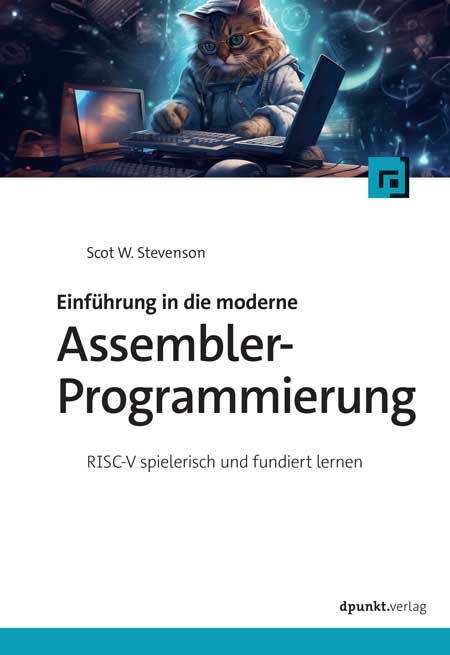
Einführung in die moderne Assembler-Programmierung
Einführung in die moderne Assembler-Programmierung. RISC-V spielerisch und fundiert lernen.Wir nutzen dabei den offenen Prozessor-Standard RISC-V, der auch gezielt für Forschung und Lehre entwickelt wurde. Das macht die Sache für alle einfacher, denn der Kern-Befehlssatz, den wir hier vorstellen, umfasst weniger als 50 Instruktionen. Noch besser: Wer RISC-V lernt, lernt fürs Leben, denn der Befehlssatz ist »eingefroren« und ändert sich nicht mehr.Leseprobe (PDF-Link)Über den Autor:Scot W. Stevenson programmiert seit den Tagen von Acht-Bit-Prozessoren, wie dem 6502 in Assembler. Vom Bytegeschiebe konnten ihn weder sein Medizinstudium, ein Graduiertenkolleg Journalismus, mehr als zwei Jahrzehnte als Nachrichtenredakteur noch ein Blog über die USA abbringen. Er behauptet trotzdem, jederzeit damit aufhören zu können.Für alle, die speziell RISC-V-Assembler-Programmierung lernen wollen, gehen wir im Mittelteil den Aufbau des Prozessors durch, wobei der Schwerpunkt auf der Software liegt. Wir stellen die einzelnen Befehle vor, warnen vor Fallstricken und verraten Tricks. Die Schwachstellen des Standards werden beleuchtet und der Einsatz von KI als Hilfsmittel besprochen. Als offener, freier Standard wird RISC-V auch zunehmend für Hobby- und Studentenprojekte eingesetzt, wo der Compiler nur schlecht oder gar nicht an die Hardware angepasst ist, falls es überhaupt einen gibt.Der letzte Teil zeigt, dass dieses Buch auch aus schierer Begeisterung für Assembler heraus entstand. Wer sich diebisch über jedes eingesparte Byte freut, wird es lieben.

Programming PIC Microcontrollers with XC8
Are you tired of copying and pasting code into your embedded projects? Do you want to write your own code from scratch for microcontrollers and understand what your code is doing without all the frills and math? This book uses a practical approach to show you how to develop embedded systems with 8-bit PIC microcontrollers using the XC8 compiler.Written for those who want more than an Arduino, but less than the more complex microcontrollers on the market, this new edition is fully updated and covers embedded design principles such as foreground-background loops and event driven programming. You’ll learn how to interface with things like Motors, PID loop control and writing a browser-based monitoring system! This book is heavy on code, schematics, and images and focuses less on the theoretical aspects of using microcontrollers.Coverage includes writing a display driver, using the DAC for a multitude of waveform generation techniques, and building 8-bit IoT systems, real time telemetry, a countdown timer, and new peripherals. These topics are important if you want to learn more about PIC microcontroller devices as a whole. You'll also see the advantage that MPLAB X offers by running on Windows, Mac and Linux environments. You don't need to be a command line expert to work with PIC microcontrollers, so you can focus less on setting up your environment and more on your application.If you want to move beyond the Arduino, _Programming PIC Microcontrollers with XC8 _is your complete guide to understanding modern PIC microcontrollers.WHAT YOU’LL LEARN* Set up the MPLAB X and XC8 compilers for microcontroller development* Use GPIO and PPS* Review EUSART and Software UART communications* Use the eXtreme Low Power (XLP) options of PIC microcontrollers* Explore wireless communications with WiFi and BluetoothWHO THIS BOOK IS FORThose with basic electronic device and electronic equipment experience and some knowledge of the C programming and digital electronics. Also targeted towards students wanting a practical overview of microcontrollers outside of the classroom.ARMSTRONG SUBERO began learning electronics at the age of 8. One of the happiest memories in his childhood was when he finally figured out how to make a light bulb. It took off from there as he taught himself more advanced topics in electronics, before delving into computer architecture, and eventually discovering the joys of microcontrollers and FPGAs. From there he honed his C programming skills and learned a myriad of languages and technologies.Armstong currently works for the Ministry of National Security in Trinidad and Tobago, and writes software, design circuits, courses, robots, and software for embedded systems at angelstemlabs.com. He is also a contributing author to Free Code Camp and has degrees in Computer Science and Liberal Arts and Sciences from Thomas Edison State University where he also studies Mathematics and Natural Science. He is the author of _Programming PIC Microcontrollers in XC8_, _Codeless Data Structures and Algorithms_, and _Programming Microcontrollers with Python_ published by Apress Media LLC.Chapter 1: Preparing For Development.- Chapter 2: The C Programming Language.- Chapter 3: Basic Electronics for Embedded Systems.- Chapter 4: PIC® Microcontrollers..- Chapter 5: Input and Output.- Chapter 6: Interfacing Actuators.- Chapter 7: Interrupts, Timers, Counters and PWM.- Chapter 8: USART, SPI and I2C.- Chapter 9: Interfacing Displays.- Chapter 10: ADC and DAC.- Chapter 11: CLC, NCO, Comparator and FVR.- Chapter 12: Wi-Fi and Bluetooth.- Chapter 13: Watchdog Timer and Low Power.- Chapter 14: PIC® Microcontroller Projects.

DevSecOps Adventures
Discover a groundbreaking approach to introducing DevSecOps. _DevSecOps Adventures_ uses three innovative games to help you to maximize engagement in your training and transform learners’ mindsets, turning even reluctant sceptics into supporters and advocates of the DevOps culture.The book’s first coaching game uses LEGO, Chocolate, and role cards to explore the roles and interdependencies of Dev, Ops, and Security. Readers will experience Aha! moments, expand their individual roles, develop T-shaped skills, and experiment with changing organizational culture. The simulations depict an end-to-end product delivery process, highlighting bottlenecks in the value delivery flow. Additionally, the book is updated with two new games, "Fear in the Workplace" and "Safety in the Workplace" which provide insights into safety culture, drawing inspiration from the works of Ron Westrum, William Kahn, Amy C. Edmondson, and Dr. David Rock. Through open conversations, participants learn to identify signs of a fear-ridden culture and apply safety-enhancing practices to foster a culture of experimentation and learning.This Second Edition is enhanced with real-life examples and includes the insights from important State of DevOps reports. The updated “Key Takeaway” chapter and the new FAQ chapter prepare trainers to deliver an impactful learning experience. It serves as a facilitation guide for gamified experiential learning, provides ideas for effective debriefing, and helps readers relate the issues highlighted in the coaching games to similar challenges they may face in their organizations.WHAT YOU WILL LEARN:* Gain fundamental understanding of DevOps, DevSecOps, and Safety Culture.* Develop the capability to prepare, facilitate, and effectively debrief these coaching games with your teams.* Showcase how playfulness can help teams bring down a "wall of confusion" between the different functional silos. WHO THIS BOOK IS FORProgrammers or system admins/project managers who are new to DevOps.DevOps trainers and Agile Coaches who are interested in offering a collaborative and engaging learning experience to their teams.DANA PYLAYEVA is a business games designer, trainer and DevOps Culture coach, who is known for infusing playfulness into the most serious workplaces. She offers a unique blend of expert-level knowledge, exceptional facilitation skills, professional coaching mindset, and a diverse technical background as a former Java Developer, DBA Manager and Application Architect.Dana is equally effective in coaching teams, coaching leaders, and navigating the complexity of enterprise transformations. She enjoys working with clients across diverse industries such as legal publishing, automotive, digital marketing, retail, fintech, music streaming, non-profits, etc. In her 25+ years of experience, she has collaborated with clients from the US, Canada, the UK, Ireland, France, India, Japan, Malaysia, and Australia. She speaks at conferences internationally and has led workshops at 80 conferences in 18 countries.Dana holds a Certified Enterprise Coach (CEC) designation from Scrum Alliance, Professional Certified Coach (PCC) credentials from the International Coaching Federation (ICF), and a Certified Professional Co-Active Coach (CPCC) certification from Co-Active Training Institute.Dana is passionate about helping others grow and supporting the Agile/Scrum community. Through the years, she has been involved in various community roles as a volunteer, reviewer, track chair, program chair and conference chair at Agile Alliance and Scrum Alliance organizations. She is the founder of the Big Apple Scrum Day conference in NYC, and a co-organizer of several local user groups.1. Introduction.- 2. About this Book.- 3. Brief History of DevOps and DevSecOps.- 4. What You Will Teach with LEGO and Chocolate Simulation.- 5. LEGO and Chocolate - Rules of the Game.- 6. Game Components.- 7. Setting the Space.- 8. Know Your Timebox.- 9. Be a Gamemaster.- 10. Fear in the Workplace Game.- 11. Safety in the Workplace Coaching Game.- 12. Master Your Debriefing.- 13. Key Takeaways.- 14. Frequently Asked Questions.- 15. Play History and Modifications - It's All About the Feedback!- 16. Kickstarting Transformations with Games - Field Stories.- Appendix.

Vorschriften und Betriebstechnik des Amateurfunks
So bestehen Sie Ihre Amateurfunkprüfung mit Bravour! Für das erfolgreiche Bestehen der Amateurfunkprüfung benötigen Sie nicht nur umfassendes Technik-Wissen, sondern Sie müssen sich auch mit den Vorschriften und Gesetzen sowie der Betriebstechnik auskennen. Dazu finden Sie in diesem E-Book alles, was Sie für das sichere Bestehen der Prüfungen in den Klassen N, E und A und den souveränen Funkbetrieb wissen müssen. Inklusive Beispielen und Übungsfragen, aktuell zur AFuV 2024. Bei Ihren ersten Schritten in der Funkpraxis unterstützt Sie mit den notwendigen Grundlagen »Amateurfunk. Das umfassende Handbuch« von Harald Zisler DL 6 RAL und Thomas Lauterbach DL 1 NAW. Aus dem Inhalt: Grundwissen über die gesetzlichen Grundlagen und VorschriftenSicherheitsvorschriftenElektromagnetische UmweltverträglichkeitAmateurfunkbetrieb unterwegsBandpläne: Für ein gutes MiteinanderVerkehrsregeln im FunkbetriebNotfunk und Verhalten im NotfallLogbücher und QSL-KartenMit Übungen und Musterlösungen
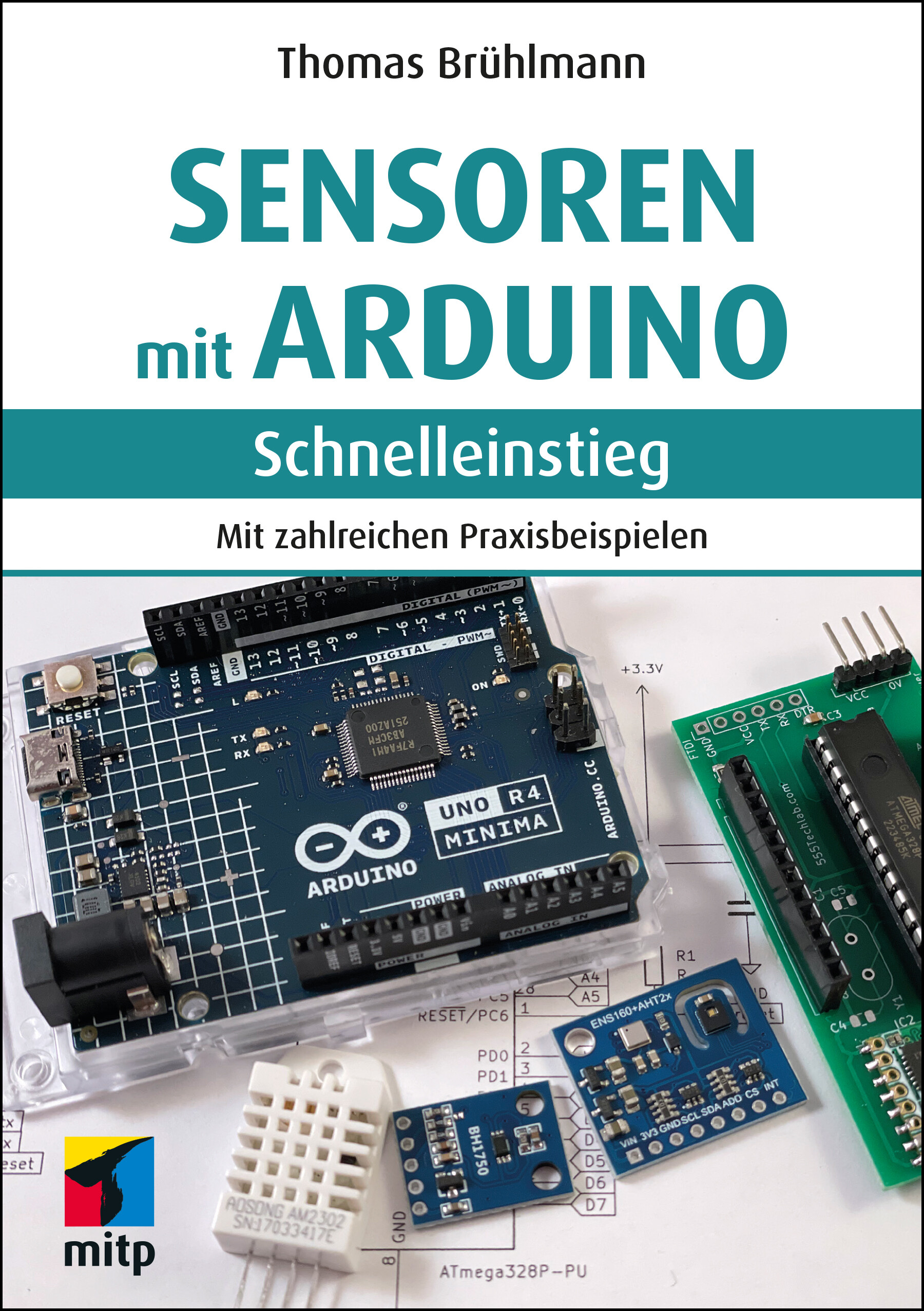
Sensoren mit Arduino - Schnelleinstieg
Sensoren mit Arduino - Schnelleinstieg. In 1. Auflage aus dem Juni 2024.Dieses Buch bietet einen praktischen Einstieg in die faszinierende Welt der Sensoren, die zusammen mit dem Arduino eingesetzt werden können. So kann der Arduino auf seine Umgebung reagieren und zahlreiche Werte erfassen, die vom Arduino-Board weiterverarbeitet und dargestellt werden können.Die vielen Beispielprojekte richten sich an Einsteiger, die bereits etwas Erfahrung mit dem Arduino-Board gesammelt haben und nun neue Anwendungen realisieren wollen. Mit den im Handel erhältlichen Sensoren, ein paar Erweiterungsplatinen und etwas Fantasie können Sie sich ein eigenes Netzwerk an Sensoren zur Erfassung Ihrer Umwelt aufbauen.Thomas Brühlmann zeigt Ihnen zahlreiche Sensoren und Beispielanwendungen zum Messen, Erfassen und Verarbeiten von Daten – immer detailliert mit Stückliste, Steckbrettaufbau und Beispielcode – zu den Themen Warm & Kalt, Licht, Umwelt sowie Distanz & Bewegung wie z.B.:Temperatur, Licht: Temperatur-, Infrarot-, Farb- und UV-Sensoren, lichtabhängiger Widerstand (LDR)Distanz und Bewegung: Ultraschall-, PIR-, Piezo- und Tilt-SensorenKräfte messen mit Flex- und druckempfindlichen Force-SensorenOrt erfassen mit KompassEinsatz von Gas- und Alkohol-SensorenHaus und Garten: Temperatur und Luftfeuchtigkeit mit Umweltsensoren sowie Luftdruck und CO2-Werte messenDatenübertragung: seriell, drahtlos mit LoRa-Modul sowie über WifiDaten anzeigen mit LEDs und OLEDDaten speichern: SD-KarteEinsatz eines Sensor-Shields und Sensor-BoardsMit dem Wissen aus diesem Praxis-Handbuch können Sie Ihre eigenen Ideen kreativ umsetzen.Projekte aus dem Buch:Nachtlampe mit LDRLuxmeterInfrarot-FernbedienungUV-Index-MonitorAbstandsmesser für Garage und Garagentor-WächterSüßigkeitenschrank-WächterTouch-KeyboardsDigitaler Kompass mit LED-AnzeigeAlkohol-MessgerätFensterkontakt überwachenFernsteuerungUmweltdaten sammeln und an IoT-Plattform sendenSensordaten via LoRa-Modul übertragenÜber den Autor:Thomas Brühlmann ist Maker und Buchautor mit 20-jähriger Erfahrung in der Hard- und Software-entwicklung. Er ist bekannt als Autor des Titels Arduino Praxiseinstieg, hält Vorträge und Workshops zum Thema Arduino und realisiert hauptsächlich drahtlose Arduino-Projekte mit Sensoren.Leseprobe (PDF-Link)
Arduino Software Internals
"It's not enough to just build your Arduino projects; it's time to actually learn how things work!" This book goes beyond the basics, providing a comprehensive understanding of Arduino software and hardware, as well as how they intertwine. Gain valuable insights into the inner workings of Arduino and its language, and discover how to communicate with the microcontroller in its native language, AVR C++.Explore the latest version (0.30.0) which offers a multitude of configuration options that can be conveniently modified using the command-line interface (CLI).What You’ll Learn:* How the Arduino Language interfaces with the hardware, as well as how it actually works in C++;* How to burn bootloaders with the latest version (0.30.0) of Arduino software.* How to program your device using an In Circuit System Programmer (ICSP)* How to build their own Arduino clone from scratch* How to efficiently handle different boards and libraries * Uncover new features and enhancements, including the ability to set up and use profiles, and employ Makefiles.Who This Book Is For:This book welcomes everyone with an interest in learning about Arduino, regardless of expertise. Whether you're a beginner or an experienced Maker, "Arduino Software Internals" equips you with the knowledge to truly comprehend and leverage the power of Arduino. Norman Dunbar is an Oracle Database Administrator. Norman has had a long running relationship with Electronics since childhood and computers since the late 1970s, and the Arduino was a perfect marriage of the two interests. With a love of learning new things, examining and explaining the Arduino Language and the hardware became a bit of a hobby, and as piles of notes expanded, Norman has now decided to publish his work.Chapter 1. Introduction.- Chapter 2. Arduino Compilation.- Chapter 3. Arduino Language Reference.-Chapter 4. Arduino Classes.- Chapter 5. Converting to the AVR Language.- Chapter 6. Alternatives to the Arduino IDE.- Chapter 7. ATmega328P Configuration and Management.-Chapter 8. ATmega328P Hardware - Timers and Counters.- Chapter 9. ATmega328P Hardware - ADC and USART.- Appendix A: Arduino Paths.- Appendix B: ATmega328P Pinout.- Appendix C: ATmega328P Power Restrictions.- Appendix D: Predefined Settings.- Appendix E: ADC Temperature Conversion.- Appendix F: Assembly Language - Briefly.- Appendix G: Smallest Blink Sketch?.- Appendix H: NormDuino.- Appendix I: No ICSP? No Problem!.- Appendix J: Breadboard 8MHz Board Setup.- Appendix K: AVRAssist.

Internationaler Motorenkongress 2022
In diesem Tagungsband werden von anerkannten Experten der Automobil- und Nutzfahrzeugbranche eine Fülle neuer technischer Lösungen aufgezeigt. Die Tagung ist eine unverzichtbare Plattform für den Wissens- und Gedankenaustausch von Forschern und Entwicklern aller Unternehmen und Institutionen. Der Inhalt Klimagerechte Verbrennungsmotoren aus globaler Sicht.- Gesamtsystem Verbrennungsmotoren und Kraftstoffe: CO2-Neutralität, Emissionen, Elektrifizierung.- Nutzung von Wasserstoff und synthetischen Kraftstoffen.- Sektorübergreifende Lebenszyklus-Betrachtungen. Die Zielgruppen Fahrzeug- und Motoreningenieure sowie Studierende, die aktuelles Fachwissen im Zusammenhang mit Fragestellungen ihres Arbeitsfeldes suchen - Professoren und Dozenten an Universitäten und Hochschulen mit Schwerpunkt Kraftfahrzeug- und Motorentechnik - Gutachter, Forscher und Entwicklungsingenieure in der Automobil- und Zulieferindustrie Die Veranstalter ATZlive steht für Spitzenqualität, hohes Niveau in Sachen Fachinformation und ist Bestandteil von Springer Nature. Hier wird unter einem Dach das Know-how der renommiertesten Wirtschafts-, Wissenschafts- und Technikverlage Deutschlands vereint. VDI Wissensforum vermittelt als ein führender Weiterbildungsspezialist das Wissen aus praktisch allen Technikdisziplinen und den wichtigsten außerfachlichen Gebieten. Dabei wird großer Wert auf Nachhaltigkeit und Praxisrelevanz gelegt.
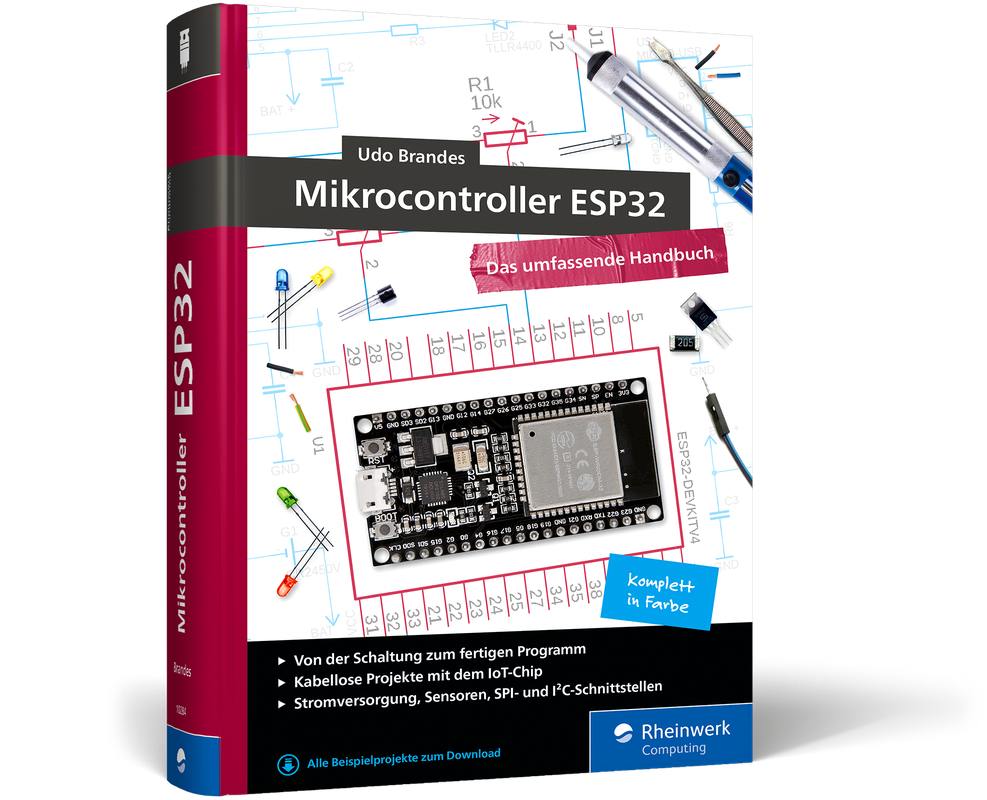
Mikrocontroller ESP32 (3. Auflg.)
Mit dem ESP32 setzen Maker anspruchsvolle IoT-Projekte um. Ein leistungsstarkes SoC und zahlreiche Schnittstellen zur Kommunikation machen ihn zur idealen Basis für alle Ihre Ideen in der IoT-Programmierung, bei der Hausautomation oder einfach beim Elektronikbasteln. Udo Brandes begleitet Sie mit diesem Leitfaden bei Ihren Projekten und zeigt Ihnen die Arbeit mit Entwicklungsumgebungen, Sensoren, Schnittstellen und allem, was dazu gehört. So gelingt Ihnen der umfassende Einstieg in die Mikrocontrollerprogrammierung.Neu in dieser Auflage: Fortgeschrittene ULP-Programmierung und das Arbeiten mit Threads1. Der Mikrocontroller für MakerDer ESP32 ist ein leistungsstarker und stromsparender System-on-a-Chip, der sich ideal für die ersten Schritte in die Mikrocontrollerprogrammierung eignet. Mit ihm setzen Sie Ihre Ideen zu Schaltungen und Projekten um.2. Grundlagen und PraxisWas ist die richtige Entwicklungsumgebung für Ihr Projekt? Wie versorgen Sie Ihren ESP32 mit Strom, welche Online-Dienste helfen Ihnen bei der Datenauswertung und wie finden Sie Fehler in Ihren Schaltungen? In diesem Buch erhalten Sie Hintergrundinformationen und Praxistipps, die Ihnen den Einstieg leichter machen und im Maker-Alltag helfen.3. Ausführliche Codebeispiele und Fritzing-SchaltpläneDieser Leitfaden unterstützt Sie mit Schaltskizzen im Fritzing-Format und ausführlichen C-Beispielen für ESP-IDF und die Arduino IDE. Mit diesen Vorlagen als Fundament verwirklichen Sie schon bald nützliche und kreative Maker-Projekte, die genau auf Ihre Anforderungen zugeschnitten sind.Aus dem Inhalt:Chips und BoardsStromversorgungWerkstatt: Löten, Verkabeln, FritzingProgrammiergrundlagen in C und C++Entwicklungsumgebungen: Arduino und ESP-IDFAnalog- und Digitalausgänge, LEDs, Impulszähler und mehrSensorenSPI, I²C, UARTDrahtlose Kommunikation mit Bluetooth, OTA und WifiJTAG-Debugging und weitere Tricks bei der FehlersucheULP-Programmierung: Tasks und Deep SleepProjektideen für Maker: Evil Dice, Binär-Uhr, Solar-WLAN-RepeaterÜber den Autor:Udo Brandes ist selbständiger Programmierer, IT-Entwickler und Autor. Die Möglichkeiten der Mikrocontrollerprogrammierung sind Zukunftsthemen, die ihn faszinieren und mit deren Chancen und Risiken er sich seit langem intensiv befasst. Zuvor war er Systementwickler beim Rechenzentrum der Finanzverwaltung des Landes Nordrhein-Westfalen und hat in unterschiedlichen Aufgaben für die Stadt Wuppertal gearbeitet.Leseprobe (PDF-Link)
Raspberry Pi programmieren mit Python (6. Auflg.)
Raspberry Pi – der Mini-Computer zum ExperimentierenDer Raspberry Pi ist ein preiswerter Computer in der Größe einer Kreditkarte. In Kombination mit der Programmiersprache Python bietet er eine hervorragende Umgebung für die schnelle Realisierung technischer Ideen und Projekte. In diesem Buch lernen Sie alle Grundlagen, die Sie brauchen, um mit dem Raspberry Pi oder dem Raspberry Pi Zero spannende Projekte zu realisieren.Zahlreiche Projekte mit Sensoren, Kamera u.v.m.Sie finden in diesem Buch eine Fülle von kleinen Projekten, die auf die besondere Hardware des Raspberry Pi und das Linux-Betriebssystem Raspberry Pi OS zugeschnitten sind. Dazu gehören sowohl Schaltungen mit Sensoren (Temperatur, Licht, Alkohol), Relais, AD-Wandlern und LEDs als auch die Verwendung des Kameramoduls und des 1-Wire- sowie SPI-Bus zur Datenkommunikation. Zahlreiche Illustrationen und einfache Beispiele zum Ausprobieren erleichtern das Verständnis.Die Programmiersprache Python als GrundlagePython ist – auch für Programmiereinsteiger – einfach zu lernen und deshalb Teil des Gesamtkonzepts des Raspberry Pi. Dieses Buch vermittelt Ihnen anhand anschaulicher Beispiele sowohl die Grundlagen von Python als auch fortgeschrittene Techniken wie Objektorientierung, Internetprogrammierung und grafische Benutzungsoberflächen. Am Ende jedes Kapitels finden Sie Aufgaben mit Lösungen zum Download, mit denen Sie Ihr Wissen festigen, erweitern und vertiefen können.Aus dem Inhalt:GerätesteuerungMesswerterfassung und -visualisierungInteraktive Spiele mit Schaltern und SensorenAnimationen und SimulationenAutomatische TextproduktionDigitale BildverarbeitungMorsezeichen senden und Signalmuster erkennenProjekte mit dem Sense HATFarben und Bewegung wahrnehmenSteuerung mit Potentiometer und AD-WandlerAuswertung von Daten aus dem InternetWebserver und Webcam Über den Autor:Michael Weigend hat an der Universität Potsdam in Informatik promoviert. Er war für mehr als 30 Jahre als Lehrer tätig und hat 20 Jahre lang an der FernUniversität Hagen Seminare zur Didaktik der Informatik gegeben. An der Universität Münster hält er im Rahmen eines Lehrauftrags Vorlesungen zur Python-Programmierung. Michael Weigend engagiert sich in mehreren nationalen und internationalen Communities für den Computer-Einsatz in der Bildung, darunter Constructionism, International Federation for Information Processing (TC 3 Computers in Education) , Bebras – International Contest on Informatics and Computational Thinking. Er hat über 60 wissenschaftliche Artikel veröffentlicht und mehrere Bücher zu den Themen Programmierung, Web Development und visuelle Modellierung geschrieben.Leseprobe (PDF-Link)
Faszination 3D-Druck (4. Auflg.)
Faszination 3D-Druck – Alles zum Drucken, Scannen, Modellieren, in 4. Auflage aus Juni 2024.Tauchen Sie ein in die faszinierende Welt des 3D-Drucks! In der aktualisierten Neuauflage dieses umfassenden Handbuchs präsentieren die renommierten Autoren die neuesten Trends und Fortschritte im Bereich des 3D-Drucks. Von den verschiedenen Druckverfahren bis hin zu den Materialien und den besten 3D-CAD-Programmen – dieses Buch ist Ihr unverzichtbarer Begleiter für alle, die sich für diese aufregende Technologie interessieren.Die Vielfalt des 3D-Drucks erkundenErfahren Sie alles über die Welt der 3D-Drucker, von den führenden Herstellern bis hin zu den unterschiedlichen Geräten. Entdecken Sie die verschiedenen 3D-Druck-Verfahren und finden Sie heraus, welches Verfahren am besten für Ihre Anforderungen geeignet ist. Von FDM bis SLA, dieses Buch bietet Ihnen einen umfassenden Einblick in die Welt des 3D-Drucks.Praktische Tipps und Tricks für Ihren 3D-DruckErhalten Sie praktische Ratschläge zur Auswahl des richtigen 3D-Druckers für Ihre Bedürfnisse und erfahren Sie, welche Materialien sich am besten für Ihre Projekte eignen. Tauchen Sie ein in die moderne Produktentwicklung mit 3D-Druck und lernen Sie, wie Sie Ihre eigenen Modelle erstellen können. Dieser Praxisteil führt Sie Schritt für Schritt in die Welt der 3D-Modellierung ein und ermöglicht es Ihnen, Ihre kreativen Ideen zum Leben zu erwecken.Zum Inhalt: 3D-Drucker: Hersteller und Geräte Die verschiedenen 3D-Druck-Verfahren Welcher Drucker für welchen Zweck? Moderne Produktentwicklung mit 3D-Druck 3D-Drucker: Hersteller und Geräte Software für die 3D-Modellierung Software für die Datenaufbereitung und Druckersteuerung 3D-Modelle aus dem Internet Materialien für den 3D-Druck Modellieren mit Fusion 360 Datenaufbereitung für den 3D-Druck 3D-Druck in der Praxis: Tipps und Tricks 3D-Scannen 3D-Druck vom Dienstleister 3D-Druck und 3D-Scan: was heute schon geht und was kommen könnte